Sharpen blurry photos into crisp, gallery-ready images
PhotoSharpener is completely FREE to use. Recover lost detail, remove compression noise, and rebuild sharp edges in a single click. Works on portraits, product shots, old photos, screenshots and AI-generated images - no Photoshop skills, no plugins, no learning curve.
- Output
- Up to 4x
- Avg. time
- ~8s
- Formats
- JPG - PNG - WebP
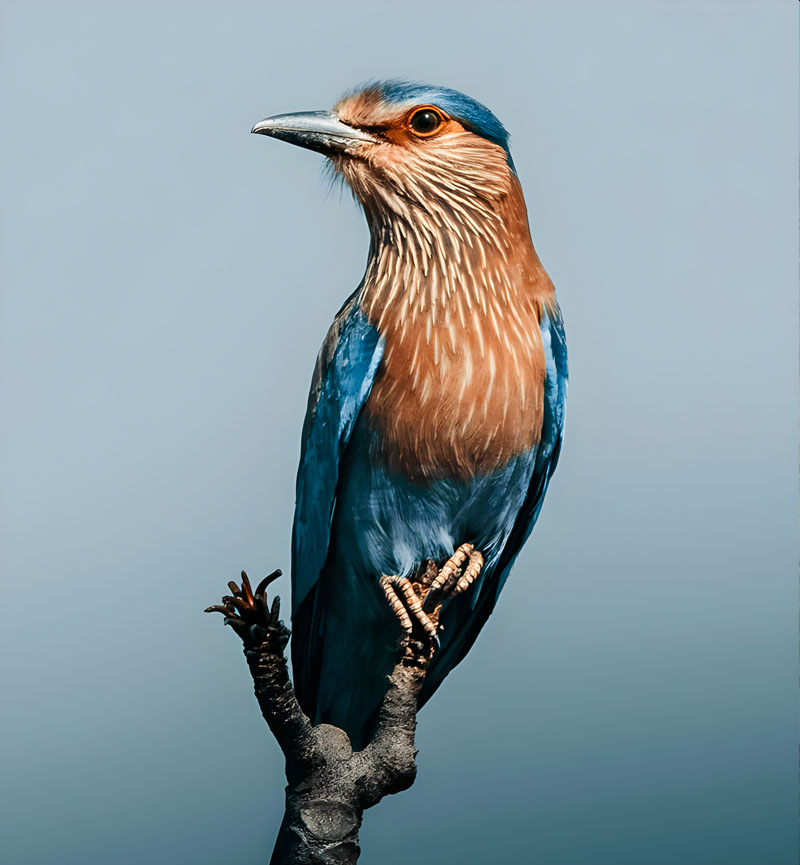
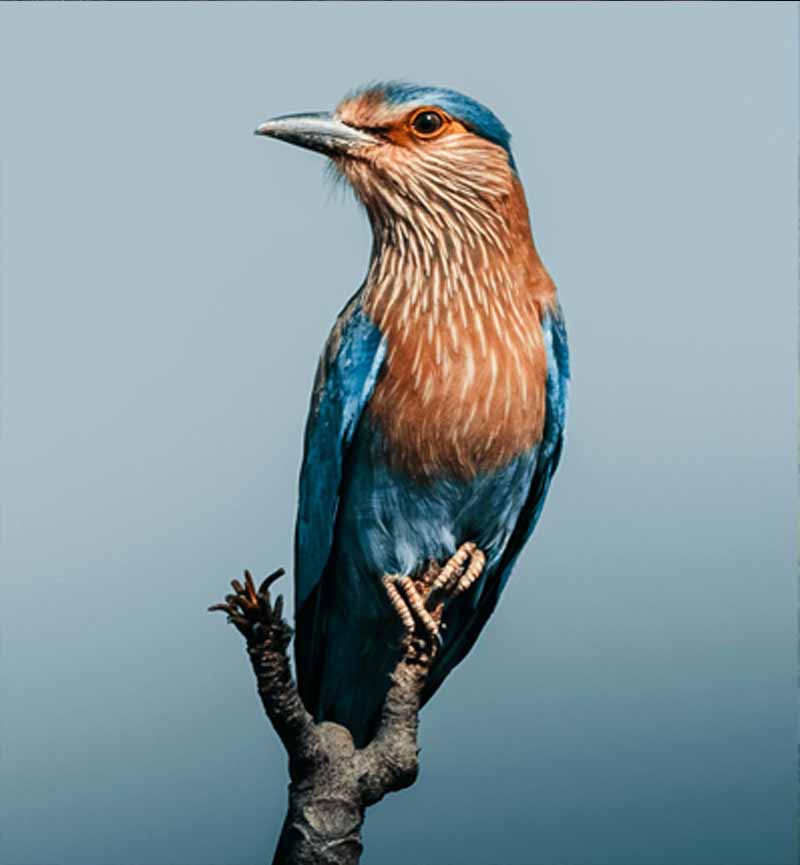
Built to fix the photos you actually care about
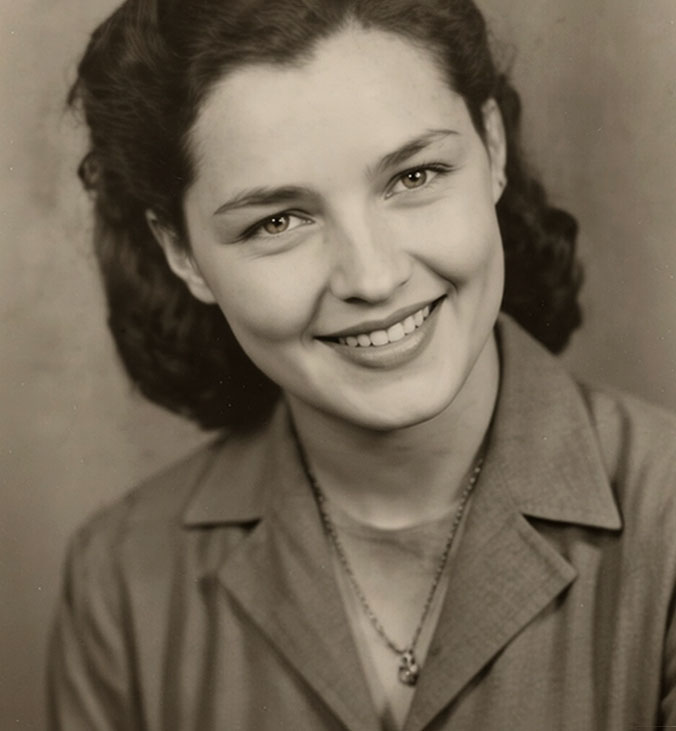
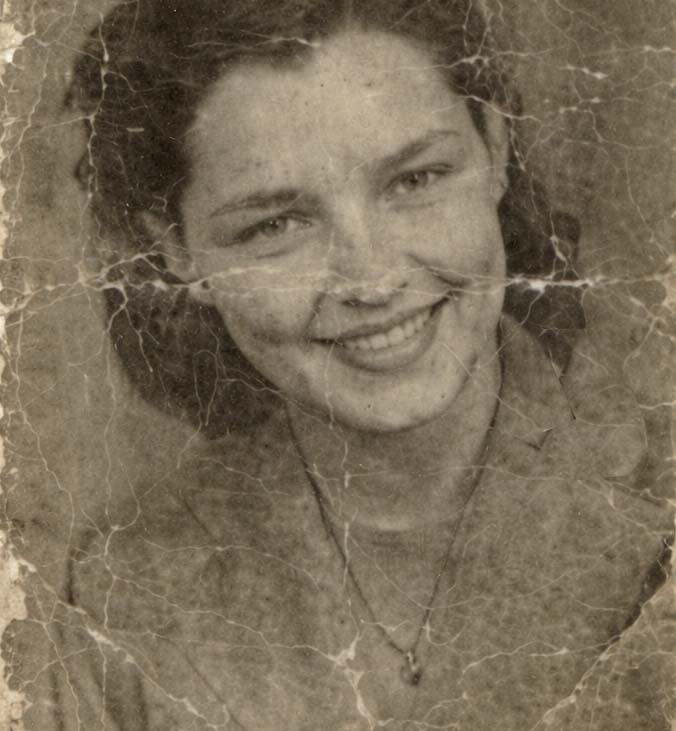
Drag any slider to preview the kind of detail our AI photo sharpener can recover - from soft portraits and low-light product shots to decades-old family pictures.
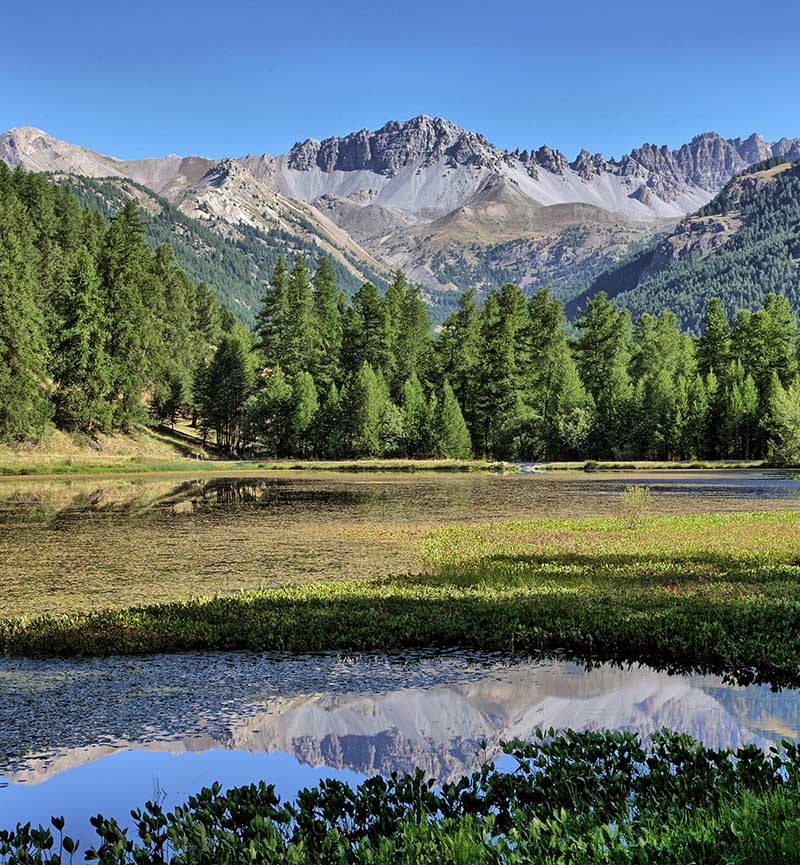
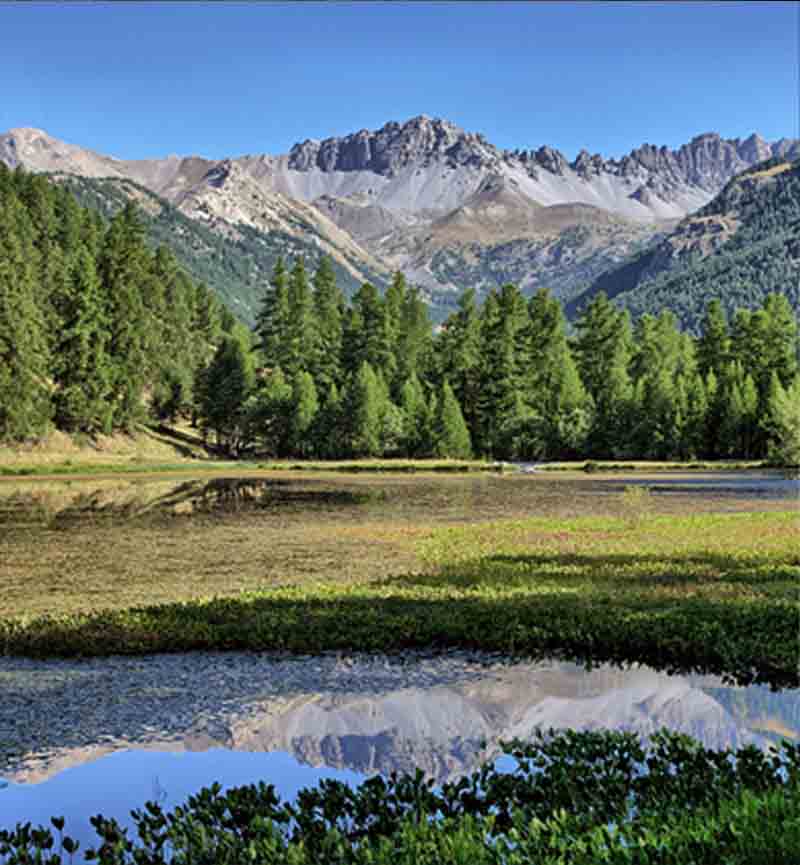


From blurry to brilliant in three steps
No installs, no accounts to juggle, no sliders to fine-tune. PhotoSharpener handles the heavy lifting so you can focus on the final result.
Upload your photo
Drop any JPG, PNG or WebP image, or paste a URL. We support everything from phone snapshots to 24MP camera files.
AI rebuilds the detail
Our neural network analyses every region, reconstructs edges, cleans up compression noise and optionally restores faces.
Download the sharp version
Preview instantly, compare with the original using our slider, and export the high-resolution image in seconds.
Sharpen In Seconds
Upload any photo - we'll restore detail and clarity with AI.
A complete sharpening engine, not a toy filter
Six focused features that work together on every upload - so you do not have to choose between sharpening, upscaling, cleanup and face restoration.
Real-ESRGAN super-resolution
Upscale and rebuild fine texture with a state-of-the-art generative model - not a simple sharpen slider.
JPEG and artifact cleanup
Reduces compression blocks, color banding and noise so edges and surfaces look natural, not crunchy.
Face restoration (GFPGAN)
Optional face path recovers natural eyes, skin and features - ideal for portraits and group shots.
Fast cloud GPU inference
Runs on a dedicated GPU stack so most images finish in under 10 seconds - even large camera files.
Private by default
Uploads are encrypted in transit and deleted automatically after your sharpened image is returned.
Batch processing on Pro
Drop a whole folder of images and process them in parallel - perfect for stores and content teams.
Rebuild real texture, not just a sharpen filter
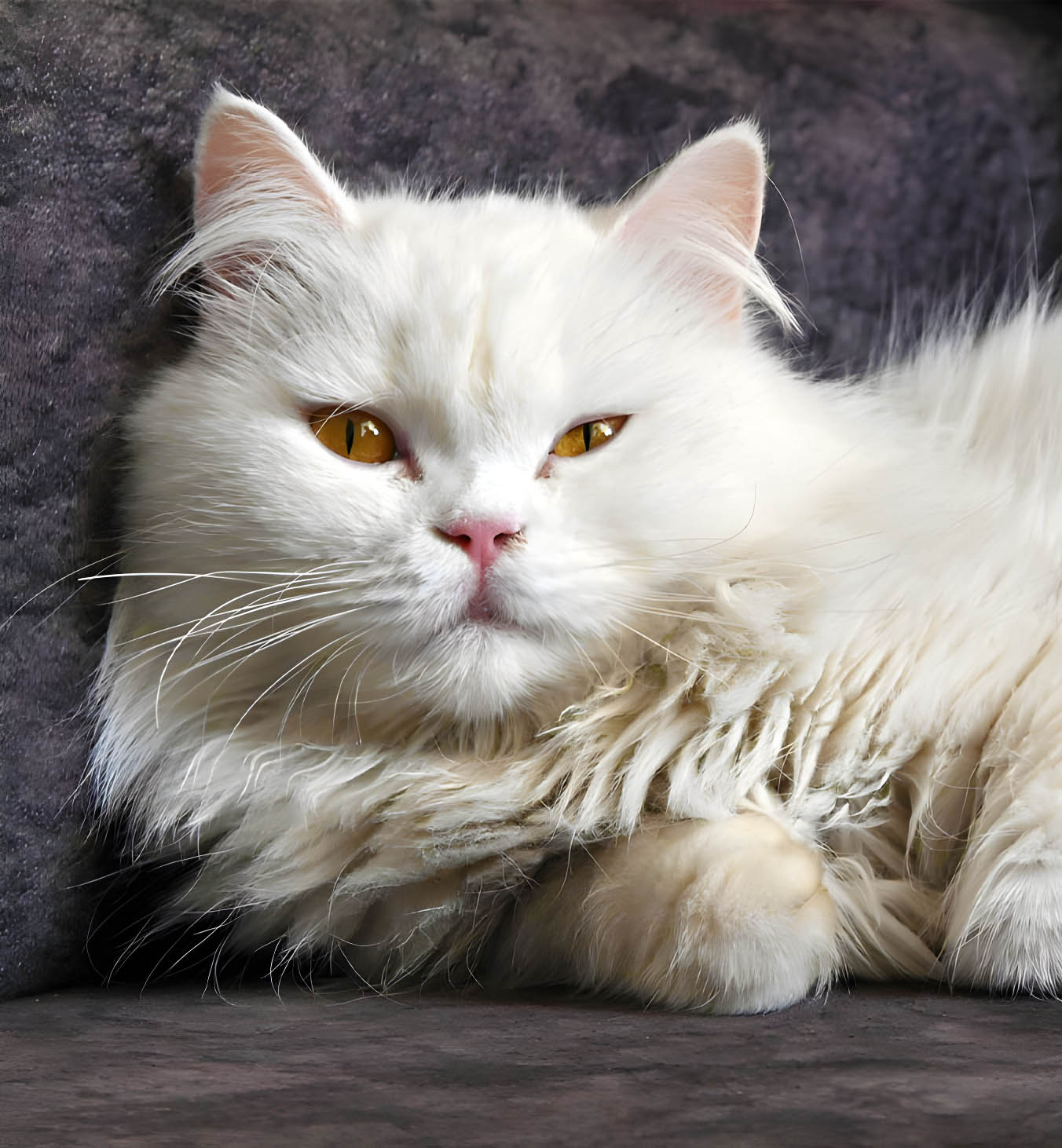
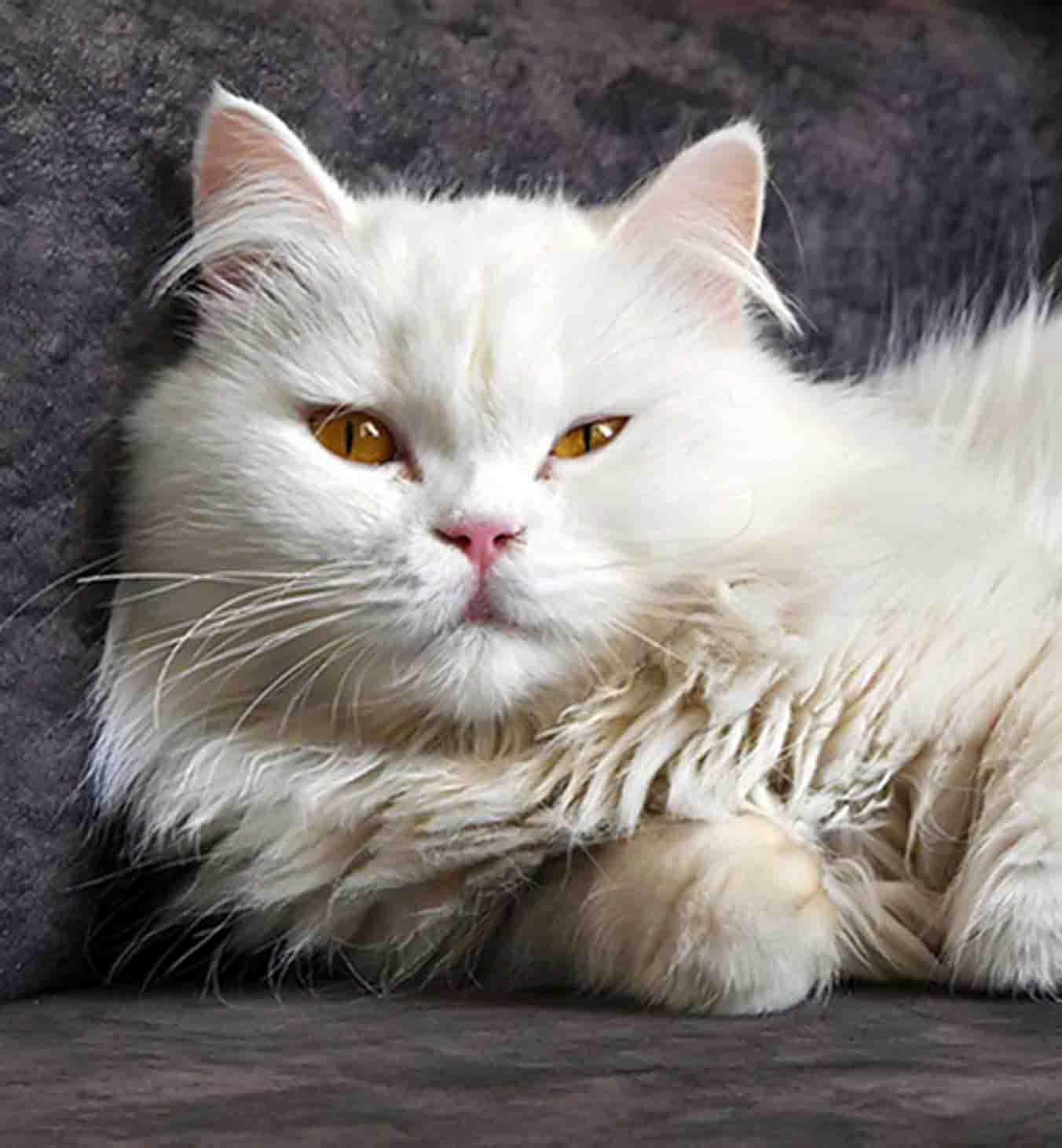
Traditional sharpening only pushes existing pixels. PhotoSharpener uses a Real-ESRGAN neural network to reconstruct missing detail - fur, fabric, foliage, skin pores - so your photo looks like it was captured at a higher resolution to begin with.
Real-ESRGAN super-resolution
Upscales up to 4x while rebuilding fine texture instead of smearing pixels.
JPEG and noise cleanup
Removes compression blocks, color banding, and sensor grain without making edges plasticky.
Edge-aware processing
Keeps sharp edges sharp and smooth surfaces smooth - no halos, no crunchy artifacts.
Portraits that look like people, not pixels
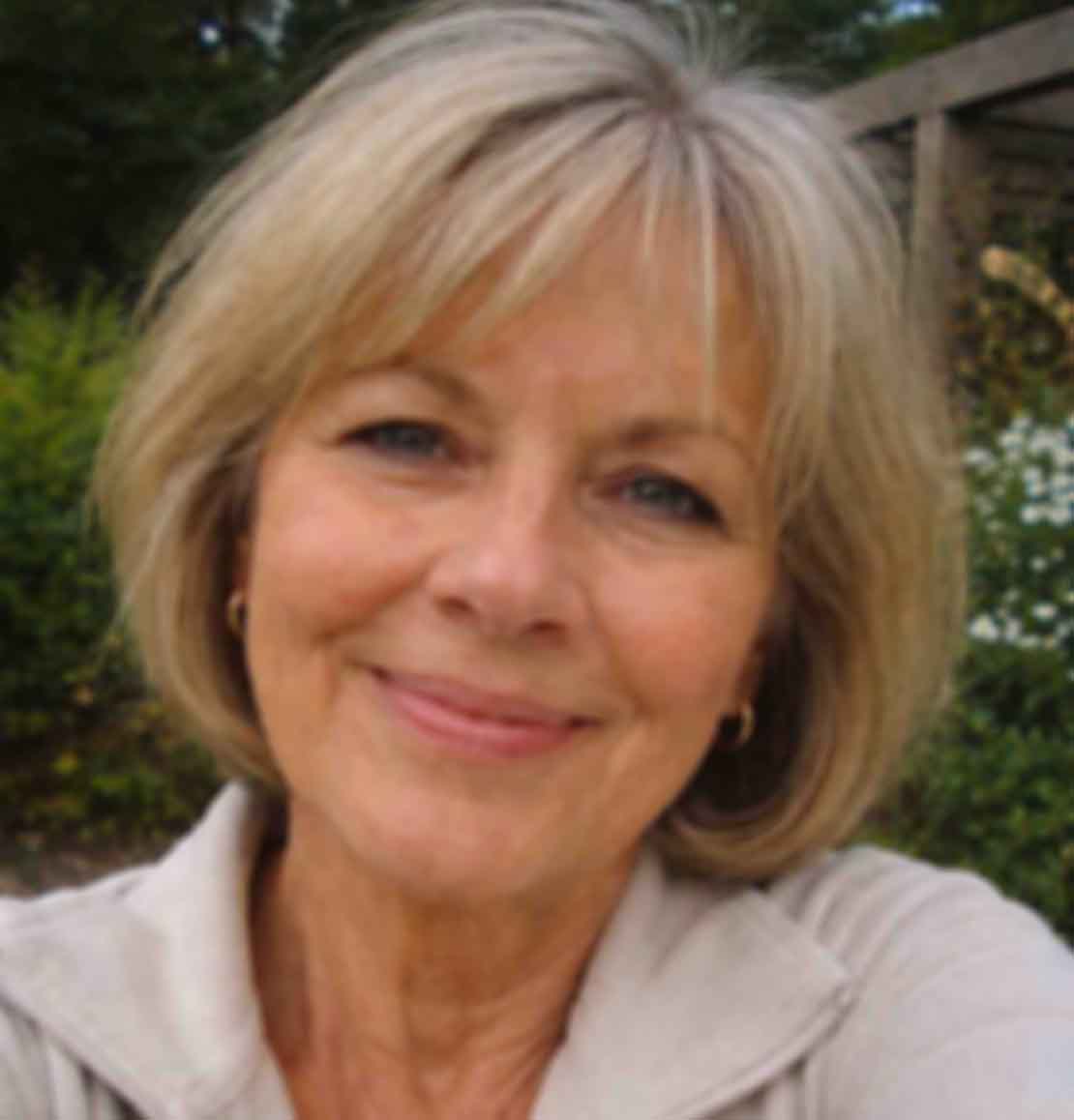
Optional GFPGAN face restoration kicks in when people are in the shot. Eyes sharpen naturally, skin keeps its texture instead of turning into plastic, and group photos stay consistent across every face in the frame.
Natural skin, not airbrushed
Preserves pores, freckles and micro-contrast so the result still looks like a real person.
Sharper eyes and lashes
Recovers clarity on eyes, teeth, and fine facial lines - the details that sell a portrait.
Works on group photos
Detects and enhances multiple faces in the same image without losing consistency.

Make every product photo look studio-grade
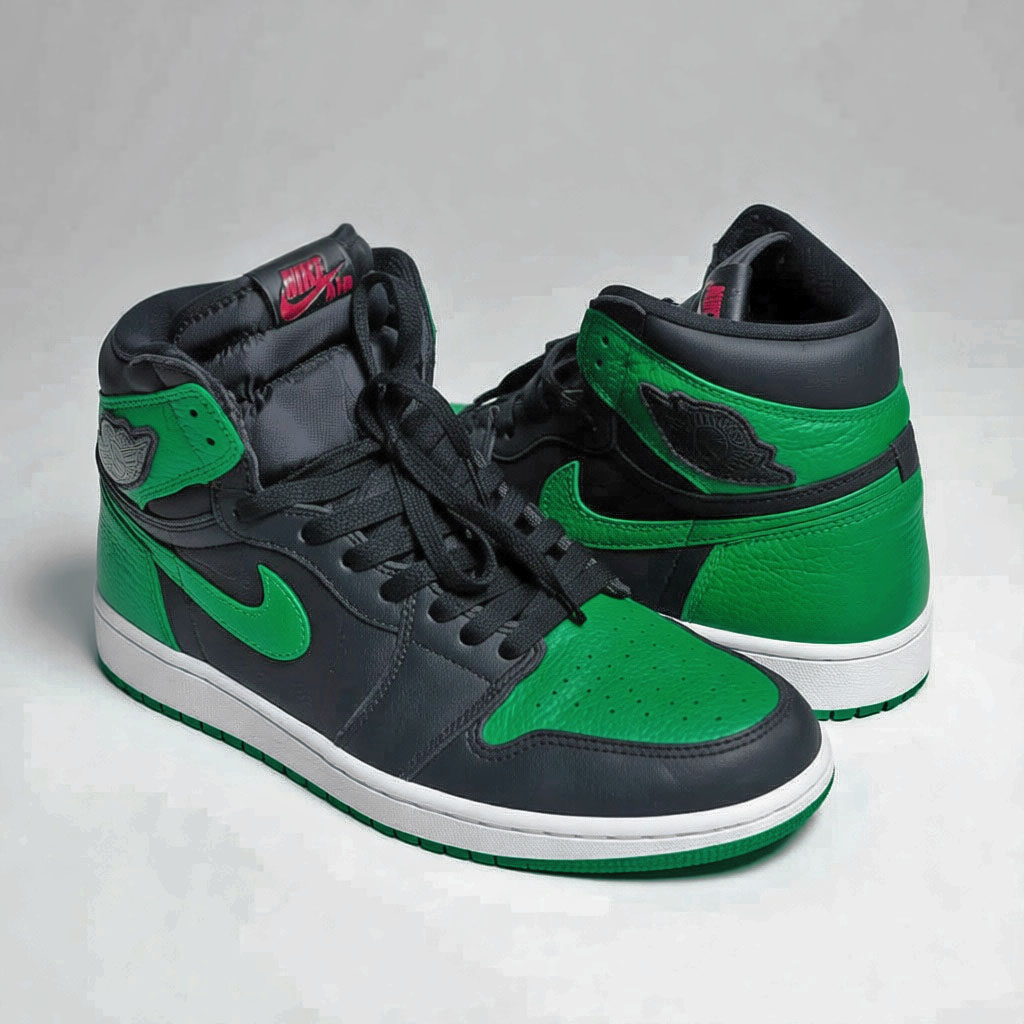
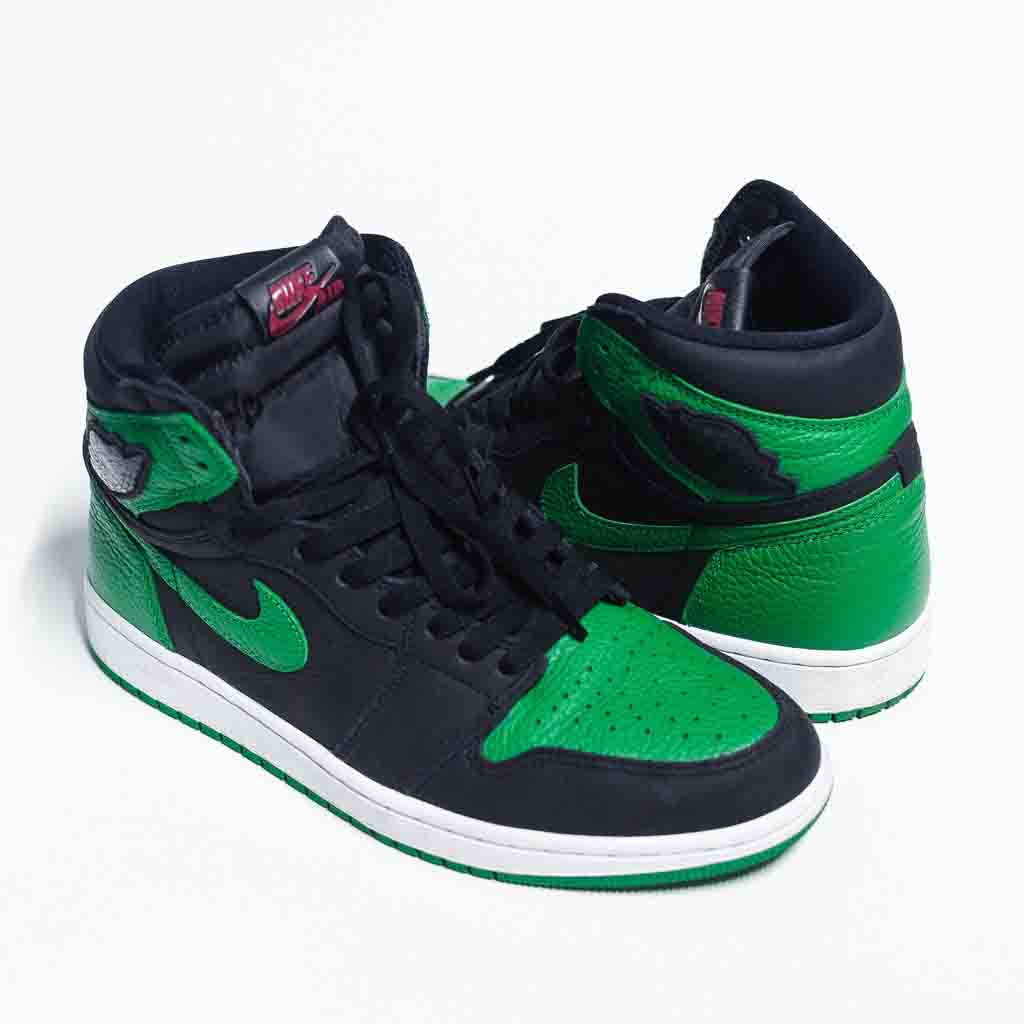
E-commerce stores, Etsy shops and marketplaces all reward sharp, high-resolution images with higher click-through and conversion. PhotoSharpener turns quick phone snaps into clean, catalog-ready hero shots in seconds.
Catalog-ready output
Sharp edges on fabric, packaging and labels - exactly what product pages and ads need.
Consistent across SKUs
Run a whole catalog through the same pipeline for uniform quality across every listing.
Fast enough for daily use
Cloud GPUs process most product shots in under 10 seconds per image.
Designed for real photos, not just demo reels
The same engine powers casual users fixing a single picture and teams processing hundreds of images a week.
Save every memory from looking blurry
Rescue old family photos, tune up phone shots from low light, and fix images you screenshotted from social media or messaging apps. PhotoSharpener brings back the detail your memories deserve.
- Restore old scanned and printed photos
- Fix blurry phone pictures taken in motion
- Enhance zoomed-in crops that lost resolution
- Sharpen screenshots before printing or posting
- Upscale low-res images from DMs and chats
- Prepare family pictures for albums and frames
Ship sharper creatives without hiring a retoucher
Marketers, store owners, agencies and content teams use PhotoSharpener to turn rough source material into clean, on-brand assets - ready for ads, product pages, thumbnails, decks and print.
- Upgrade product photos for e-commerce listings
- Sharpen real-estate photos before listing
- Enhance headshots for team pages and LinkedIn
- Clean up UGC before using it in campaigns
- Prepare images for ads, banners and thumbnails
- Render print-ready assets from web-sized files
More than just a sharpen button
Every upload runs through a small toolkit of AI tasks, so you get a cleaner image without ever leaving the page.
AI Image Upscaler
Scale photos up to 4x without losing detail. Perfect for printing small phone pictures at large sizes.
Open →IncludedFace Restoration
Bring back natural-looking eyes, skin and features on portraits - even in old family photos.
Open →IncludedNoise and Artifact Remover
Clean up JPEG compression, grain and banding without turning photos into plastic-looking blobs.
Open →ProBatch Processing
Sharpen an entire folder of images at once - ideal for stores, photographers and content teams.
Open →Everything people ask before sharpening a photo
Short answers to the most common questions about AI photo sharpening, upscaling, face restoration and image quality.
An AI photo sharpener is a tool that uses a trained neural network to recover lost detail in an image instead of simply increasing contrast at the edges. Traditional sharpen filters only enhance pixels that are already there, which is why they quickly start to look crunchy. PhotoSharpener uses Real-ESRGAN to reconstruct missing texture in portraits, products, landscapes and old photos, so the output looks like it was captured at a higher resolution to begin with.
Drop your image into the upload box (JPG, PNG or WebP work out of the box) or paste a public URL. PhotoSharpener automatically analyses the photo, applies super-resolution, cleans up compression and noise, and optionally restores any faces it detects. You will see a side-by-side preview with a draggable slider so you can compare before and after, then download the high-resolution version with one click.
Partly. No tool - AI or otherwise - can perfectly reverse a strong motion blur or an out-of-focus subject, because the original detail is physically missing from the file. What PhotoSharpener does is reconstruct plausible detail based on what the neural network has learned from millions of real photos. For mild blur, soft focus, JPEG softness, low-res crops and old scans the results are excellent.
Yes. Sharpening and upscaling are done in the same pass: the AI can output your photo at up to 4x the original resolution while rebuilding realistic detail. That is particularly useful for printing small phone pictures, preparing social media crops, or recovering a usable version of a tiny thumbnail.
For most everyday photos, yes. Photoshop sharpen tools are edge-based: they amplify what is already visible. AI sharpeners like PhotoSharpener can actually rebuild texture that the original file never captured cleanly. Photoshop is still great for precise manual retouching, but PhotoSharpener is the faster first step.
Yes. Old scans are one of the best use cases. Print grain, faded colors, JPEG compression from early digital scans and mild physical damage are exactly the kind of imperfections the model was trained to clean up. Combine it with face restoration and decades-old portraits often come back with readable expressions you had not seen clearly in years.
AI art is another strong use case. Generative models often produce images at a fixed resolution that look soft once printed or blown up on a monitor. Running the output through PhotoSharpener upscales the image and tightens the internal detail, which is ideal before using AI art in thumbnails, posters, prints or merchandise.
Yes. Images are processed over an encrypted connection, are only kept long enough to return your sharpened result, and are then removed automatically. We never train models on your uploads and we never use your photos for marketing.
PhotoSharpener accepts JPG, JPEG, PNG and WebP files. Most phone and camera images work out of the box. Very large files (above about 24MP) are supported on paid plans where we provision more GPU memory per job.
Batch sharpening is part of our Pro and Studio plans. Upload a folder of images and PhotoSharpener processes them in parallel, keeping filenames intact so you can drop the output straight back into your workflow.
Pick a blurry photo. Get a sharp one back.
Pick any photo - we'll restore detail and clarity with AI in seconds.
- Photos auto-deleted after processing
- Most images sharpened in under 10s
- Works on phones, tablets and desktops