Upscale images up to 4x without losing detail
Most image upscalers just stretch pixels. PhotoSharpener uses a Real-ESRGAN super-resolution model to rebuild real texture as it enlarges, so phone pictures become print-ready, product shots hold up under zoom, and AI-generated art no longer looks soft when blown up on a large screen.
- Max output
- Up to 4x
- Avg. time
- ~8s
- Formats
- JPG - PNG - WebP
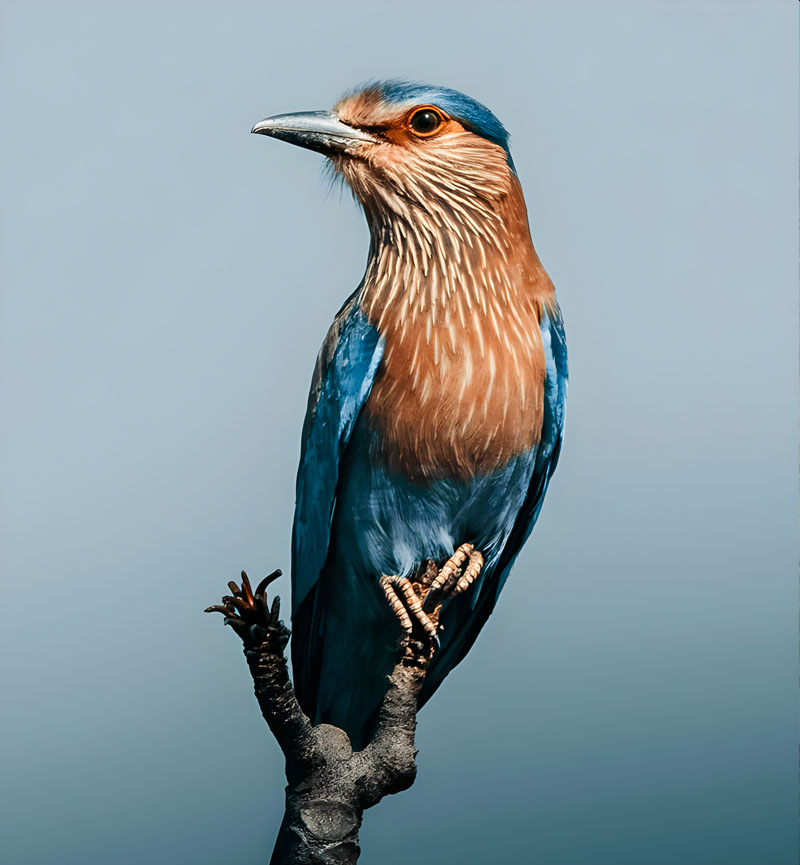
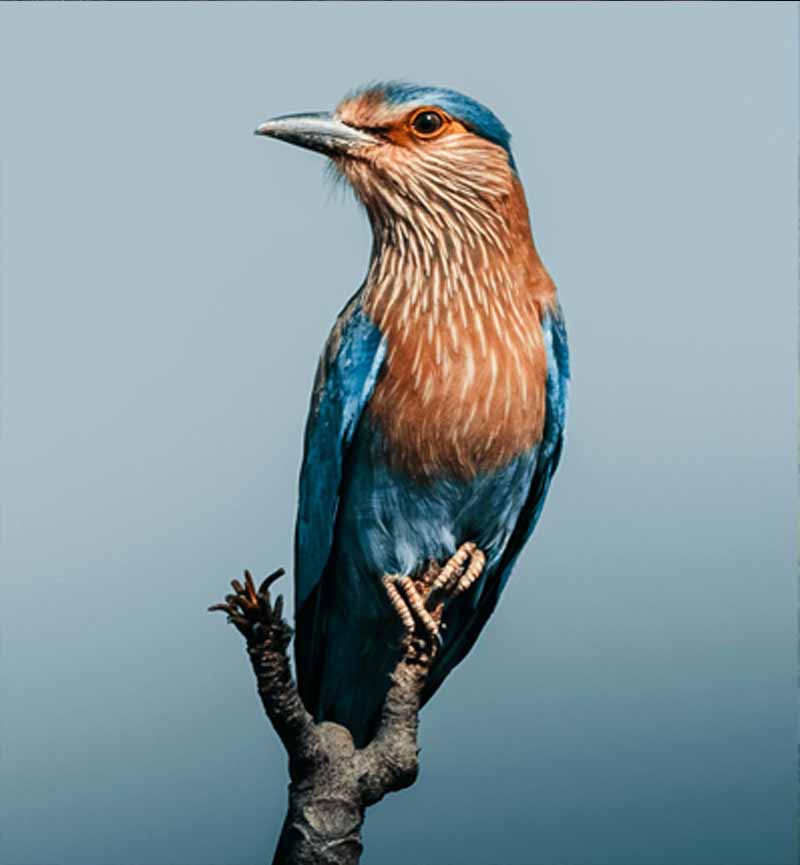
From small and soft to large and sharp
No sliders to tune, no retouching to learn. Upload a photo and PhotoSharpener handles the super-resolution, detail reconstruction, cleanup and export in a single pass.
Upload the source image
Drop any JPG, PNG or WebP file - or paste a URL. Small web images, AI outputs, phone pictures, or scanned photos all work as input.
AI upscales and rebuilds detail
Real-ESRGAN enlarges the image while reconstructing texture; face-aware restoration kicks in automatically when people are in the shot.
Preview, compare, download
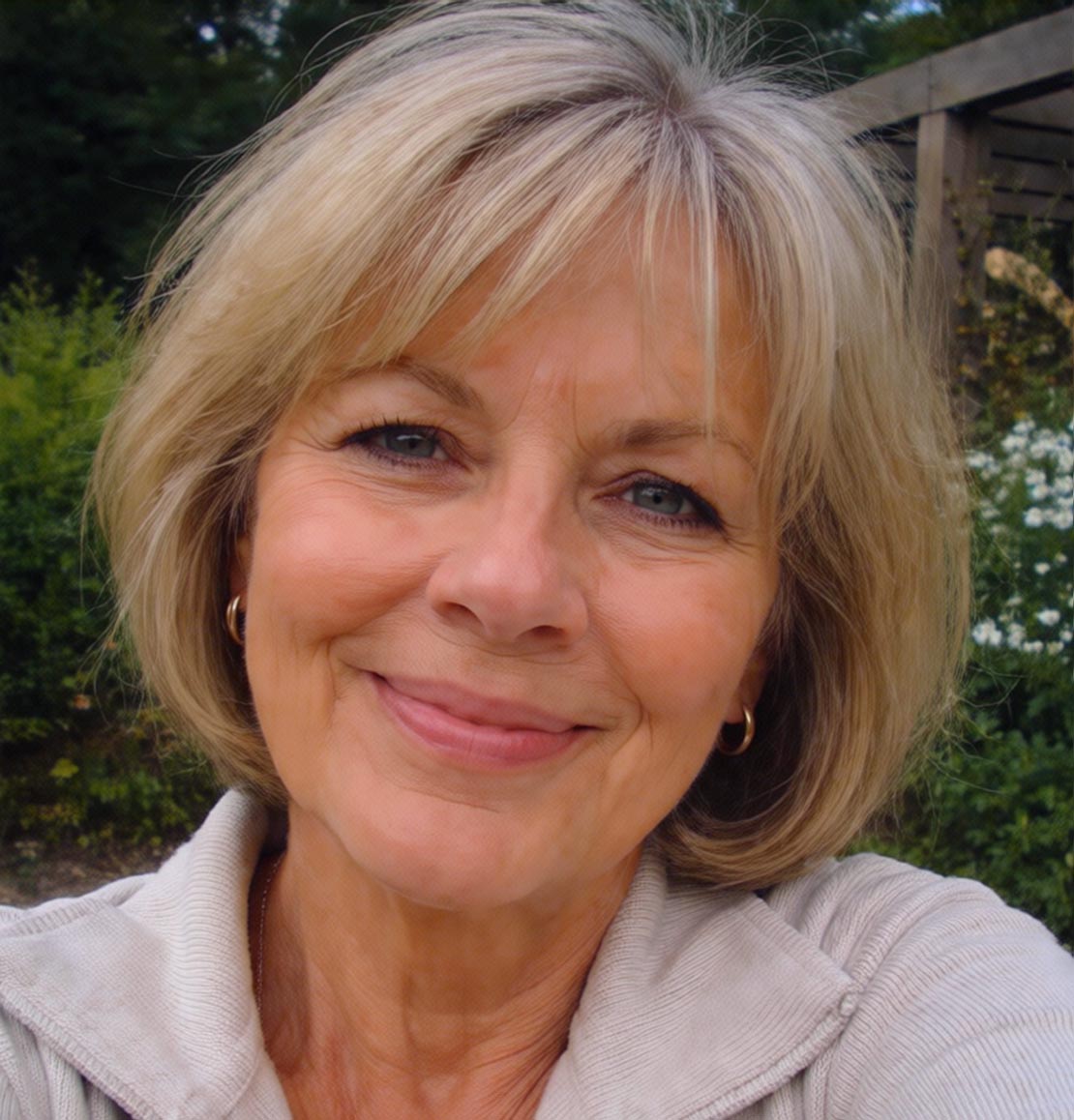
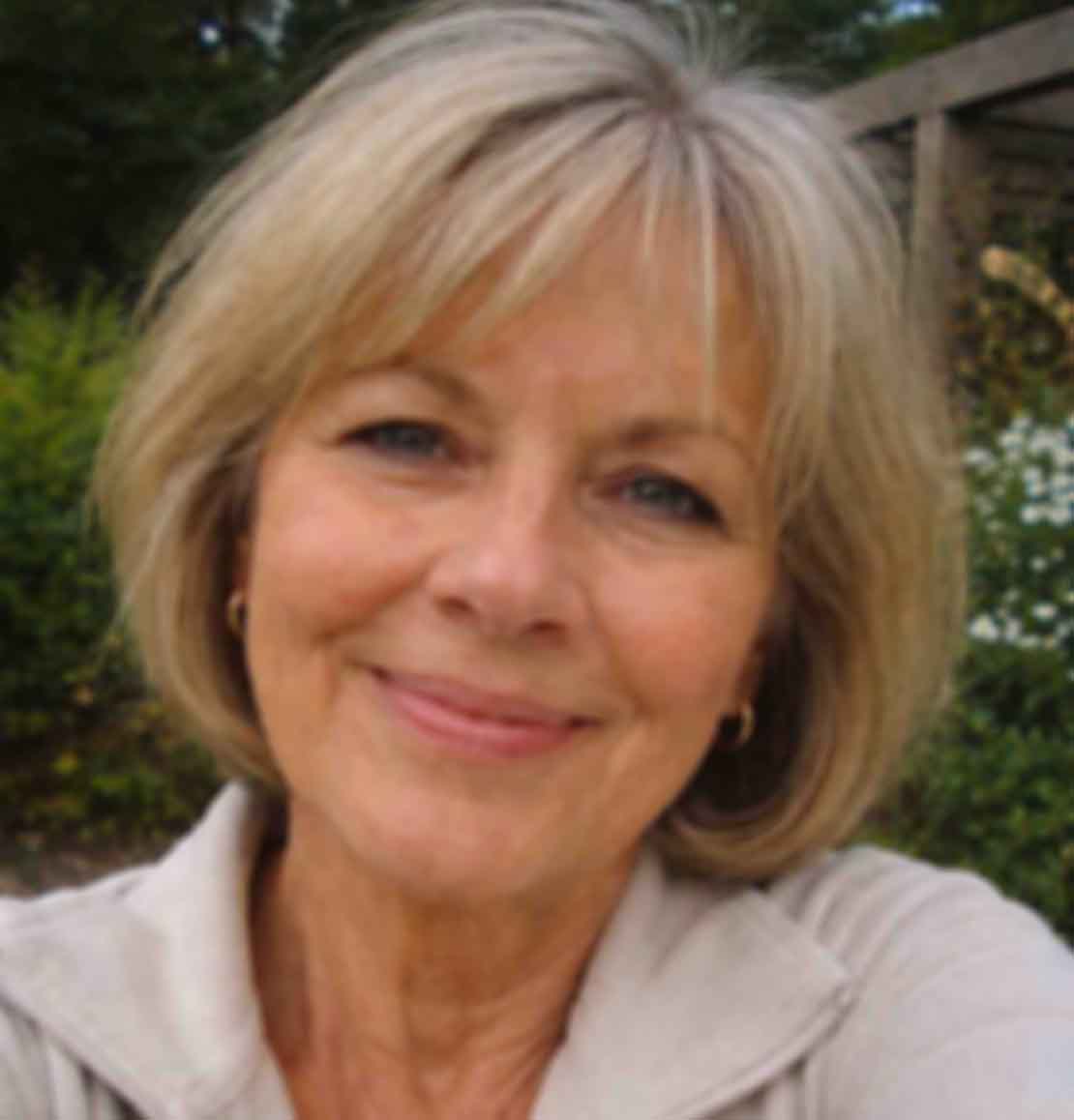
Use our slider to compare before and after at full size, then export the upscaled image in seconds - ready for print, web or ads.
Upscale In Seconds
Upload any image and get a larger, sharper version back with AI.
Rebuild real detail as the image grows
Classic upscalers - bicubic, Lanczos, even most phone tools - just average neighbouring pixels to fill in the gaps. PhotoSharpener uses a generative super-resolution model, so new detail is reconstructed rather than invented with blur. The larger the output, the more obvious the difference becomes.
Real-ESRGAN at the core
A generative model trained on millions of real photos rebuilds texture that simple interpolation would blur away.
Edge-aware enlargement
Keeps edges sharp on fabric, hair, lettering and fine lines - no halos, no plastic sheen on smooth surfaces.
Up to 4x resolution
Print a phone picture on a poster, enlarge an old thumbnail to desktop wallpaper, or render HD assets from SD sources.
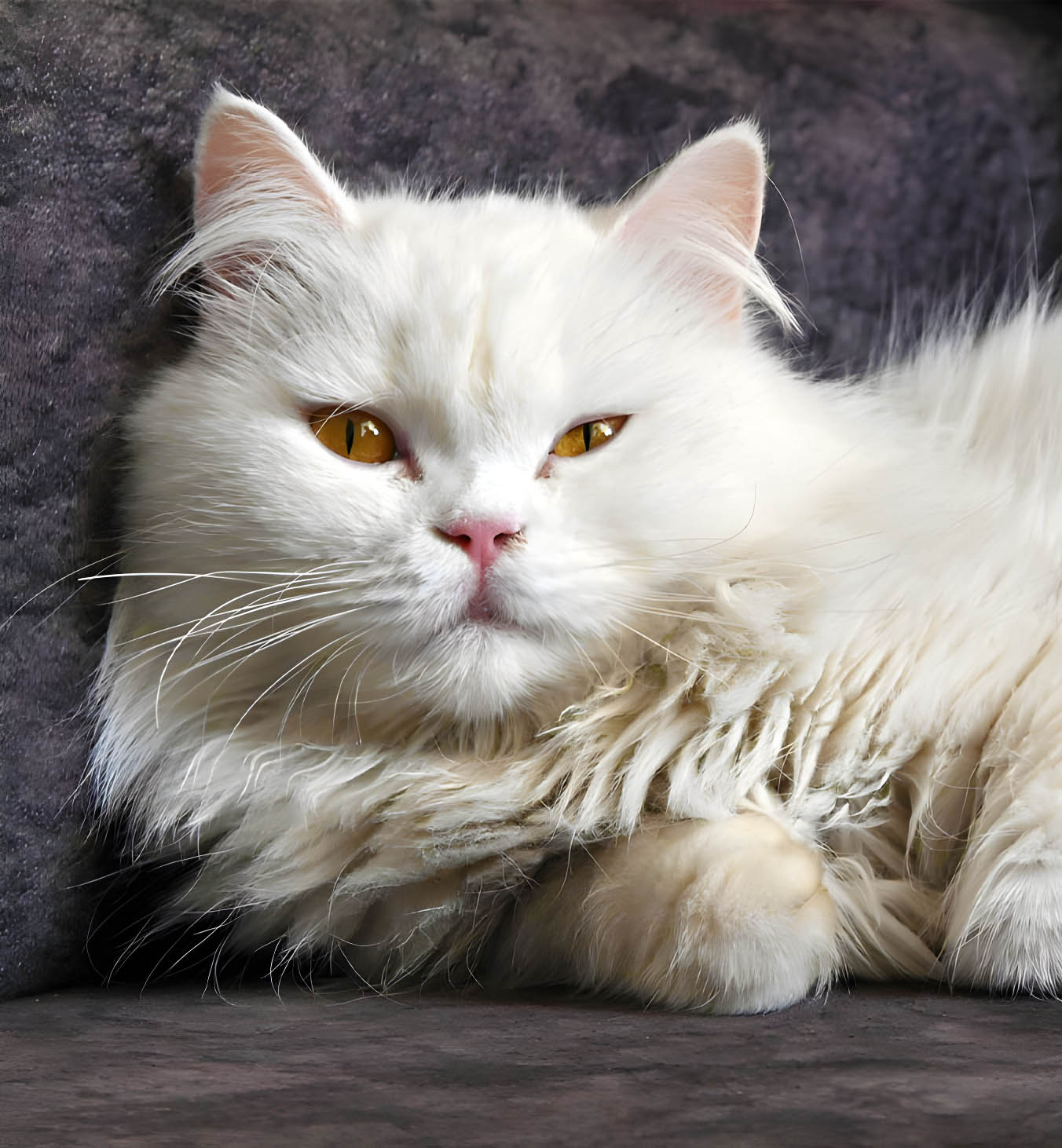
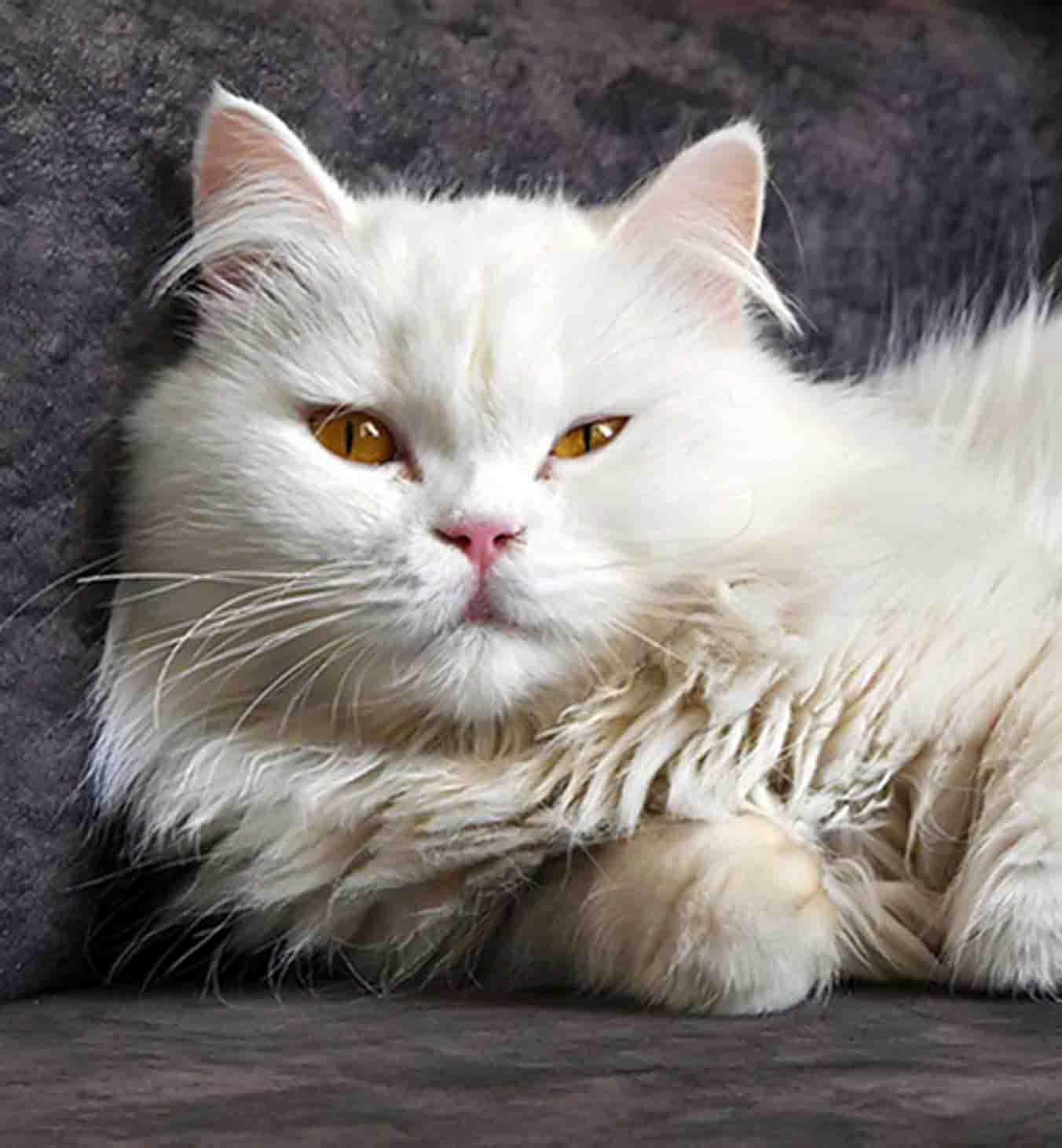
People stay people, not pixels
Upscaling portraits is where most tools fail - eyes go waxy, skin turns plastic, group shots lose consistency. PhotoSharpener detects faces during the upscale and hands them to a face-aware restoration path, so you get sharp eyes, natural skin and a result that still looks like the person in the original photo.
Skin with actual texture
Pores, freckles and micro-contrast are preserved at larger output sizes instead of being smoothed away.
Eyes, lashes, teeth
The details that sell a portrait stay sharp, even when the final image is printed at poster size.
Consistent across group shots
All faces in the same frame are enhanced with the same quality, avoiding the uneven look typical of DIY upscaling.
Not just an image upscaler - a full enhancement engine
Upscaling is the headline feature, but every upload also runs through sharpening, cleanup and optional face restoration, so you rarely need a second tool to finish the job.
AI photo sharpening
Sharpen soft, blurry or slightly out-of-focus photos without the crunchy edges of traditional sharpen filters.
Face restoration
Optional GFPGAN path restores natural-looking eyes, skin and facial features - particularly useful on scans.
Noise and artifact cleanup
Removes JPEG compression blocks, color banding and sensor grain before they get amplified by the upscale.
Batch processing
On Pro and Studio plans, upscale an entire folder of images in parallel with filenames preserved.
Everything people ask before upscaling an image
Short, specific answers to the most common questions about AI image upscaling, resolution limits, file formats and real-world use cases.
Classic upscaling - like bicubic or Lanczos - enlarges an image by averaging pixels that already exist, which is why a phone photo stretched to poster size always ends up blurry. AI image upscaling uses a trained neural network to rebuild missing detail instead of averaging it. The result is an image that looks like it was captured at a higher resolution, not a zoomed-in version of the original.
PhotoSharpener upscales up to 4x the original resolution. That covers the vast majority of practical use cases: printing a phone photo at A3 or A2, turning a 1024x1024 AI-generated image into a 4K-ready asset, or enlarging a small scanned photo for a gallery wall.
In most cases, yes. Soft focus, JPEG softness, compressed messaging images, and low-resolution crops are exactly the kind of inputs the model handles best. Extreme motion blur or a fundamentally out-of-focus subject cannot be perfectly reversed by any tool, but even in those cases the upscaled output is typically far more usable than the original.
Yes. AI art is one of the strongest use cases. Most generative models output at a fixed resolution that looks soft once printed or enlarged on a big screen. Running that output through PhotoSharpener enlarges it cleanly and tightens internal detail, which is exactly what you want before using AI art on posters, prints, merch or thumbnails.
Yes, and it is one of the best outcomes. Old scans usually carry print grain, faded colours, JPEG artifacts from early digital scans, and soft focus from the original capture. All of those are conditions the model was trained to clean up.
Yes. We specifically handle faces during the upscale. A detection step finds every face in the image and routes it through a face-aware restoration model, which keeps eyes sharp, skin natural, and avoids the plastic or waxy look that other upscalers produce on people.
PhotoSharpener accepts JPG, JPEG, PNG and WebP. Most phone and camera images work without any preparation. Very large files (above about 24MP) are supported on paid plans where we provision additional GPU memory per job.
The model is trained to preserve the structure of the original image, so it will not invent objects, change faces or add content that was not there. It does reconstruct texture - skin pores, fur, fabric weave, foliage - based on plausible patterns, which is exactly how it improves perceived resolution without creating obvious visual artifacts.
Yes. Uploads are transferred over an encrypted connection, kept only long enough to return your upscaled result, and then removed automatically. We do not train models on your images, and we do not reuse your files for marketing or demos.
Batch upscaling is part of our Pro and Studio plans. Drop a whole folder of images and PhotoSharpener processes them in parallel while keeping filenames intact, so the output folder can drop straight back into your workflow.
Pick a small or soft image. Get a large, sharp one back.
Pick any photo - we'll restore detail and clarity with AI in seconds.
- Images auto-deleted after processing
- Most upscales finish in under 10s
- Up to 4x output from a single pass