Old photo restoration that respects the original era
Printed photos age—grain, fading, folds, and early scanner JPEGs all stack up. PhotoSharpener uses Real-ESRGAN super-resolution plus cleanup to bring scans closer to how the moment felt, with optional GFPGAN when faces need believable eyes and skin.
- Max output
- Up to 4x
- Avg. time
- ~8s
- Formats
- JPG - PNG - WebP
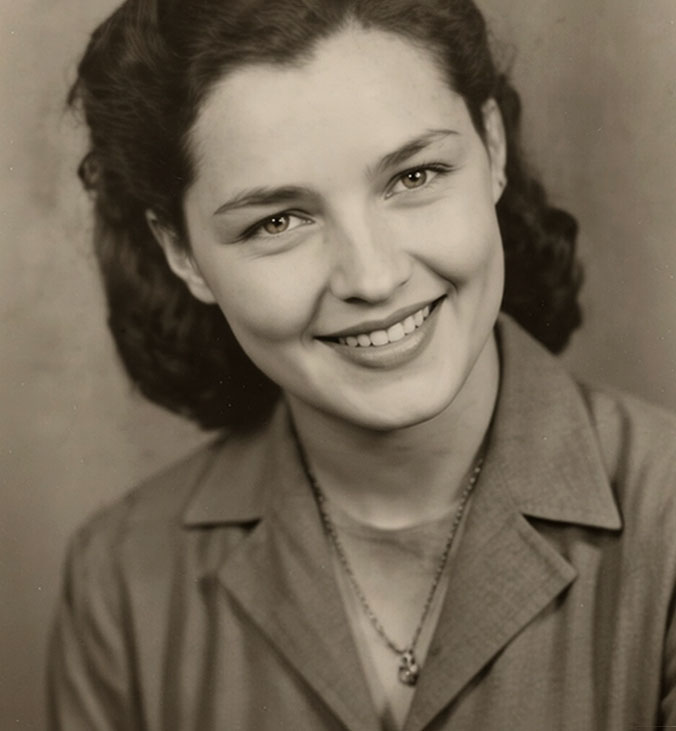
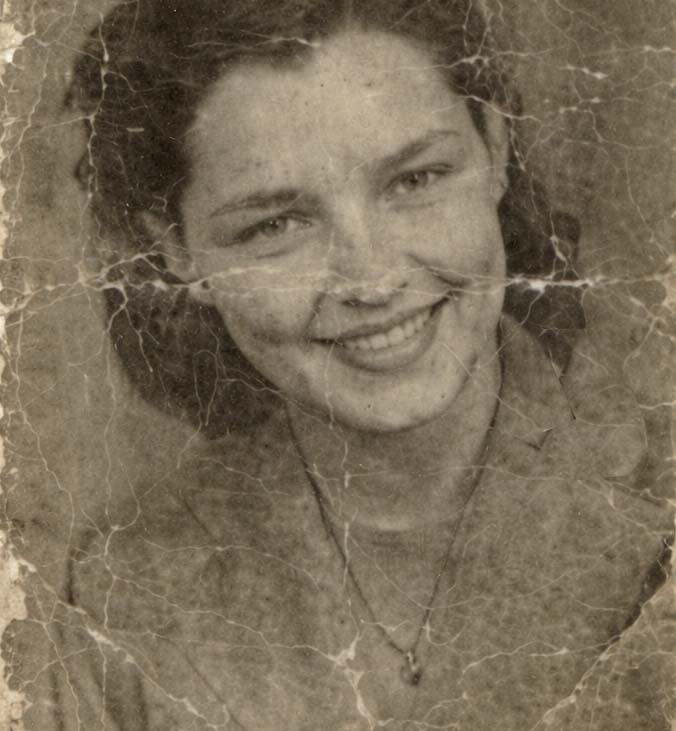
Digitize once, restore in the cloud
Upload the best scan or phone photo of the print you have—even if it is small or noisy. The model stack targets analog grain, softness, and compression before optional face work kicks in.
Capture or scan thoughtfully
Even phone photos of prints work when evenly lit; higher DPI scans give more to work with.
AI rebuilds detail and clarity
Super-resolution lifts fine texture; cleanup reduces blocking from repeated saves.
Print or share the revival
Upscale up to 4× when you need wall-size reprints or slideshow clarity.
Restore an Old Photo
Upload a scan or photo-of-a-photo—we return a cleaner, sharper restoration.
Grain, softness, and scan noise need reconstruction
Old prints rarely fail in just one way. We lean on models trained on real photos so fabric, hair, and foliage regain believable structure instead of turning into plastic.
Real-ESRGAN backbone
Reintroduces high-frequency detail lost in aging emulsion.
Edge-aware cleanup
Keeps lettering on signs and borders readable.
Upscale for reprints
Grow small scans toward album spreads or framed gifts.
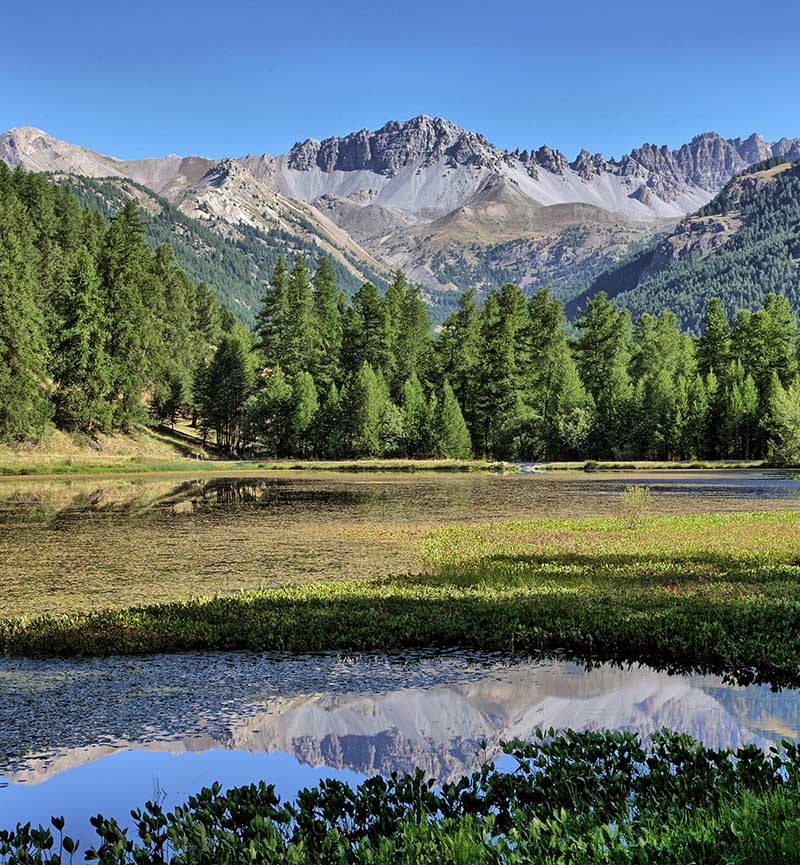
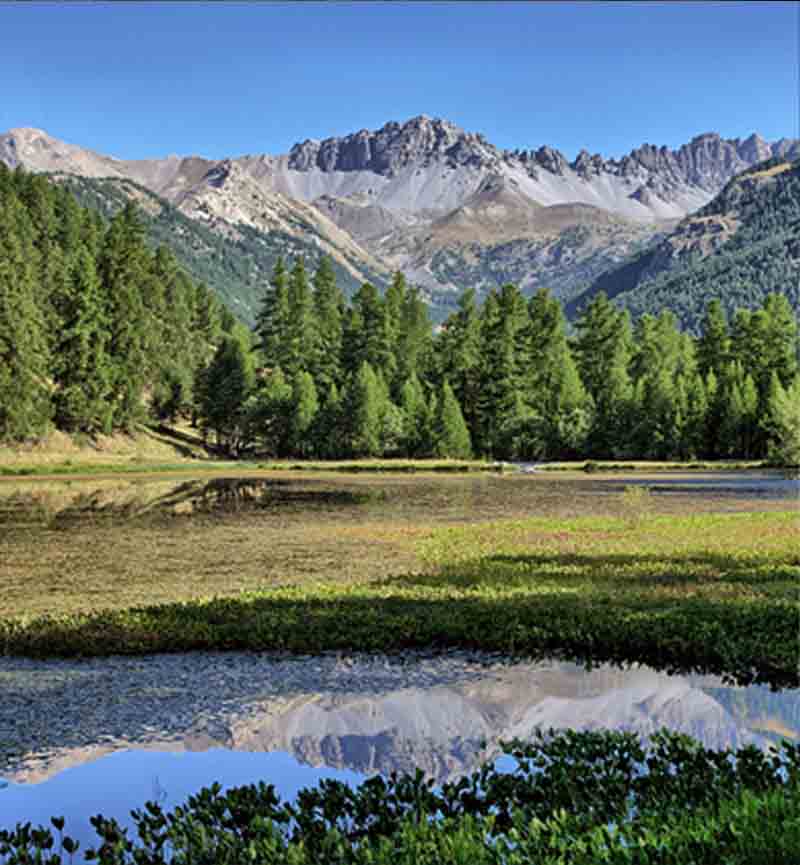
Relatives should still look like themselves
Optional GFPGAN restores eyes and skin gently—critical when the photo is the only memory left at that resolution.
Identity-safe
Avoids caricature-level smoothing.
Eyes regain presence
Catchlights and lashes read again.
Group portraits
Keeps cousins and siblings consistent.


Sharpening and de-blocking ride along automatically
Restoration is not a single slider—compression artifacts get tamed before sharpening so you are not amplifying damage.
AI sharpening
Finishing clarity for reprint-ready files.
GFPGAN faces
Optional path tuned for portraits on vintage film.
Artifact stripping
Targets JPEG blocks from repeated sharing.
Batch for studios
Scanning services can queue folders on paid tiers.
Old photo restoration expectations
Ground rules for family historians and print shops.
This pipeline focuses on detail, clarity, and resolution—not inventing new scene elements. Color shifts may look better indirectly when noise drops, but it is not a dedicated colorization tool.
More real pixels help—600 DPI scans are ideal when practical. Phone shots of prints still work when evenly lit and sharp.
Yes—combine a decent capture with up to 4× output for wall art or reunion banners.
Encrypted transit, auto-delete after processing, no training on your family archive.
Severe physical damage still needs retouching in an editor—AI can improve surrounding detail but cannot fabricate missing paper.
Related tools
Scan once, restore for everyone who remembers the moment.
Preview on the slider, then export when the faces look right to you.
- Deleted after processing
- Seconds per image
- Up to 4× upscale