Prepare photo for printing when the client sends a web file
Print vendors need real inches at real DPI—email attachments rarely cooperate. PhotoSharpener uses Real-ESRGAN to grow usable pixel dimensions (up to 4×) while rebuilding detail so your raster survives RIP scaling better than a plain Photoshop bicubic stretch.
- Max output
- Up to 4x
- Avg. time
- ~8s
- Formats
- JPG - PNG - WebP
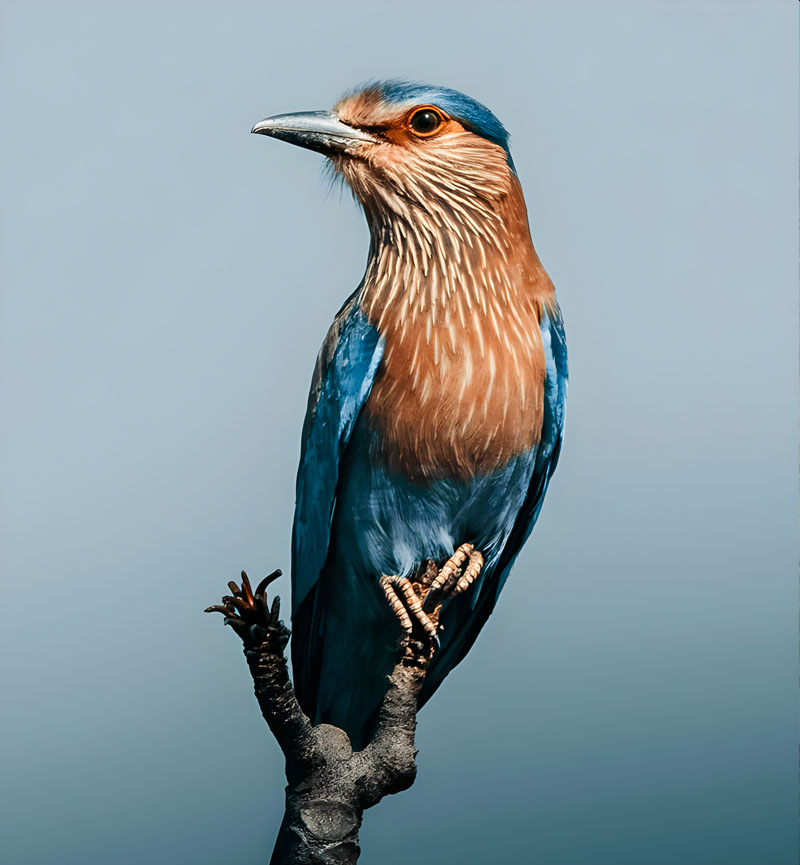
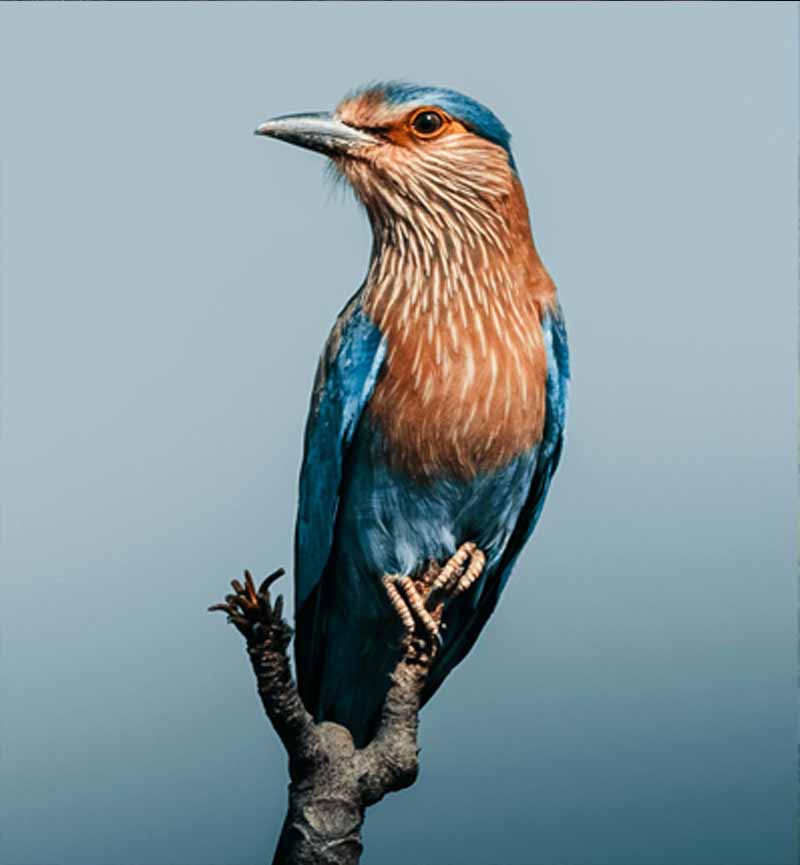
Know your final inches, we supply the missing pixels
Upload the largest asset the client can provide—even if it is a phone shot or Drive download. Super-resolution adds believable structure before you drop the file into InDesign or your RIP.
Gather the honest source
Avoid upscaling a thumbnail twice; start from the biggest raster available.
AI upscales with reconstruction
Real-ESRGAN targets edges and texture; cleanup reduces JPEG artifacts that print as muddy ink.
Place into layout at correct DPI
Export up to 4×, then set physical dimensions in your layout tool with bleed in mind.
Print-Prep Upscale
Upload a photo that is too small for the intended print size—we add pixels and clarity.
Interpolation lies on screen, plates tell the truth
Bicubic enlargement looks “okay” at 100% zoom but falls apart on coated stock. Super-resolution gives the RIP more believable high-frequency data to translate into dots.
Real-ESRGAN backbone
Rebuilds detail that simple resampling cannot.
Sharper type edges
Keeps overlaid headlines from fringing when separated.
Up to 4× pixels
Bridges phone shots toward respectable print widths.
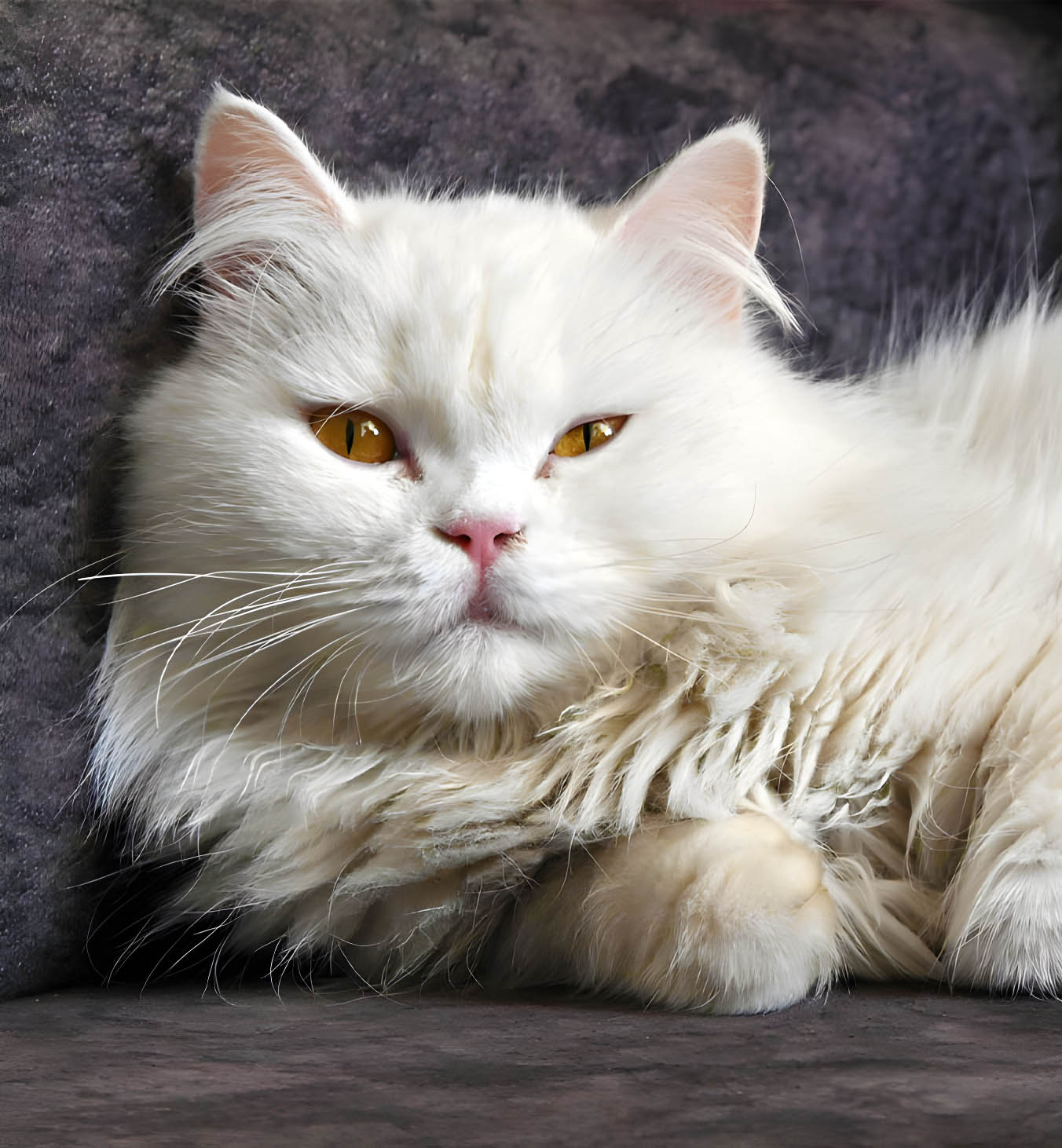
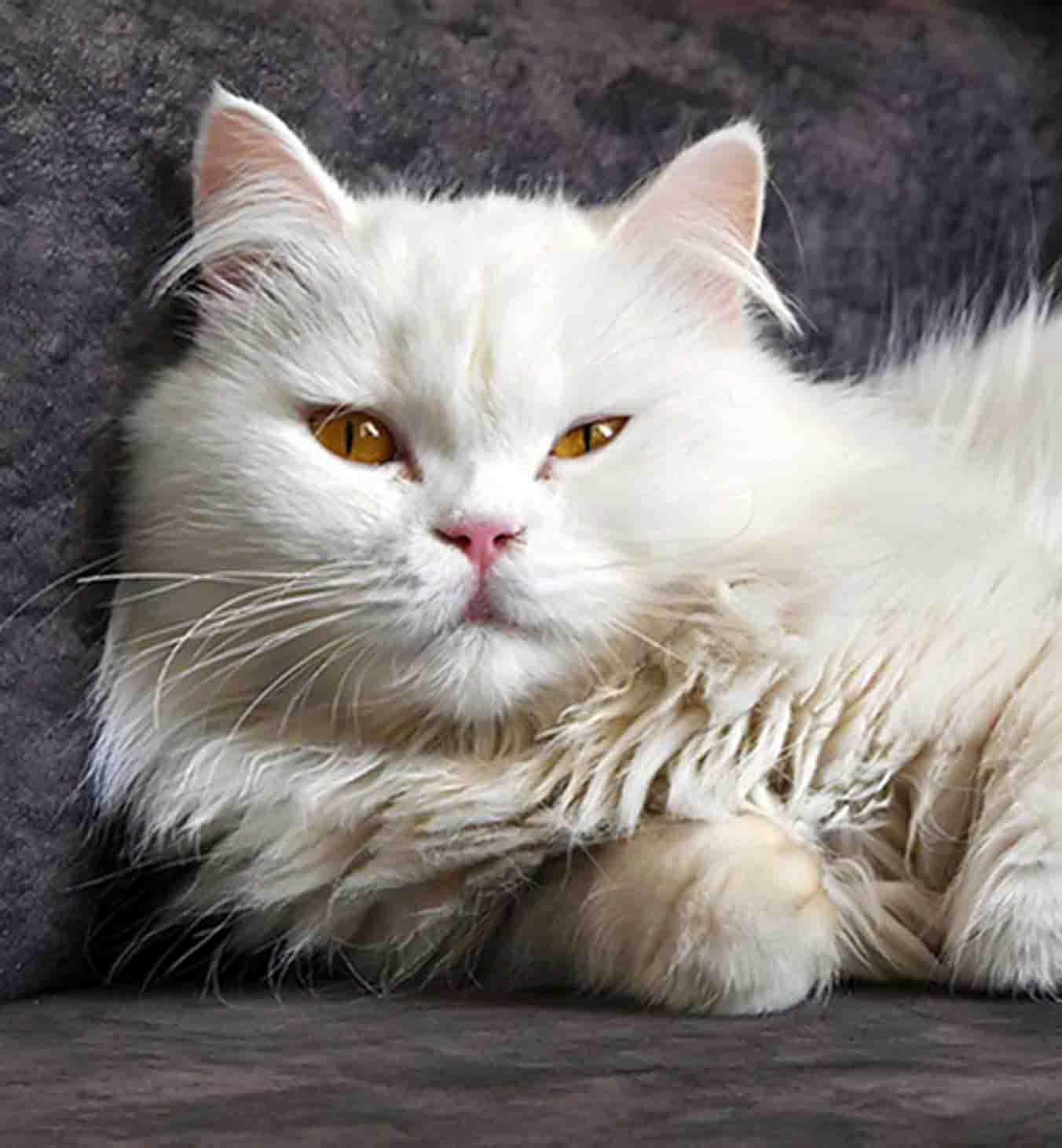
Annual reports and gala invites need credible faces
GFPGAN helps board photos and donor portraits stay human at larger sheet sizes.
Natural skin at size
Avoids plastic blowups on glossy stock.
Eyes stay sharp
Important for editorial covers.
Group photos
Even treatment for tables of executives.

De-block before CMYK separation
JPEG noise becomes ink dots—we clean compression artifacts early so separations behave.
AI sharpening
Finishing clarity after upscale.
Face restoration
Optional for portrait-heavy layouts.
Artifact cleanup
Tames blocking before plates hit press.
Batch campaigns
Studios can queue folders on paid tiers.
Prepare photo for printing responsibly
AI assists prepress—it does not replace your vendor specs.
It improves pixel count and clarity, but you must still meet bleed, color mode, and resolution rules from your printer—always run their preflight checklist.
PhotoSharpener outputs up to 4× the original resolution—combine that with realistic print dimensions for the viewing distance.
Do color conversion in your layout or RIP workflow; we focus on detail reconstruction in RGB raster space.
JPG, JPEG, PNG, WebP as documented; very large sources may need paid GPU tiers (~24MP+).
Encrypted transit, auto-delete after delivery.
Related tools
Upscale once with AI, then design with confidence.
Ship proofs that survive loupe checks on the shop floor.
- Deleted after processing
- ~8–10s jobs
- Up to 4× upscale