Image clarity enhancer for muddy, flat photos
When an image looks “soft” but not necessarily tiny, you need reconstruction—not a 200% unsharp mask. PhotoSharpener combines Real-ESRGAN detail recovery with edge-aware cleanup so clarity returns without plastic skin or glowing edges.
- Max output
- Up to 4x
- Avg. time
- ~8s
- Formats
- JPG - PNG - WebP


Rebuild micro-contrast, not just boost sliders
Traditional sharpen filters amplify noise. Our pipeline denoises and super-resolves so clarity comes from believable texture, especially on portraits and product surfaces.
Upload the flat-looking file
JPEGs from phones, drones, or ecommerce shoots welcome.
AI restores high-frequency detail
Real-ESRGAN predicts missing edge information; GFPGAN assists faces.
Review and export
Use the slider to confirm clarity gains, then download.
Clarify This Image
One upload for sharper perceived detail and cleaner edges.
Filters yell; super-resolution explains
Clarity should reveal fabric weave, foliage, and product bevels—not halos. That is why we anchor on generative reconstruction instead of stacking sharpen layers.
Real-ESRGAN core
Reintroduces believable texture instead of amplifying noise.
Edge-aware processing
Protects lettering and thin lines from fringing.
Optional upscale to 4x
Pair clarity with more pixels when delivery specs demand it.
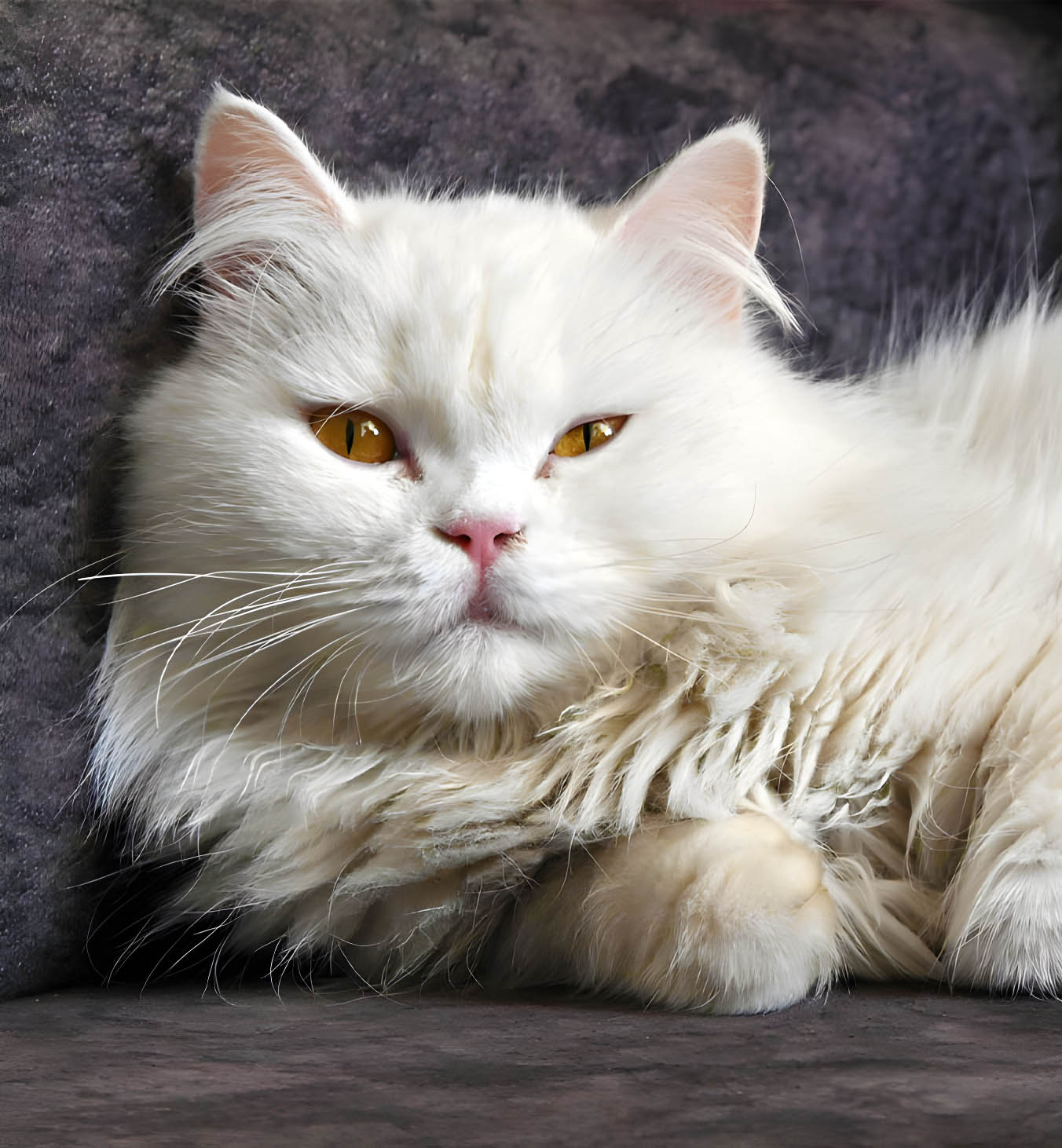
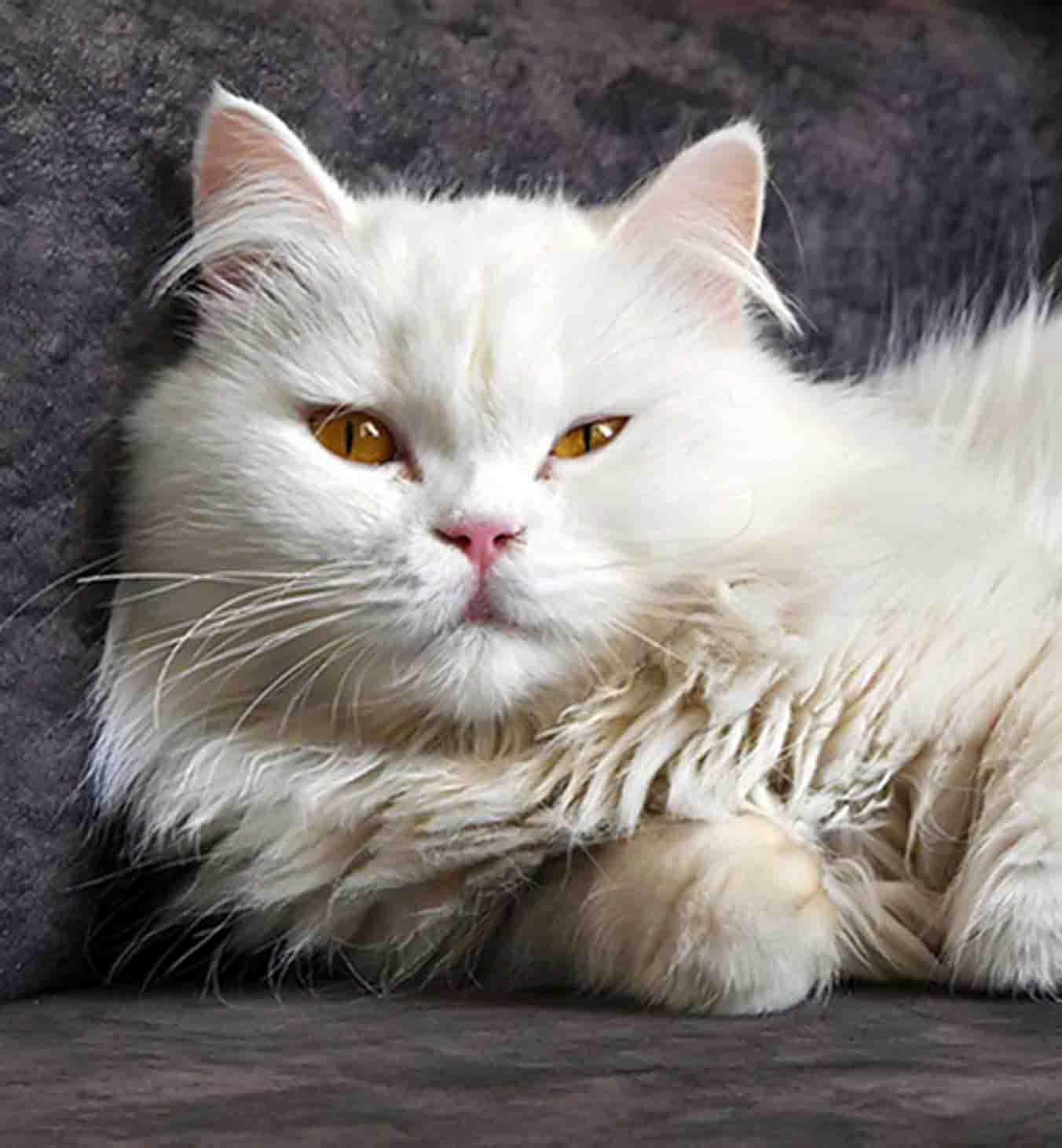
Skin can look clear without looking fake
Face-aware restoration keeps tonal transitions gentle while eyes and hair regain definition—critical for headshots and lifestyle imagery.
Pores stay believable
Avoids beauty-filter plasticity.
Catchlights return
Small highlights read again at full size.
Group-ready
Multiple subjects stay balanced.


Denoise, de-block, then enhance
Compression artifacts fight clarity hardest—we strip blocking and color banding before sharpening so improvements survive export.
AI sharpening stage
Finishing clarity pass after reconstruction.
GFPGAN option
Dedicated face path when subjects matter.
Artifact cleanup
Tackles JPEG noise that clarity sliders exaggerate.
Batch clarity runs
Folder processing for studios on paid tiers.
Image clarity enhancer myths vs. reality
Set expectations before you push sliders elsewhere.
It replaces global softness and mild blur fast. Local dodging, masking, or comp work still belong in dedicated editors.
Extreme motion blur has physical limits. You will still see improvement, but we do not promise perfect recovery—see our honest limitations in the site FAQ.
You can keep similar dimensions or upscale to 4× when delivery specs need more pixels—both paths benefit from clearer structure.
JPG, JPEG, PNG, WebP uploads per product overview.
Encrypted transfer, auto-delete after processing, no training on your uploads.
Related tools
Rebuild detail once, export a believable file.
Preview the clarity lift on a real client image, then download when it passes your eye test.
- Deleted after delivery
- Seconds, not minutes
- Up to 4× optional