Unblur image without crunchy artifacts
“Unblur” promises a lot—what we actually do is reconstruct plausible sharpness using Real-ESRGAN plus cleanup. Phone shots, compressed downloads, and lightly missed focus usually improve dramatically; severe motion blur still has physical limits, but the file almost always gets more usable.
- Max output
- Up to 4x
- Avg. time
- ~8s
- Formats
- JPG - PNG - WebP


Upload the soft shot, preview the rescue
We combine denoising, super-resolution, and optional GFPGAN so “unblur image” means believable edges—not a sharpen filter cranked to 11.
Add the problem photo
Messaging app saves, night shots, or old scans all qualify.
AI reconstructs structure
Real-ESRGAN rebuilds missing detail; faces route through restoration when detected.
Compare, then export
Slider proves the improvement before you download.
Unblur Online
Upload a blurry or soft image and get a sharper reconstruction back.
Reconstruction beats amplify-and-pray sharpening
Sliding “clarity” on a truly blurred photo just reveals ugly halos. Super-resolution predicts what edges probably looked like, which is why portraits and products respond so well.
Model-trained detail
Learns how real scenes should resolve when focus is soft.
Edge control
Limits halos on high-contrast boundaries.
Upscale while deblurring
Optional 4× output when you also need pixels.
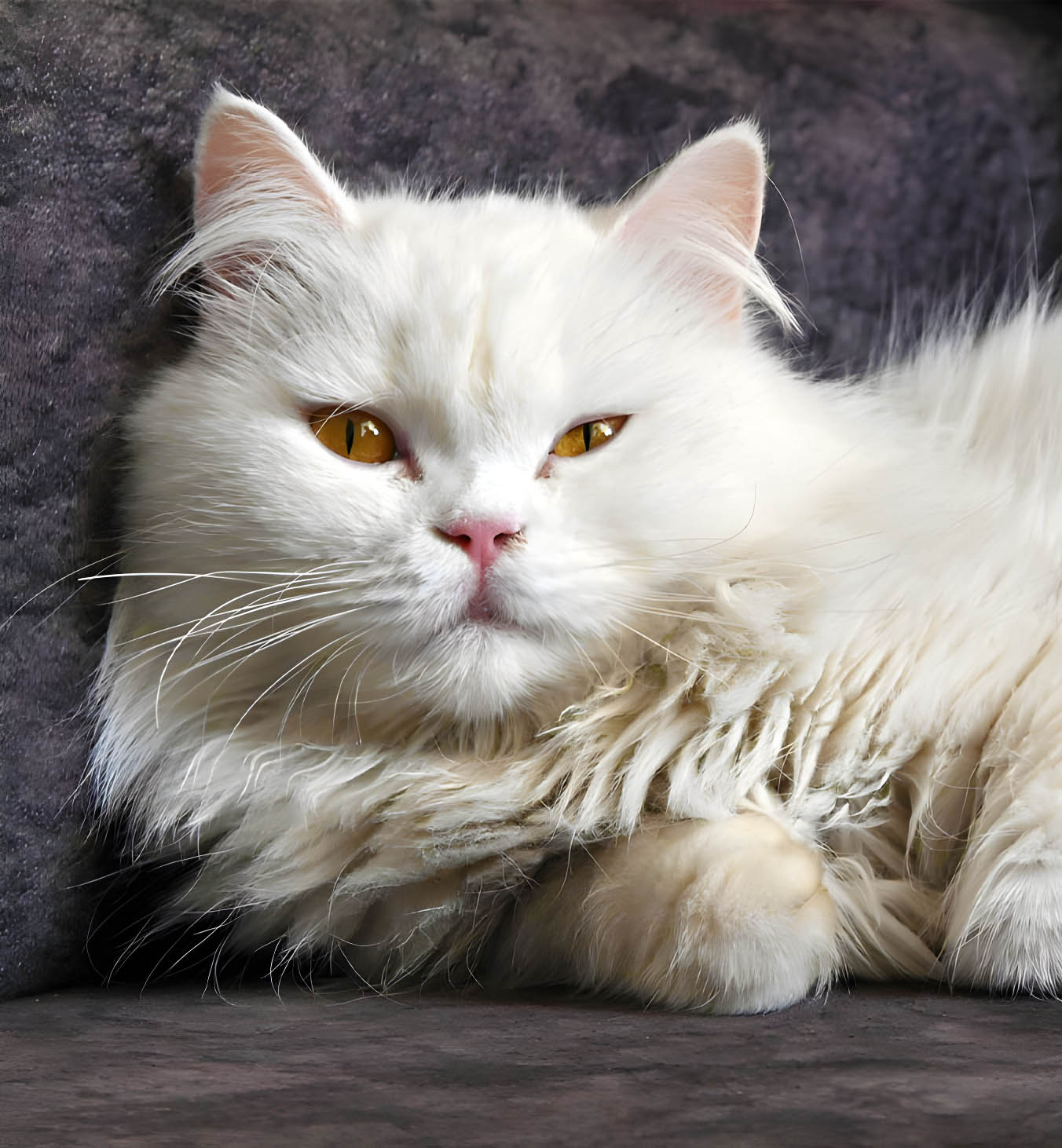
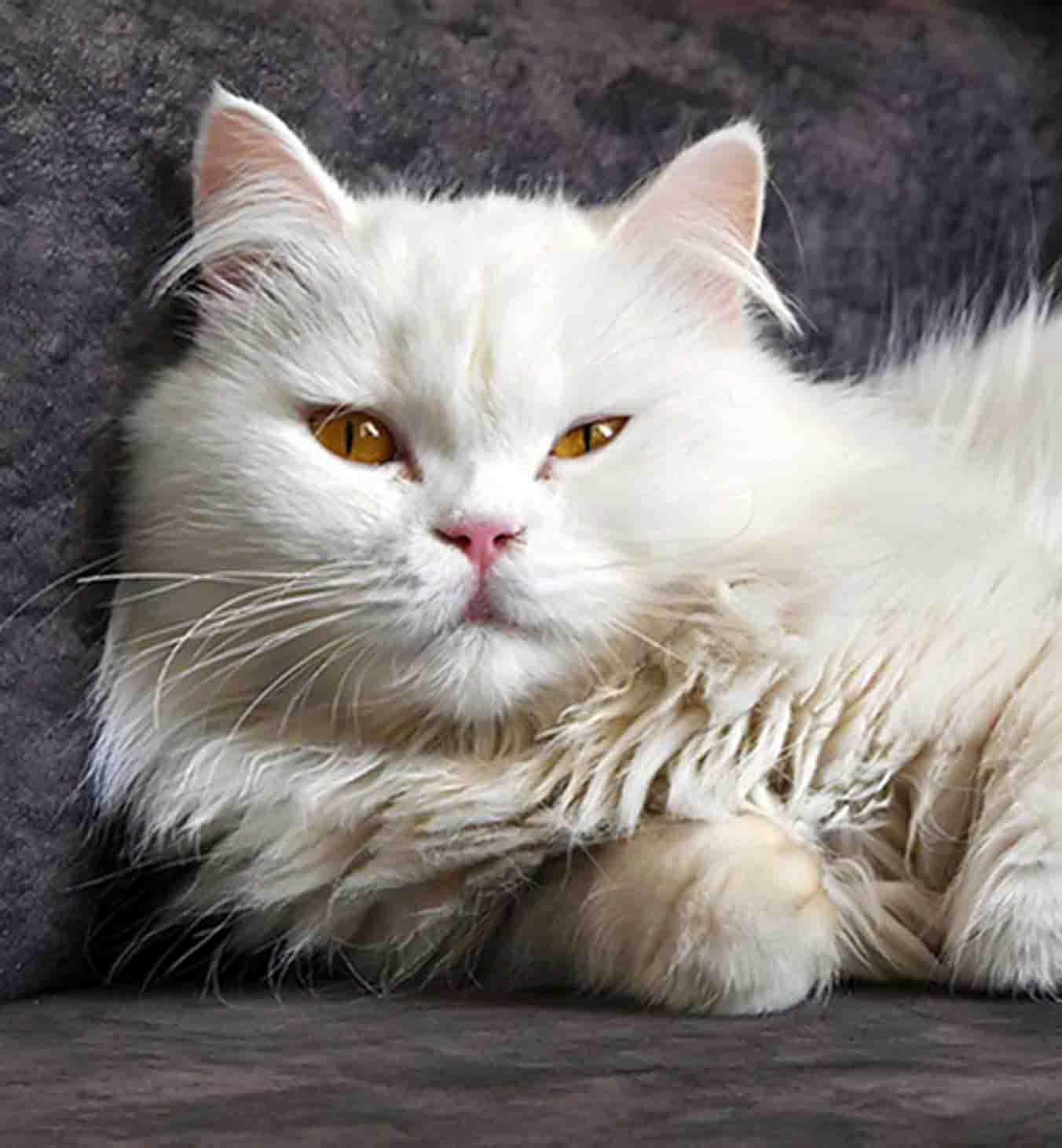
Eyes and teeth matter more than landscapes
GFPGAN helps when blur hits faces hardest—keeping identity intact matters more than absolute micro-sharpness everywhere.
Skin stays human
Less waxy reconstruction common in cheap apps.
Facial focal points
Eyes and lashes regain readability.
Group photos
Consistent treatment across faces.


Deblur rides along with denoise + upscale
JPEG blocking and ISO noise often accompany blur—we clean those contributors so the final image does not fall apart on zoom.
AI sharpening
Finishing pass after reconstruction.
Face restoration
Optional GFPGAN path for people-heavy shots.
Compression repair
Removes artifacts that fake “sharpness.”
Batch processing
Paid tiers for folders of soft shots.
Can you unblur image 100% of the time?
Transparent guidance aligned with our product guardrails.
No tool can violate physics. Mild blur, compression softness, and resolution limits respond best; severe motion blur or extreme misfocus may only partially recover—but the output is usually more usable than the original.
No. Outputs are AI-enhanced interpretations, not guaranteed ground truth—avoid legal or forensic framing.
Yes—outputs can reach up to 4× the original resolution in the same run.
JPG, JPEG, PNG, WebP as documented in the product overview.
Images are deleted post-processing with encrypted transit; we do not train on customer files.
Related tools
Upload the blur, see if AI agrees it is salvageable.
The slider tells the truth in seconds—no guessing with destructive filters.
- Auto-deleted files
- ~8–10s jobs
- Up to 4× output