Face restoration that keeps people recognizable
Generic upscalers turn eyes into glass and skin into plastic. PhotoSharpener detects faces, routes them through GFPGAN restoration, and still benefits from Real-ESRGAN on the overall frame—so headshots, wedding candids, and scanned relatives look human again.
- Max output
- Up to 4x
- Avg. time
- ~8s
- Formats
- JPG - PNG - WebP

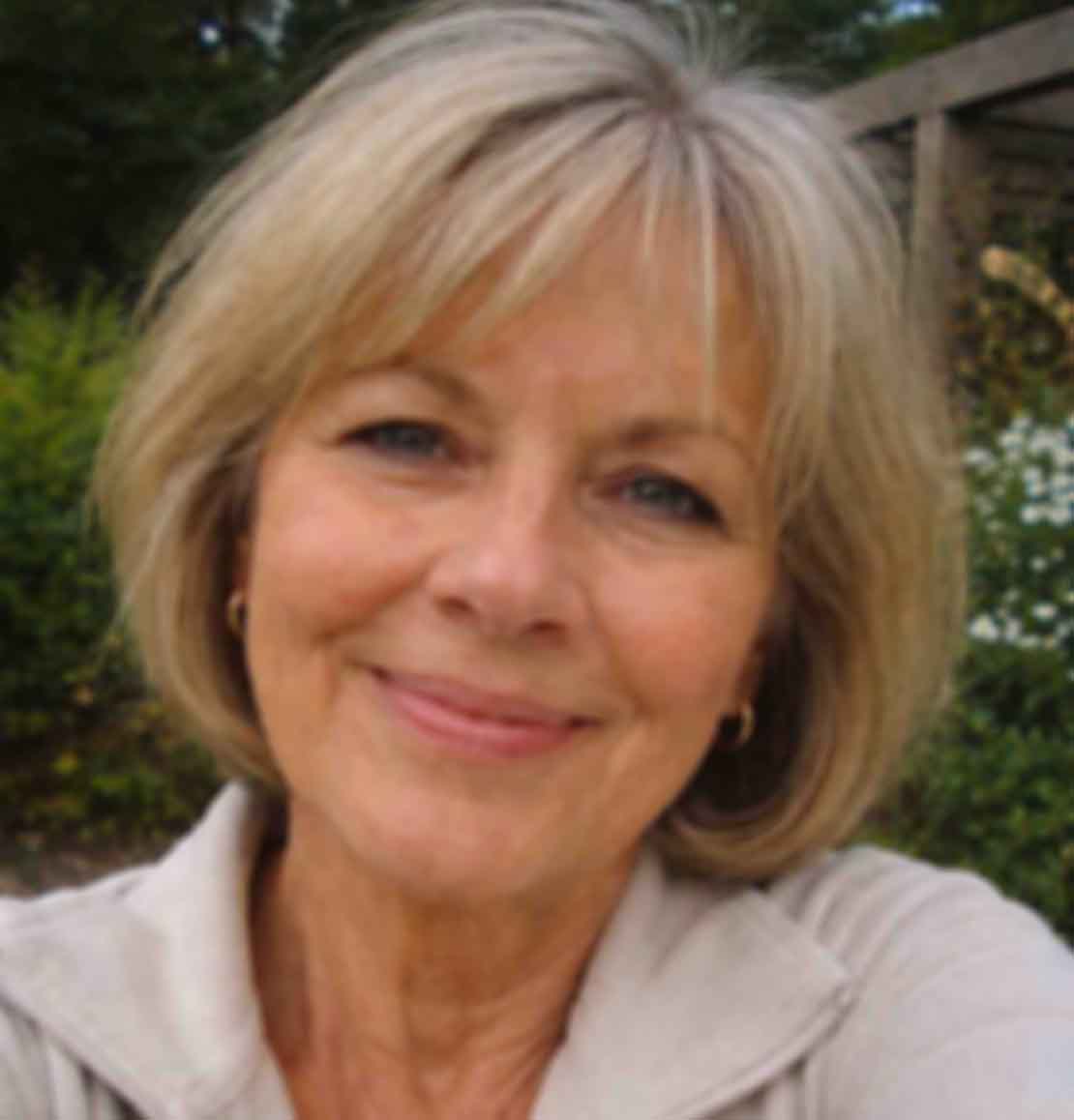
Detect, route, reconstruct
After upload, the pipeline finds each face and applies restoration tuned for eyes, teeth, and skin while the background still gets super-resolution cleanup—no manual masking required.
Add single or group shots
Works for headshots, reunion tables, or cropped social downloads.
GFPGAN restores facial structure
Balances sharpness with believable texture; Real-ESRGAN handles the rest of the frame.
Compare identities side-by-side
Use the slider to confirm everyone still looks like themselves—then export.
Restore Faces in One Upload
Upload a portrait or group photo for AI face restoration and clarity.
Skin has micro-texture; eyes need precision
A landscape upscaler can afford to hallucinate leaves. Faces cannot—GFPGAN is specifically trained to keep expressions believable while recovering resolution.
GFPGAN specialization
Purpose-built for facial feature recovery.
Edge discipline
Keeps teeth and iris boundaries clean.
Upscale with faces
Still outputs up to 4× when you need print size.
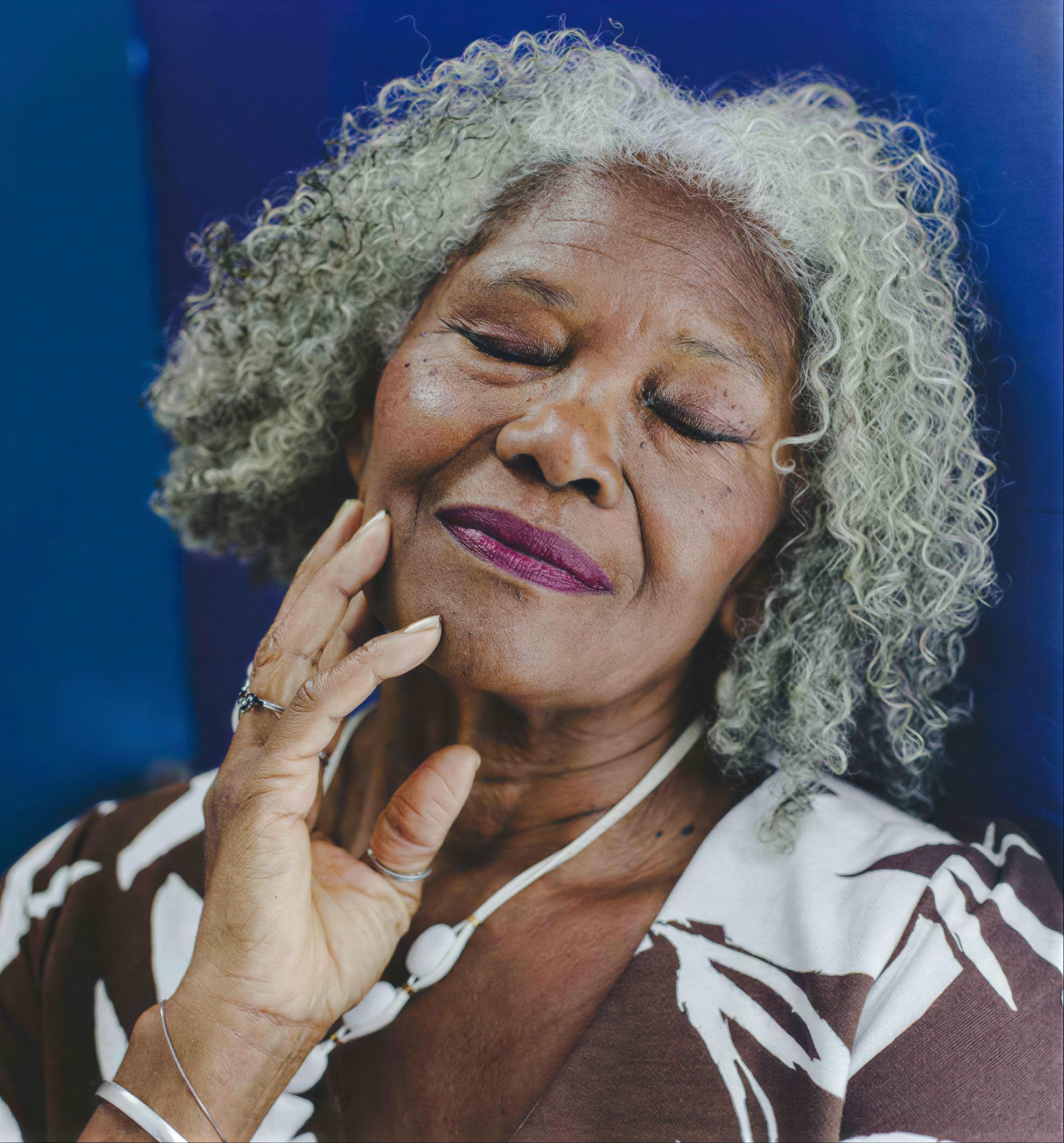
Everyone in the frame deserves the same pass
Uneven DIY face edits show up instantly at weddings and school events. Our detection loop applies consistent quality across every face it finds.
Balanced skin tones
Avoids one person looking AI-smoothed while another stays grainy.
Catchlights matter
Eyes regain dimension needed for professional headshots.
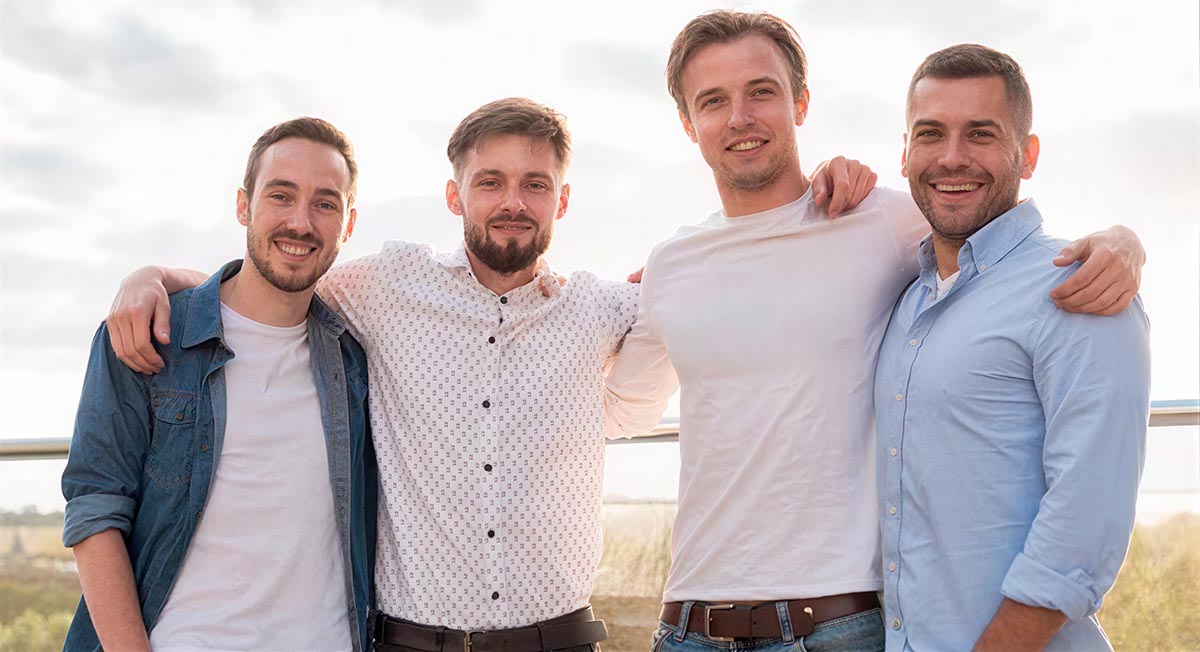
Multi-face aware
Handles overlapping subjects at realistic distances.
Backgrounds still get super-resolution
Hair, clothing, and scenery benefit from the same cleanup stack so composites do not look mismatched.
AI sharpening
Finishing clarity after restoration.
Dedicated face path
GFPGAN when people are present.
Noise cleanup
Keeps skin from turning speckled when detail returns.
Batch for studios
Process entire portrait sessions on paid tiers.
Face restoration boundaries
Practical answers for photographers and families—no deepfake promises.
The model aims to restore plausible detail for the person already in the photo—it should not invent a new identity. Always review sensitive portraits before publishing.
Yes—GFPGAN + cleanup is one of our strongest combos for vintage prints that were soft to begin with.
Outputs can reach up to 4× when you need wall prints or tight crops afterward.
JPG, JPEG, PNG, WebP per product documentation.
Encrypted transit and automatic deletion after delivery—no training on your portraits.
Related tools
Give every face a believable second pass.
Preview on the slider, export when expressions still feel authentic.
- Deleted after job
- Fast cloud GPUs
- Up to 4× total output