Portrait enhancer for believable skin and eyes
Portrait work is subjective—too sharp looks mean, too soft looks amateur. PhotoSharpener tightens micro-contrast with Real-ESRGAN, keeps edges disciplined, and leans on GFPGAN when faces need dedicated help so deliverables still feel like the person, not a filter preset.
- Max output
- Up to 4x
- Avg. time
- ~8s
- Formats
- JPG - PNG - WebP


One upload, multiple refinement passes
Super-resolution rebuilds detail, cleanup handles JPEG or ISO noise, and face-aware restoration kicks in when subjects are detected—mirroring how retouchers layer techniques, but automatically.
Deliver JPEG, PNG, or WebP
Ideal after Lightroom export or straight from clients who only have messaging downloads.
AI balances clarity and texture
Real-ESRGAN lifts edges; GFPGAN protects facial features from plastic oversmoothing.
Proof on the slider
Show clients the lift instantly, then export print or web sizes—including up to 4×.
Enhance This Portrait
Upload a portrait for clearer detail and natural face treatment.
Catchlights, lashes, fabric texture
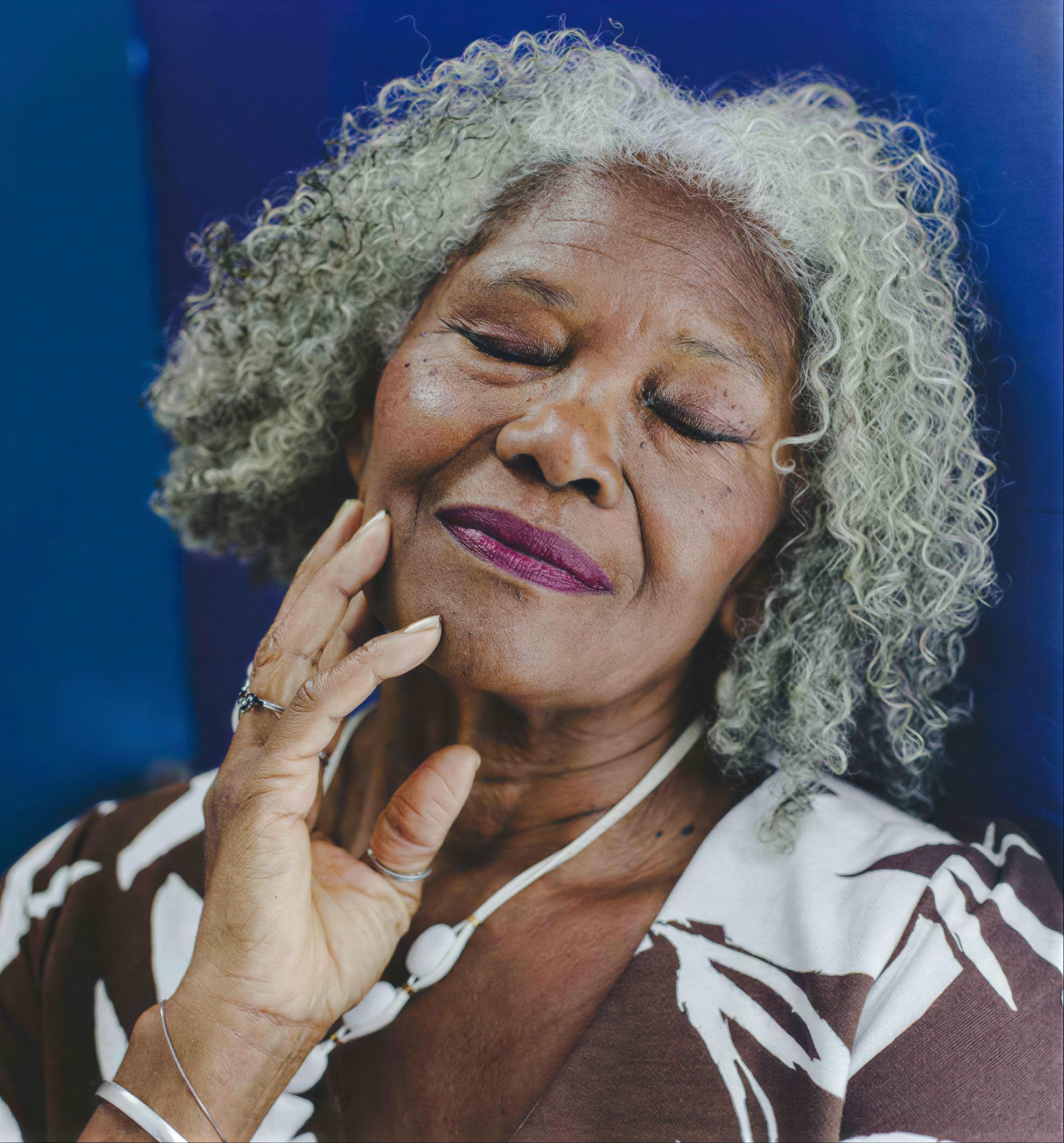
Portraits sell on micro-details—eyelashes, suit weave, bouquet ribbon. Super-resolution brings those cues back when exports were downsampled for the web.
Real-ESRGAN clarity
Rebuilds high-frequency detail lost in aggressive export settings.
Controlled edges
Stops halos on glasses and hair wisps.
Upscale deliverables
Turn 2K client proofs into 4K hero images when needed.
Group shots need even treatment
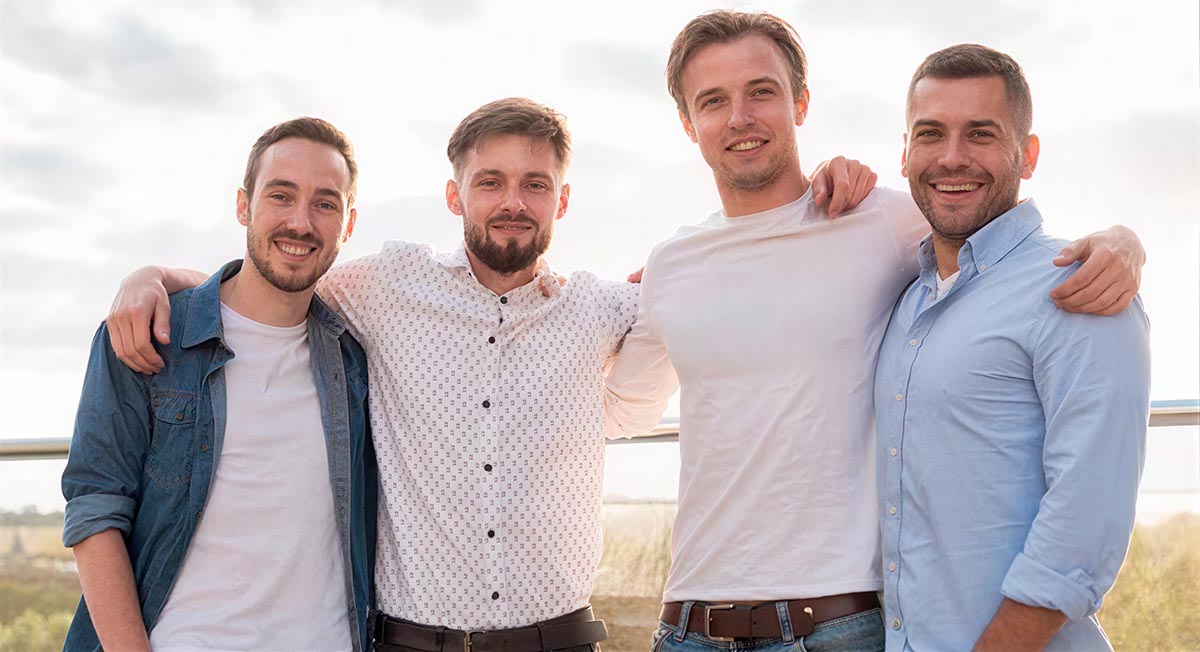
When Uncle Ray is soft but the bride is sharp, manual masks take forever. Face detection keeps everyone in the same quality band.
Natural skin
Keeps pores instead of beauty-filter blur.
Expressive eyes
Critical for emotional connection in finals.
Multi-subject aware
Consistent passes across the frame.
Background separation stays coherent
Environmental portraits still need sharp foliage and architecture—our pipeline enhances the full frame, not just a face cutout.
AI sharpening
Finishing clarity after super-resolution.
GFPGAN boost
Optional deep face restoration when needed.
Noise control
Tames ISO grain that portrait sharpening exaggerates.
Session batches
Wedding photographers can queue folders on paid tiers.
Portrait enhancer guardrails
Set expectations before promising clients “AI magic.”
No preset beautification—think detail recovery and clarity with optional face restoration that keeps identity intact.
Yes, but always review color and texture afterward—AI focuses on resolution and clarity, not creative grading.
It reduces the need for emergency fixes on soft files, but blemish removal and dodge/burn still live in your retouching app.
JPG, JPEG, PNG, WebP as documented.
Encrypted transit, auto-delete after delivery—no training on your files.
Related tools
Batch proofs or one hero image— enhance portraits in seconds.
Let AI handle the first heavy pass so you can focus on creative decisions.
- Deleted after processing
- ~8–10s per file
- Up to 4× output