Remove noise from photo online without painting away detail
Heavy denoise apps turn skin into watercolor. PhotoSharpener separates real texture from random grain, then lets Real-ESRGAN rebuild edges so night shots, indoor events, and wildlife frames stay crisp—not waxy.
- Max output
- Up to 4x
- Avg. time
- ~8s
- Formats
- JPG - PNG - WebP
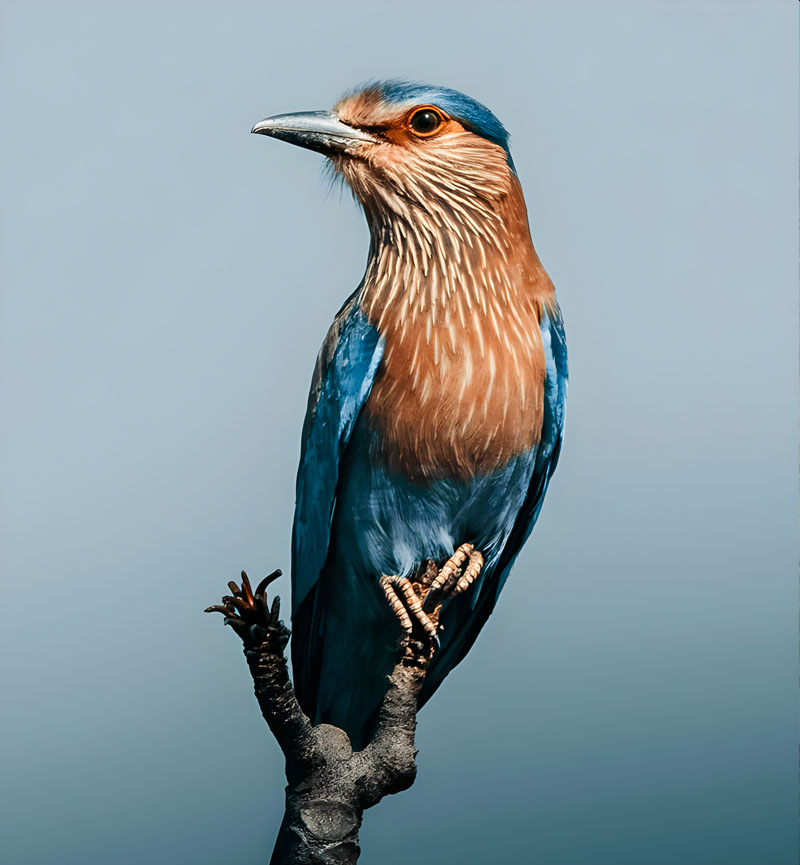
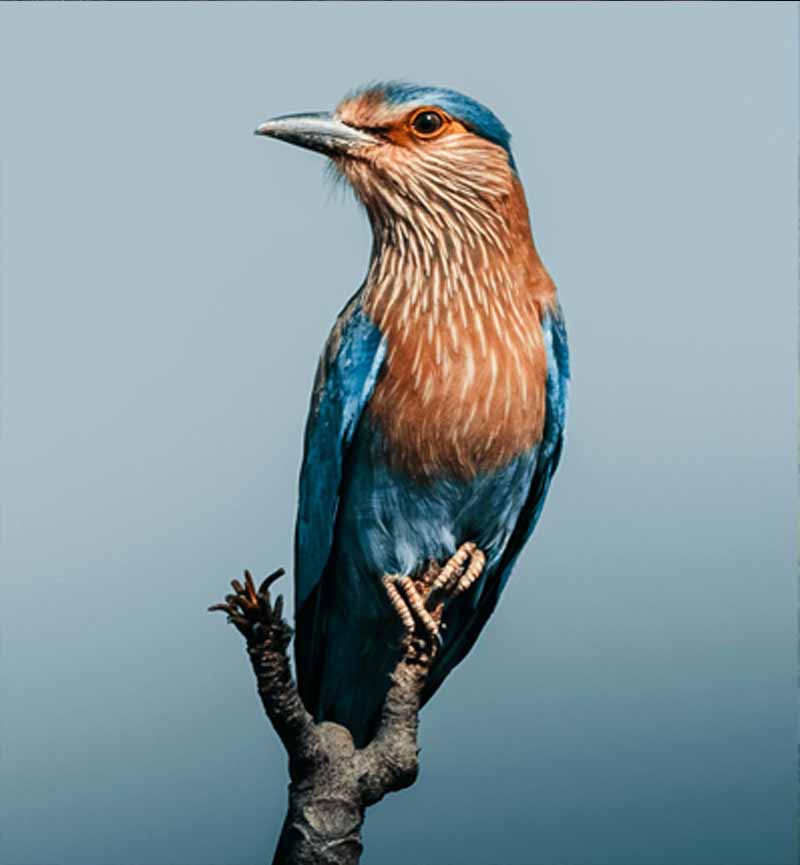
Strip speckle, keep fabric and fur
Upload once: cleanup reduces luminance and chroma noise, then super-resolution reconstructs edges that denoise alone would soften—ideal for photographers who hate plastic skin.
Export JPEG or PNG
Works on Lightroom exports, phone night mode shots, or drone stills.
AI balances smoothness and texture
Noise goes down; micro-contrast returns via Real-ESRGAN instead of brute-force blur.
Proof on the slider
Download when stars, eyelashes, and pet fur still look real.
Denoise Online
Upload a grainy photo—we reduce noise while preserving real detail.
Blur is easy; discernment is hard
Cheap filters average pixels blindly. Our stack learns what repeating speckle looks like versus actual hair strands or fabric weave.
AI noise modeling
Targets random grain instead of structural detail.
Edge preservation
Keeps stars, city lights, and whiskers defined.
Upscale after denoise
Optional 4× when you need print-sized output.


Compression chatter masquerades as ISO grain
Social reuploads add blocking patterns. Cleanup strips those before sharpening so artifacts do not multiply.
Skin stays dimensional
Pores remain, speckle leaves.
Catchlights intact
Important for portrait believability.
Events and groups
Keeps everyone evenly cleaned.


Pair denoise with sharpening control
After grain drops, a measured sharpen pass prevents the file from feeling mushy—automatically tuned in the same run.
AI sharpening
Restores punch after cleanup.
Face restoration
Optional GFPGAN when portraits need help.
Compression repair
Removes blocking that noise sliders miss.
Batch for events
Wedding photographers can queue folders on paid tiers.
Remove noise from photo online expectations
Honest guidance for night shooters and mobile photographers.
The model aims to keep point light sources while reducing background noise—always review astro shots critically.
Extreme underexposure still needs proper exposure in-camera; AI can clean moderate noise but cannot invent photons.
Yes—up to 4× super-resolution is available in the same workflow.
JPG, JPEG, PNG, WebP as documented.
Encrypted transit, auto-delete after delivery—no training on your photos.
Related tools
Upload the noisy frame, export a clean one.
Spend less time masking noise in Lightroom—let AI do the first heavy pass.
- Deleted after job
- ~8–10s typical
- Up to 4× output