Enhance screenshot quality when the only proof is fuzzy
Screenshots mix flat UI vectors with compressed JPEG noise once they travel through chat apps. PhotoSharpener rebuilds edge contrast on text and icons with Real-ESRGAN while stripping blocking artifacts so your documentation, bug reports, and slide decks stay legible zoomed in.
- Max output
- Up to 4x
- Avg. time
- ~8s
- Formats
- JPG - PNG - WebP
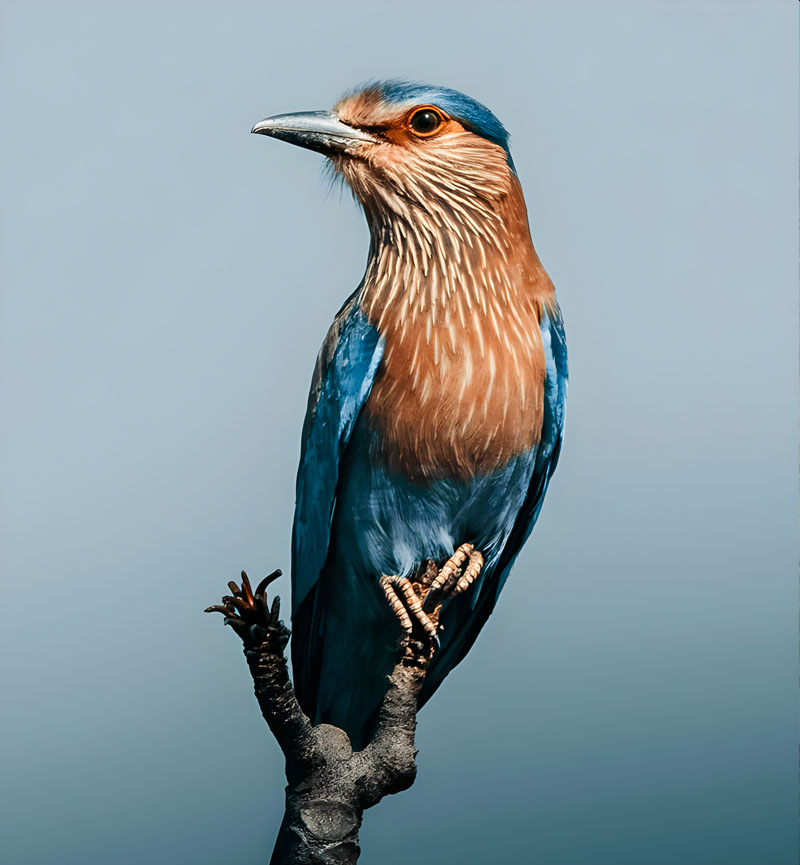
Upload the grab, export documentation-ready PNGs
One pass tackles mild blur from scaling, chroma noise from JPEG, and mushy iconography—ideal before you paste into Notion, Confluence, or keynote decks.
Capture or export cleanly
Prefer lossless PNG when possible; we still fix heavily compressed shares.
AI rebuilds edge structure
Super-resolution sharpens typography and dividers without ringing halos.
Drop into docs or tickets
Upscale up to 4× when reviewers zoom on retina displays.
Clean Up Screenshots
Upload a UI capture—we return sharper text and cleaner edges.
Downscaling plus recompress murders typography
UI fonts depend on crisp alpha edges. Once JPEG smears them, normal sharpen filters just add glow. Super-resolution predicts plausible strokes instead.
Real-ESRGAN detail
Rebuilds micro-contrast on thin lines.
Halo control
Keeps buttons and glyphs from glowing.
Upscale for 4K decks
Present full-width without stair-stepping.
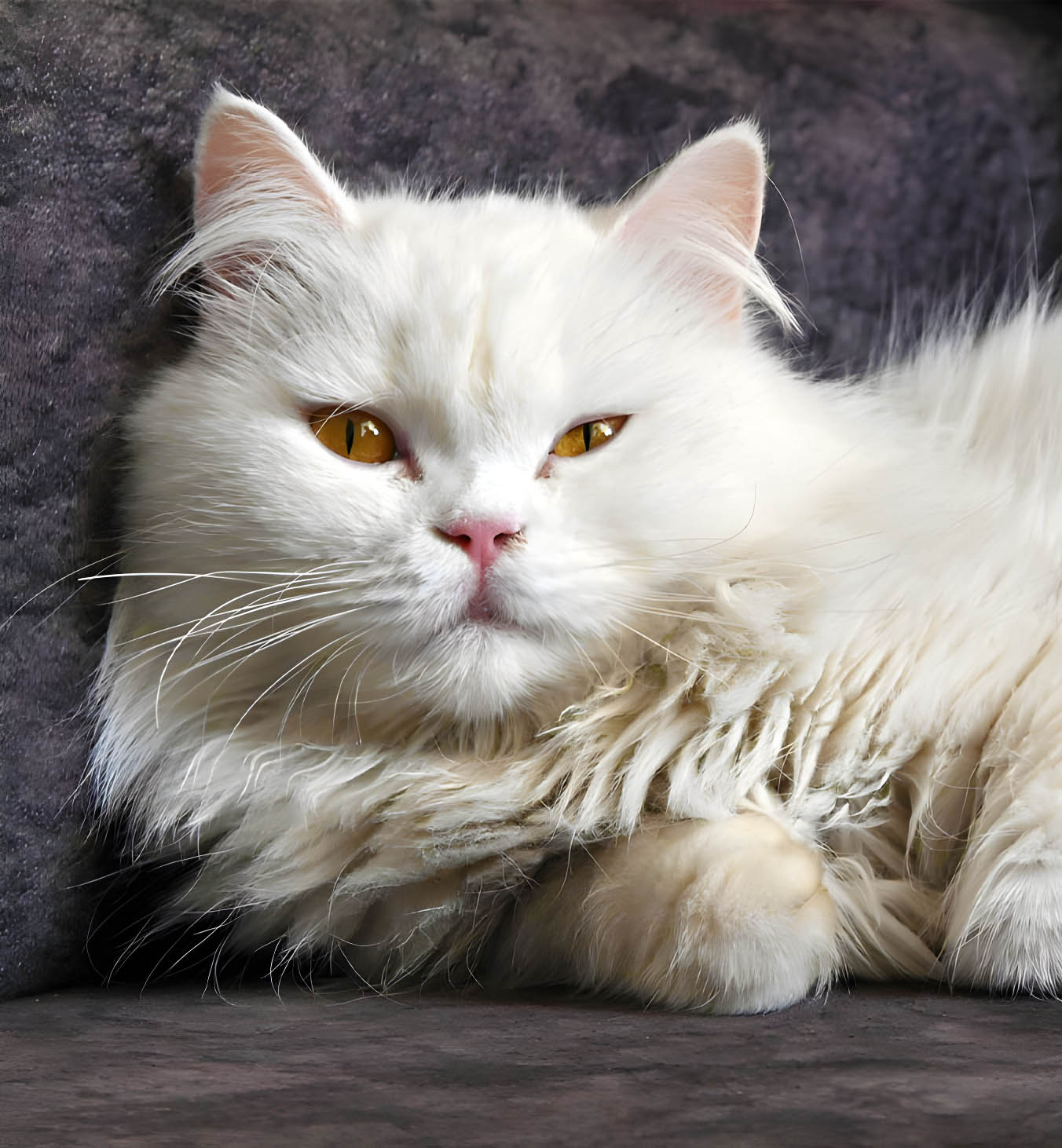
Hero sections and pricing tables need to survive zoom
When you only have a marketing site screenshot for a case study, AI enhancement buys time before official assets arrive.
People in UI demos
Face-aware path helps webinar thumbnails.
Readable facial cues
Keeps presenter shots credible.
Team shots in slides
Everyone stays balanced.


De-block + denoise before sharpening
Compression artifacts are the real enemy—we remove blocking that naive sharpen would exaggerate.
AI sharpening
Finishing pass after reconstruction.
Face restoration
Optional when screenshots include people.
Artifact cleanup
Targets JPEG squares common in chat exports.
High-resolution output
Get crisp, clear images ready for social media or printing.
Enhance screenshot quality realistically
What AI can fix in UI captures—and what still needs a re-export from design tools.
AI can rebuild believable edges, but the perfect fix is still grabbing a PDF/SVG from design. Use this when you only have a raster share.
Yes—those apps love aggressive JPEG. Expect the biggest clarity wins there.
Outputs can hit up to 4× when you need headroom for video overlays.
JPG, JPEG, PNG, WebP per product docs.
Files delete automatically after processing; encrypted transit throughout.
Related tools
Paste the fuzzy grab, download a crisp one.
Reviewers stop squinting—your screenshots finally match the quality of the product you are shipping.
- Auto-deleted files
- Fast GPU queue
- Up to 4× upscale