Low resolution to high resolution without the mushy resize
Thumbnails, messenger downloads, tight crops, and old web assets often lack pixels for print or zoom. PhotoSharpener adds real resolution with Real-ESRGAN super-resolution and cleanup so the larger file still looks like detail—not a blown-up blur.
- Max output
- Up to 4x
- Avg. time
- ~8s
- Formats
- JPG - PNG - WebP
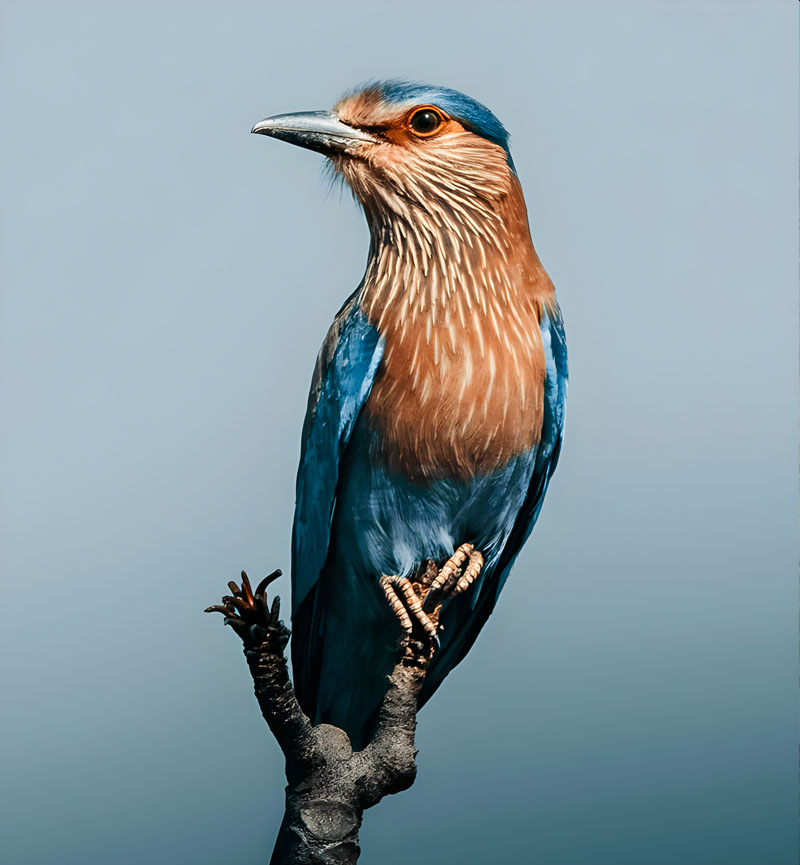
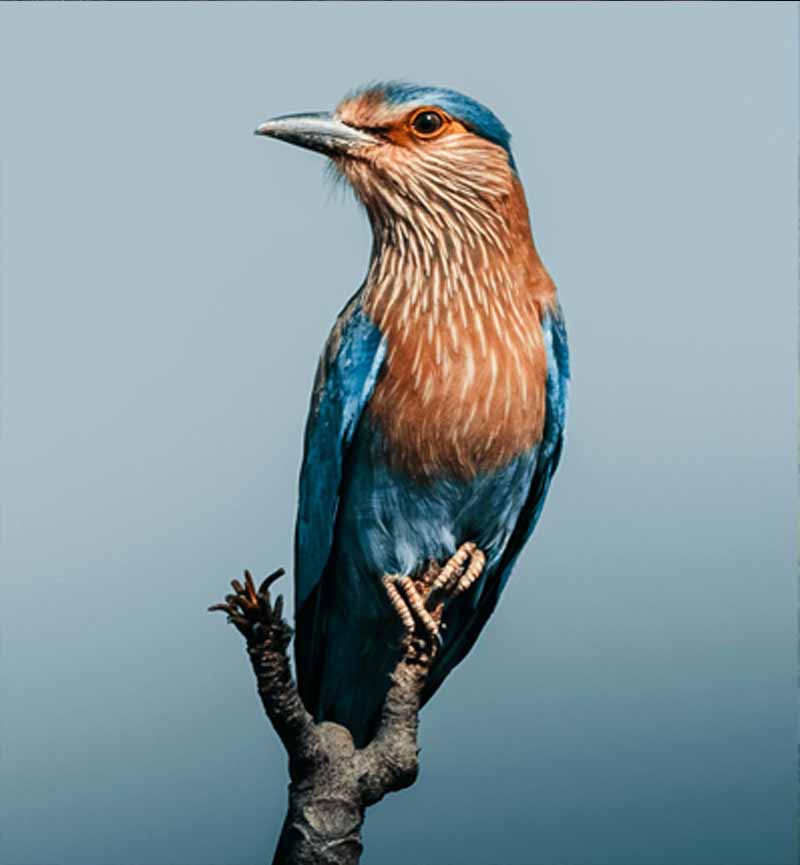
More megapixels, same subject
One upload runs cleanup plus super-resolution so new pixels carry texture instead of interpolation blur—ideal when your only file is already small.
Drop the smallest usable file
JPG, PNG, or WebP from phone, web, chat apps, or archives.
AI reconstructs high-frequency detail
Real-ESRGAN predicts plausible edges and texture while optional face paths protect portraits.
Export a higher-resolution master
Compare on the slider, then download with enough pixels for crop, print, or storefront zoom.
Rescue Low-Res Sources
Upload the small file you have—we return a higher-resolution version with AI.
Interpolation stretches pixels; super-resolution invents structure
Classic resize adds canvas size but rarely adds believable detail. This workflow targets the blocky edges and flat texture that show up when you force a tiny raster into a large frame.
Real-ESRGAN backbone
Trained on real photos so foliage, fur, and fabric regain believable micro-texture.
Edge recovery
Keeps lettering and fine lines from dissolving when dimensions jump.
Up to 4x resolution
Enough headroom for banners, posters, or aggressive reframes.
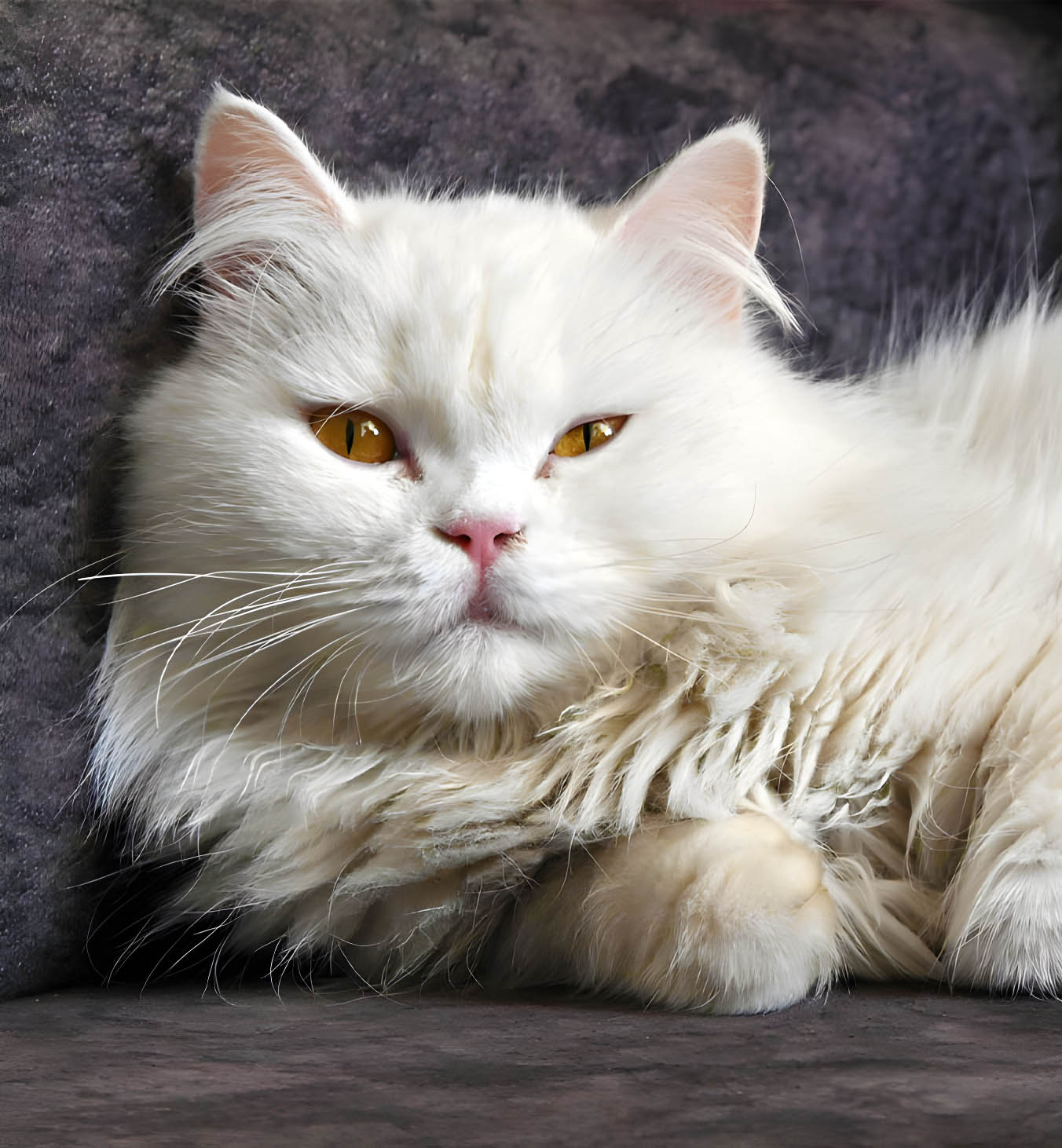
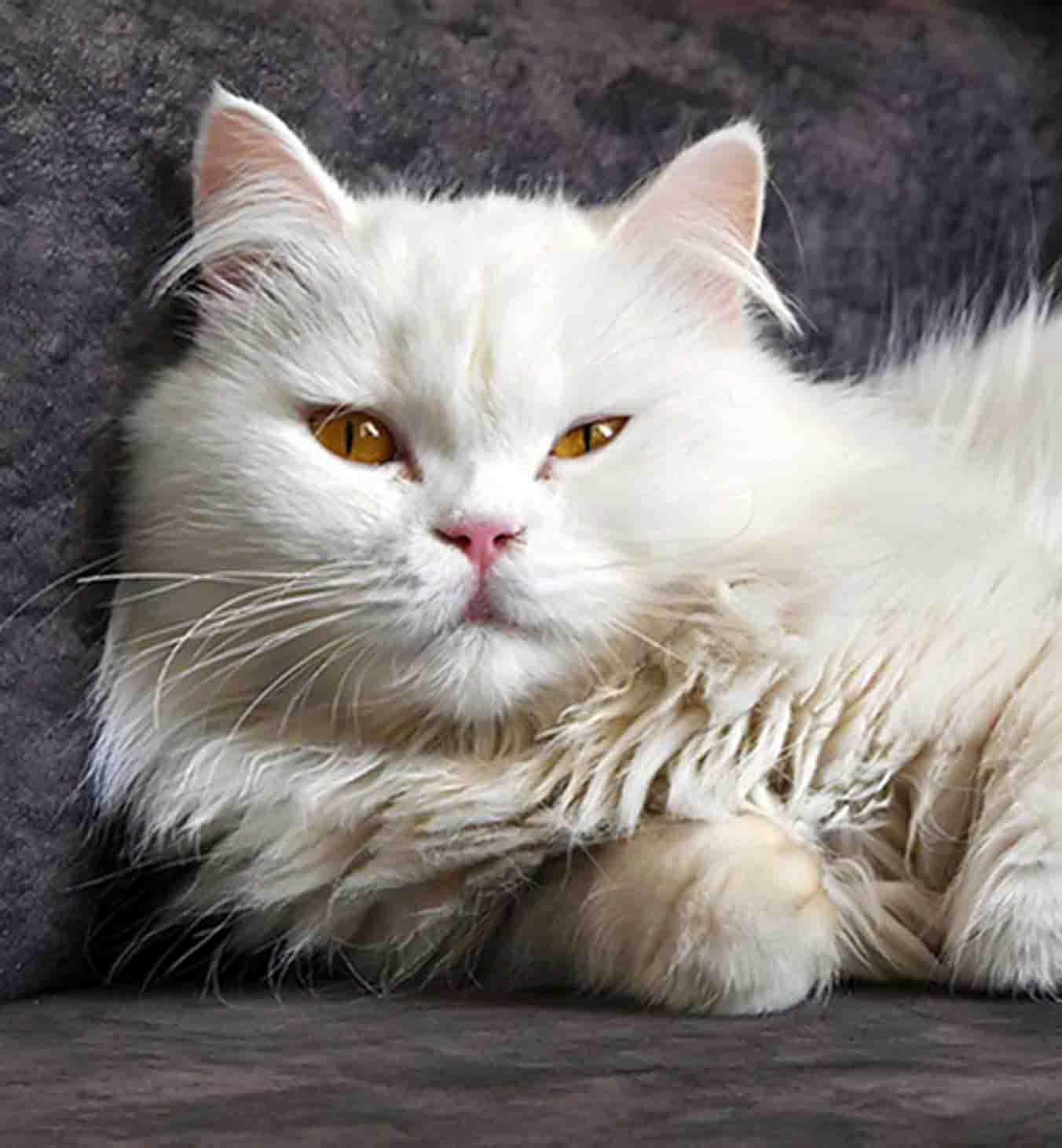
Faces need a different path than landscapes
Pushing resolution on portraits can look waxy fast. Face-aware restoration keeps eyes and skin convincing while the rest of the frame still benefits from super-resolution.
Natural skin micro-contrast
Avoids plastic smoothing when pixel count climbs.
Eyes stay readable
Critical portrait cues remain sharp at larger sizes.
Balanced group shots
Multiple faces receive consistent treatment in one frame.


Resolution lift plus sharpening and cleanup
JPEG grime and noise get worse when you upscale—so we denoise and de-block before the final export whenever the model sees it.
AI sharpening
Clarifies edges after resolution work without halo sliders.
GFPGAN option
Optional face restoration for archival portraits.
Artifact stripping
Tackles compression blocks before they scale up.
Batch on paid tiers
Queue folders of low-res exports with filenames intact.
Before you push pixels read this
Honest guidance on what “low resolution to high resolution image” can and cannot mean with AI.
It creates plausible high-resolution detail using super-resolution models trained on real photos. You get more pixels and sharper structure, but it cannot recover information that was never captured—extreme blur still has limits.
Screenshots, social recompressions, tiny catalog thumbs, scanned prints, and AI renders exported small all tend to improve dramatically because they mix softness with missing high frequencies.
PhotoSharpener outputs up to 4× the original resolution. Pair that with sensible print math for your final size.
Yes—those files are classic low-res/high-compression inputs. Expect the biggest wins when the original is severely starved for pixels.
Files are encrypted in transit, processed on GPUs, and deleted automatically after delivery—no training on your uploads.
Stop stretching in Photoshop alone. Rebuild resolution with AI.
Preview the gain on your actual file, then export when the comparison convinces you.
- Auto-deleted after processing
- Typical turnaround ~8–10s
- Up to 4× in one pass