Increase image resolution up to 4x in one pass
Need more pixels without a mushy resize? PhotoSharpener raises width and height while reconstructing real texture, so exports look like they came from a higher-megapixel source—better for print specs, crop room, ecommerce zoom, and sharp fullscreen visuals.
- Max output
- Up to 4x
- Avg. time
- ~8s
- Formats
- JPG - PNG - WebP
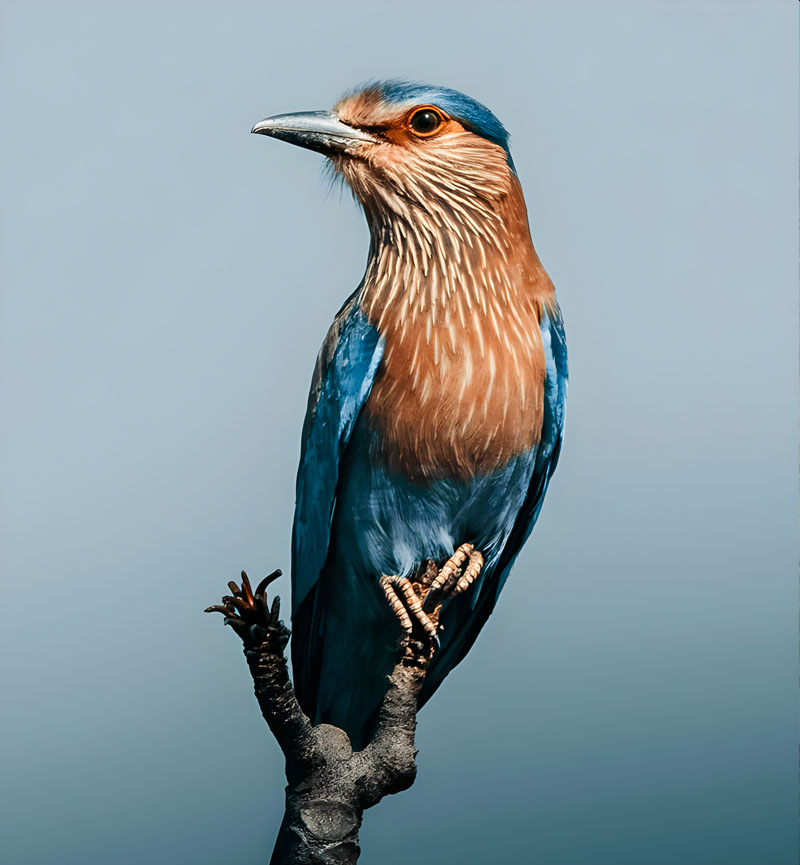
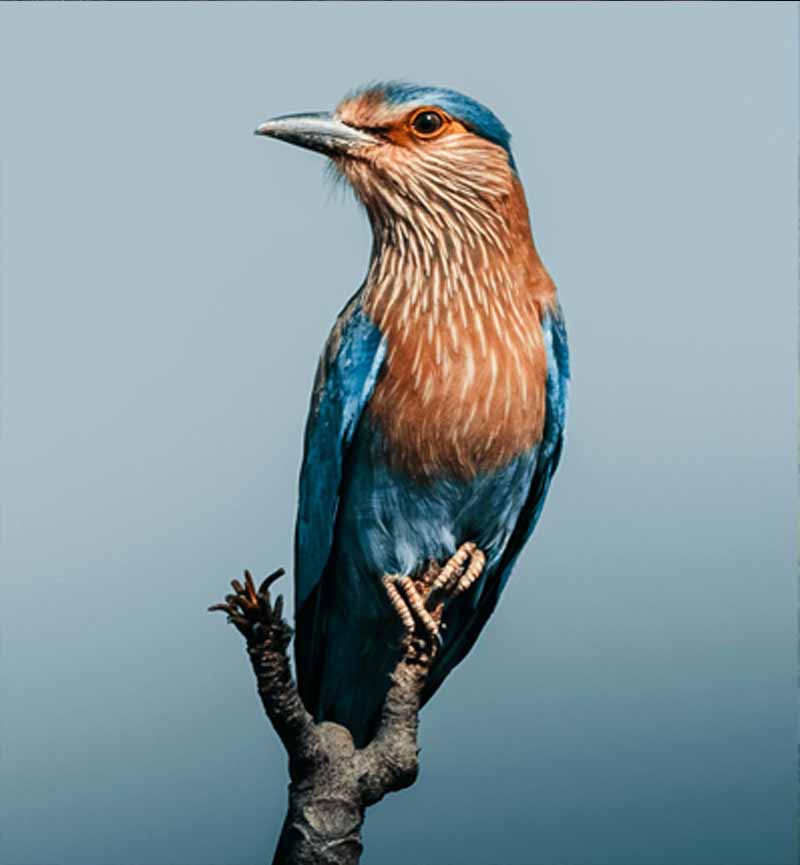
Increase resolution with AI reconstruction
Upload a file or paste a URL. We run cleanup and super-resolution in one step, then you compare and download a higher-resolution image—no manual masking or filter stacks.
Upload your source image
JPG, PNG, or WebP. Phone shots, small web assets, scans, screenshots, and AI renders all work.
AI raises resolution and rebuilds detail
Real-ESRGAN outputs more pixels while sharpening edges and texture; portraits get automatic face-aware restoration.
Compare at full size, then export
Use the slider to verify the gain, then download a file with higher pixel dimensions for your workflow.
Raise Resolution in Seconds
Upload any image and get a higher-resolution version back with AI.
True resolution gain, not interpolation alone
Stretching width and height with classic resampling adds pixels but rarely adds clarity. Super-resolution targets the missing high-frequency information so your larger canvas still reads sharp when you zoom, print, or crop.
Real-ESRGAN core
Generative upscaling trained on real photos rebuilds texture that simple resize would smear.
Crisp edges at new dimensions
Keeps lettering, product edges, and fine lines defined after the resolution bump.
Up to 4x pixel dimensions
Turn a tight crop or thumbnail into headroom for banners, posters, or high-DPI exports.
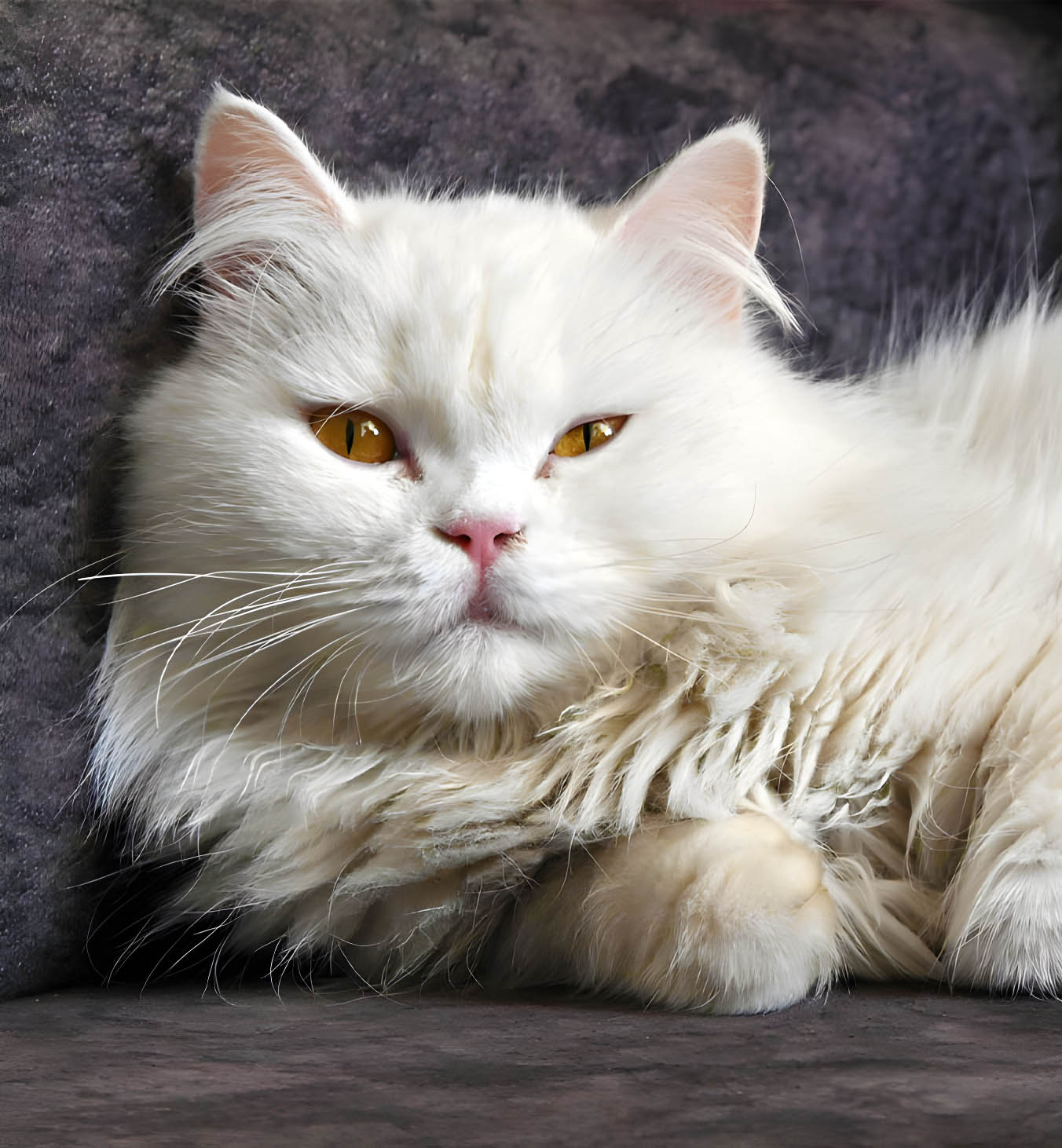
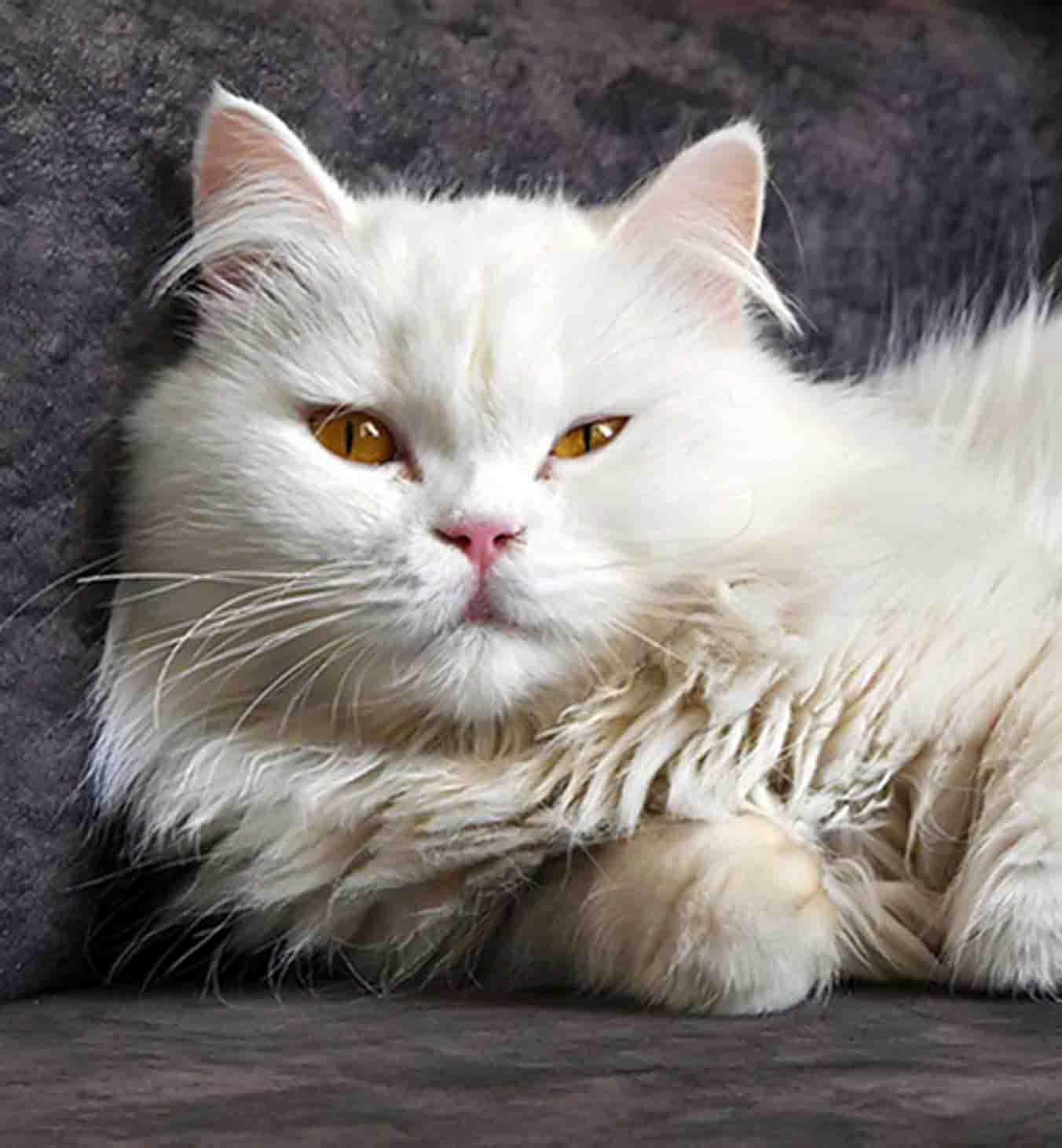
Faces keep natural texture at higher resolution
Boosting resolution on people is where cheap tools show plastic skin and glassy eyes. Face-aware processing keeps identity intact while lifting detail so headshots and family photos still look human at larger sizes.
Skin micro-contrast preserved
Avoids over-smoothing when pixel count jumps.
Eyes and lashes stay sharp
Critical portrait cues remain clear after enlargement.
Even quality in group shots
Multiple faces get consistent treatment in one frame.
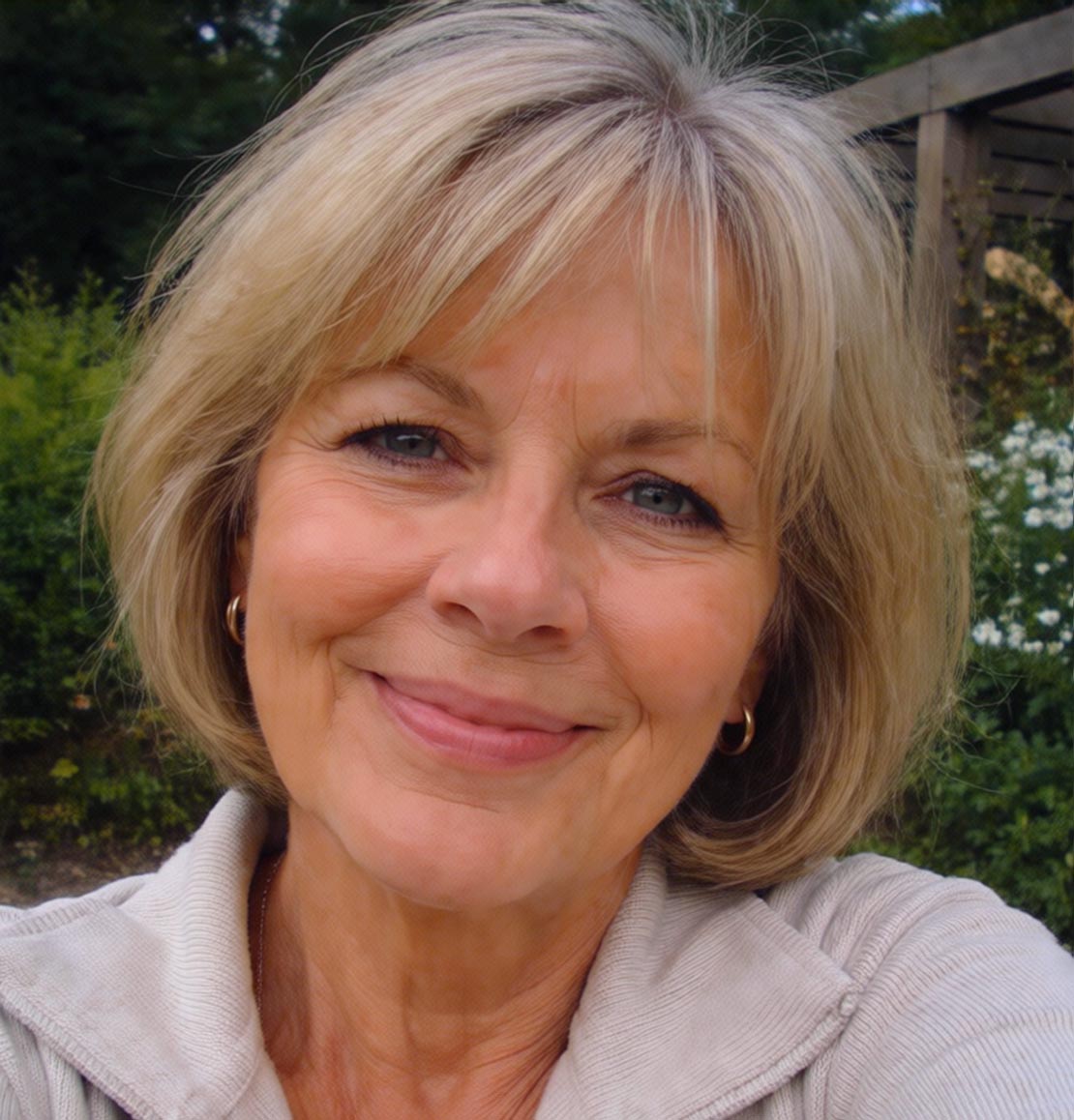
Resolution boost plus full enhancement pass
Every run also applies sharpening, artifact cleanup, and optional face restoration so you are not chaining three separate apps after you increase resolution.
AI photo sharpening
Add clarity after the resolution step without harsh halos.
Face restoration
Optional GFPGAN path for natural facial detail on difficult scans.
Noise and artifact cleanup
Reduces JPEG blocks and grain before they scale up with the new pixel grid.
Batch processing
Pro and Studio plans process whole folders in parallel with filenames preserved.
Before you increase image resolution
Practical answers about pixel gain, limits, and when AI resolution increase helps most.
It means raising the pixel dimensions (width and height) of a raster image so you have more samples to work with. Done well—especially with AI super-resolution—the new pixels carry reconstructed detail instead of looking like a soft digital zoom.
PhotoSharpener increases resolution up to 4x the original resolution, which covers most print, crop, and display needs without unrealistic promises.
Often yes for mild blur, JPEG softness, and low-res sources. Severe motion blur or a completely missed focus point cannot be perfectly recovered, but a resolution pass plus reconstruction usually produces a more usable file than a plain upscale.
Traditional resampling guesses new pixels by averaging neighbors. Super-resolution models are trained to predict plausible high-frequency detail, which usually preserves edges and texture better when you need a real jump in pixel count.
Yes. Designers often increase image resolution first so the file meets minimum pixel dimensions for a print size or large-format display, then finish color in their usual tools.
JPG, JPEG, PNG, and WebP. Very large sources (around 24MP+) may require paid plans with extra GPU memory per job.
Yes. Files are transferred securely, processed, and automatically deleted after delivery. We do not train on your images or reuse them for marketing.
Start from a small file. Export with more pixels and clearer detail.
Preview the resolution increase before you commit. Unlock full output when you are happy with the comparison.
- Images auto-deleted after processing
- Most jobs finish in under 10s
- Up to 4x from a single pass