AI wall art upscaler for canvas and gallery prints
An AI wall art upscaler is for generative pieces that must survive arm’s-length viewing on canvas, metal, or fine-art paper. PhotoSharpener enlarges up to 4x and rebuilds texture so wall art does not look soft the moment someone steps closer.
- Canvas
- Gallery paper
- Metal prints
- Etsy wall art
- Max output
- Up to 4x
- Avg. time
- ~8s
- Formats
- JPG - PNG - WebP
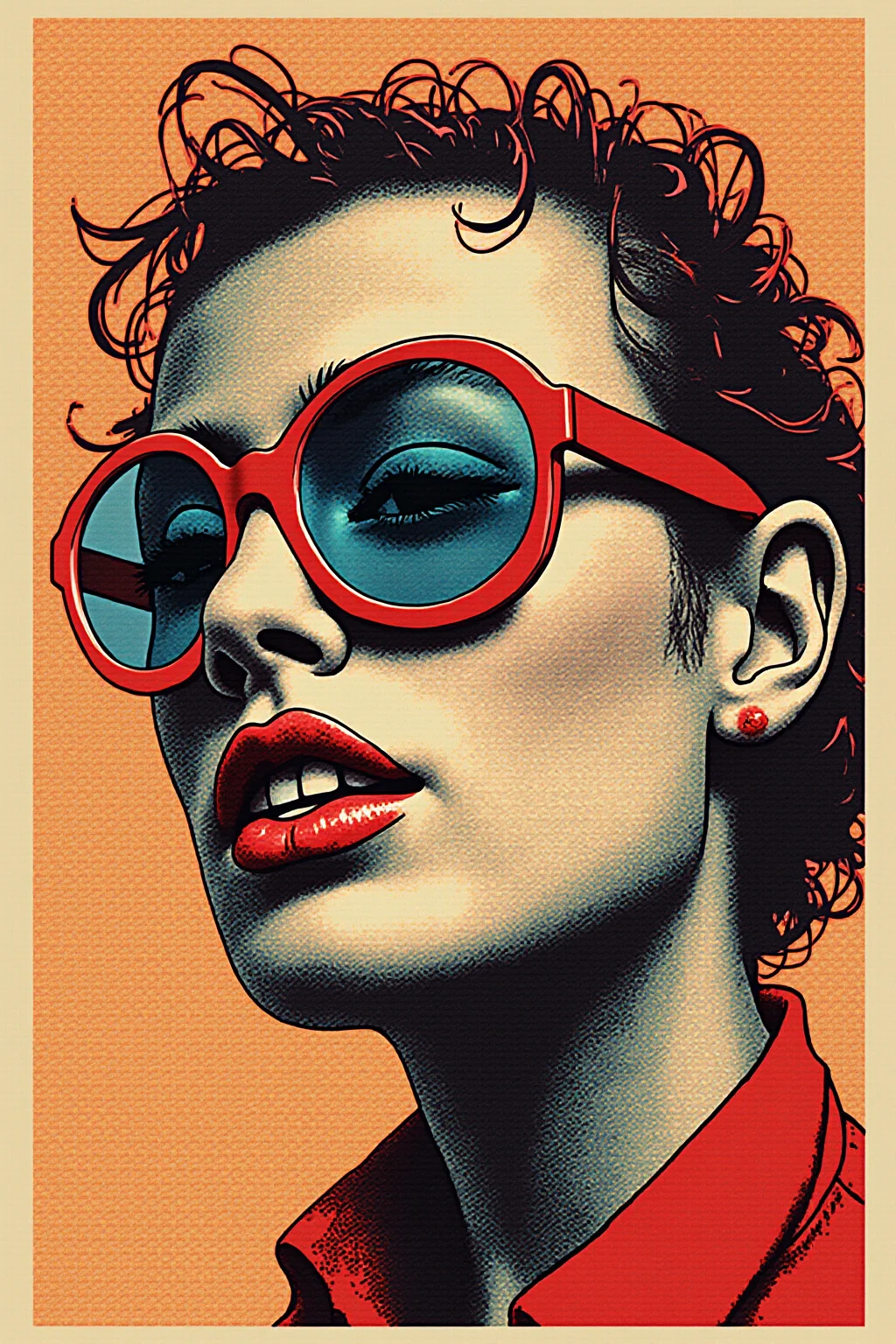

Upscale the generative plate, then order the canvas
Screen sharpness is not gallery sharpness. Grow the file before you upload to a canvas vendor.
Export the cleanest generative master
Avoid marketplace thumbnails—use the original generator download.
AI wall art upscale pass
Real-ESRGAN enlarges up to 4x and rebuilds surface detail that canvas wraps expose.
Upload to your print vendor
Place at the vendor’s recommended DPI for canvas, acrylic, or fine-art paper.
AI Wall Art Upscale
Upload generative wall art—we enlarge and recover detail for canvas and gallery prints.
How big can your AI export actually print?
Rough pixel-to-inch math after a 4x upscale. Use 150 DPI for large-format viewing distance; aim for 300 DPI when the piece will be seen up close.
| Typical AI export | After 4x upscale | Soft print (~150 DPI) | Close-view (~300 DPI) |
|---|---|---|---|
| ~1024 × 1024 | ~4096 × 4096 | ~27 × 27 in | ~14 × 14 in |
| ~1280 × 720 | ~5120 × 2880 | ~34 × 19 in | ~17 × 10 in |
| ~1536 × 1536 | ~6144 × 6144 | ~41 × 41 in | ~20 × 20 in |
| ~2048 × 2048 | ~8192 × 8192 | ~55 × 55 in | ~27 × 27 in |
These are approximate. Always confirm bleed, color mode, and vendor DPI with your print shop. Large-format posters viewed from several feet away can often run below 150 DPI; canvas and fine-art prints usually want more.
- Start from the native high-res download—not a Discord or social preview.
- Upscale the art plate first, then overlay vector type in your layout tool.
- Match DPI to viewing distance: posters can go softer than hand-held prints.
Canvas, paper, and metal need real texture
If the piece hangs on a wall, grow it before checkout.
 Poster
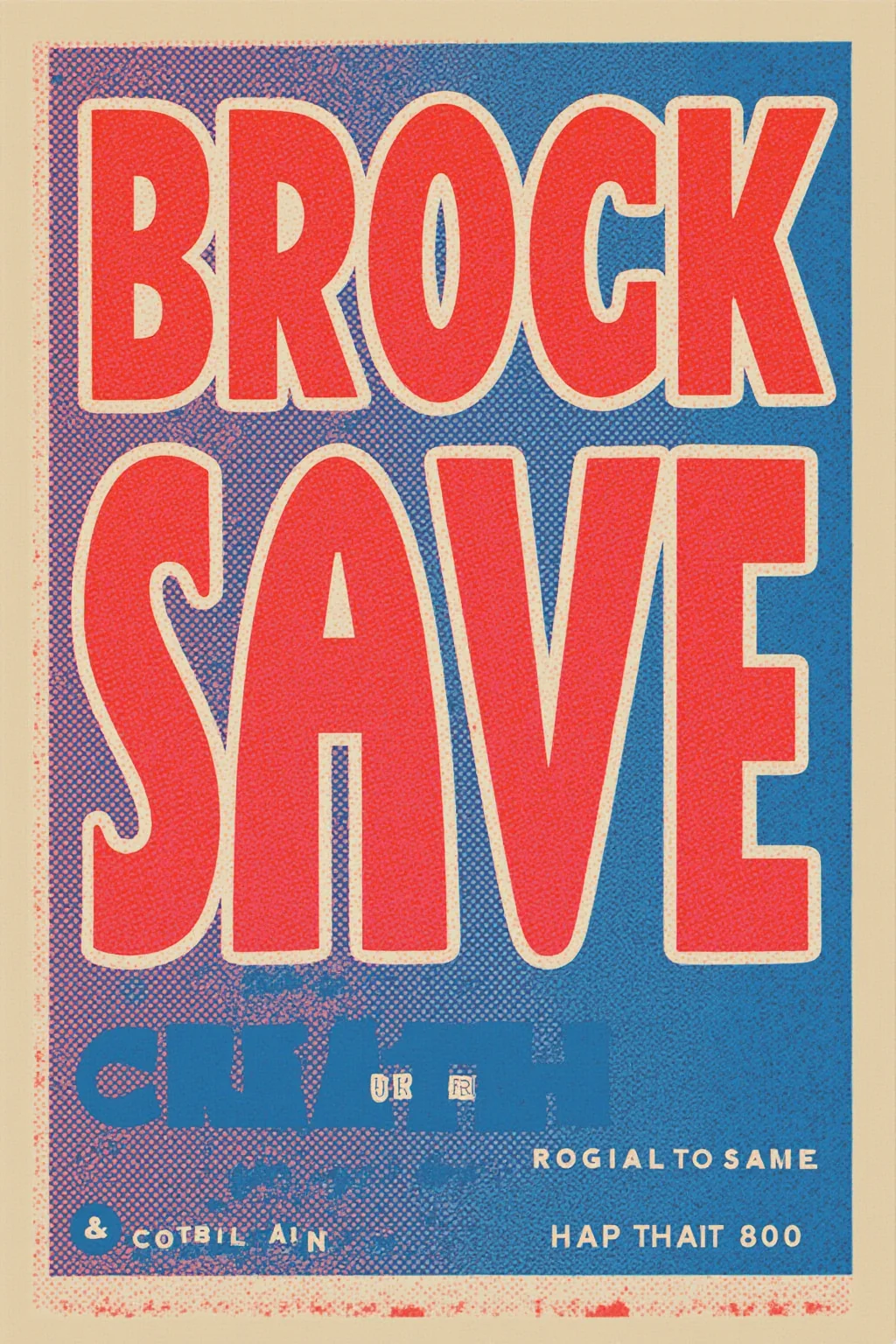 Wall art
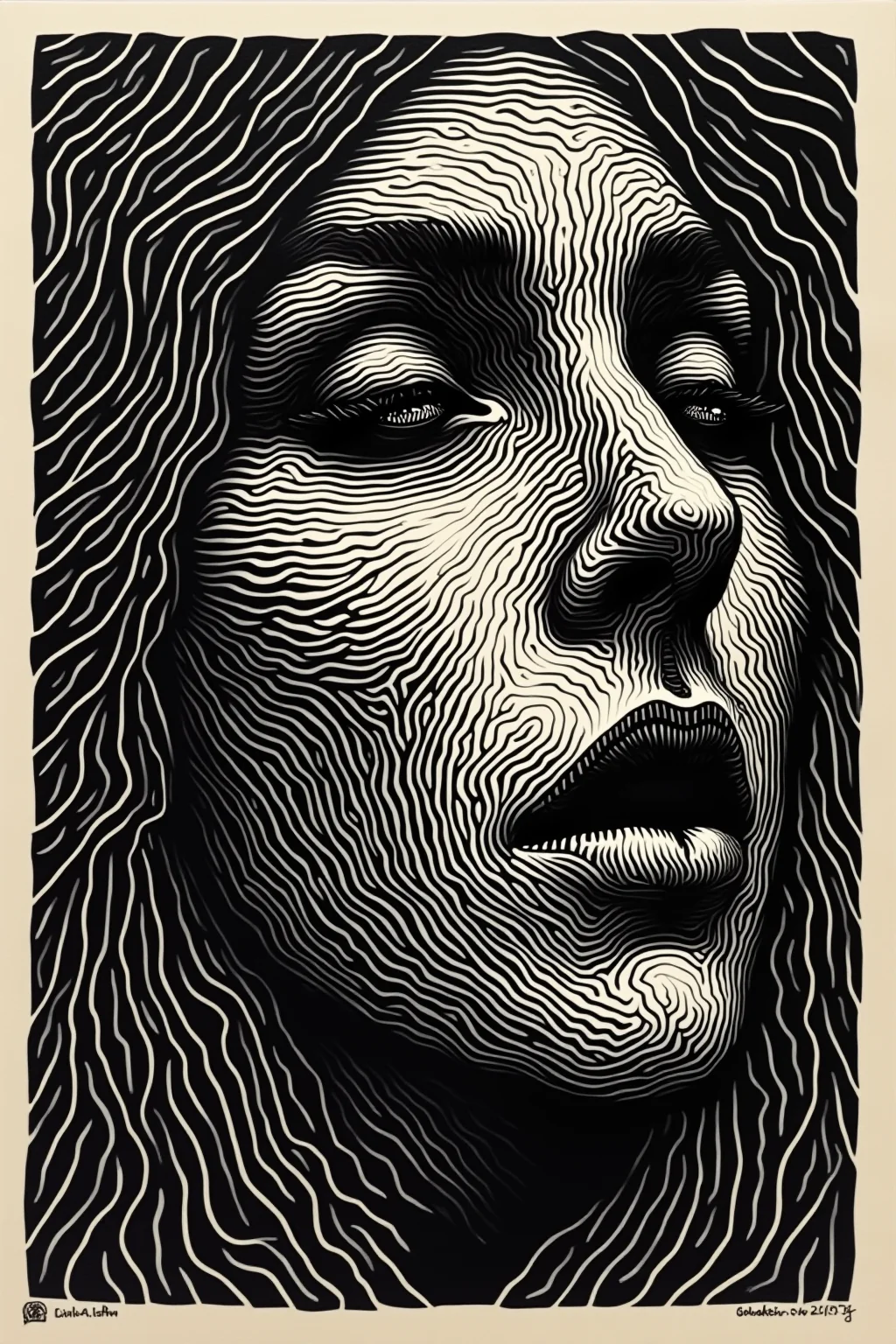 Detail
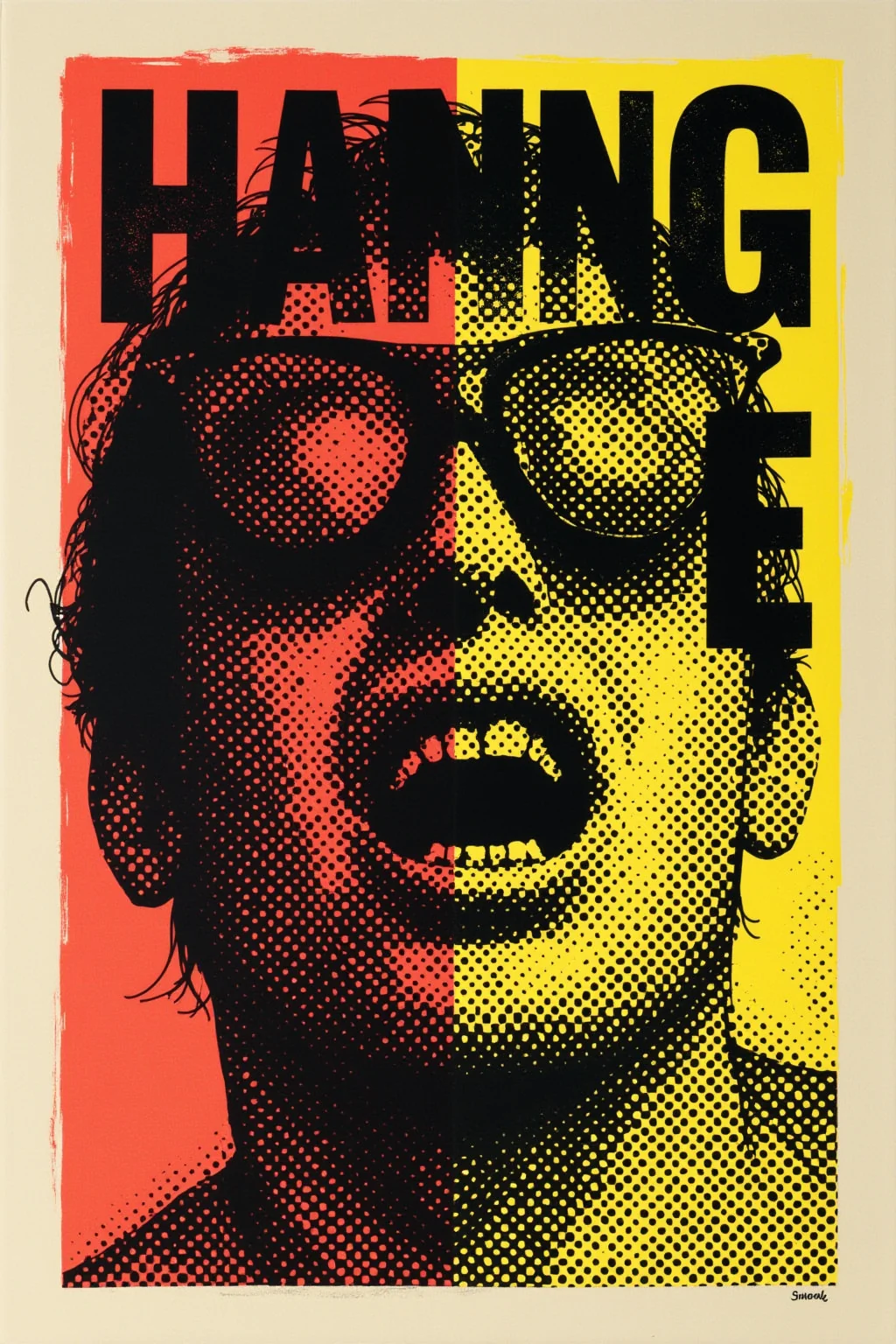 Portrait
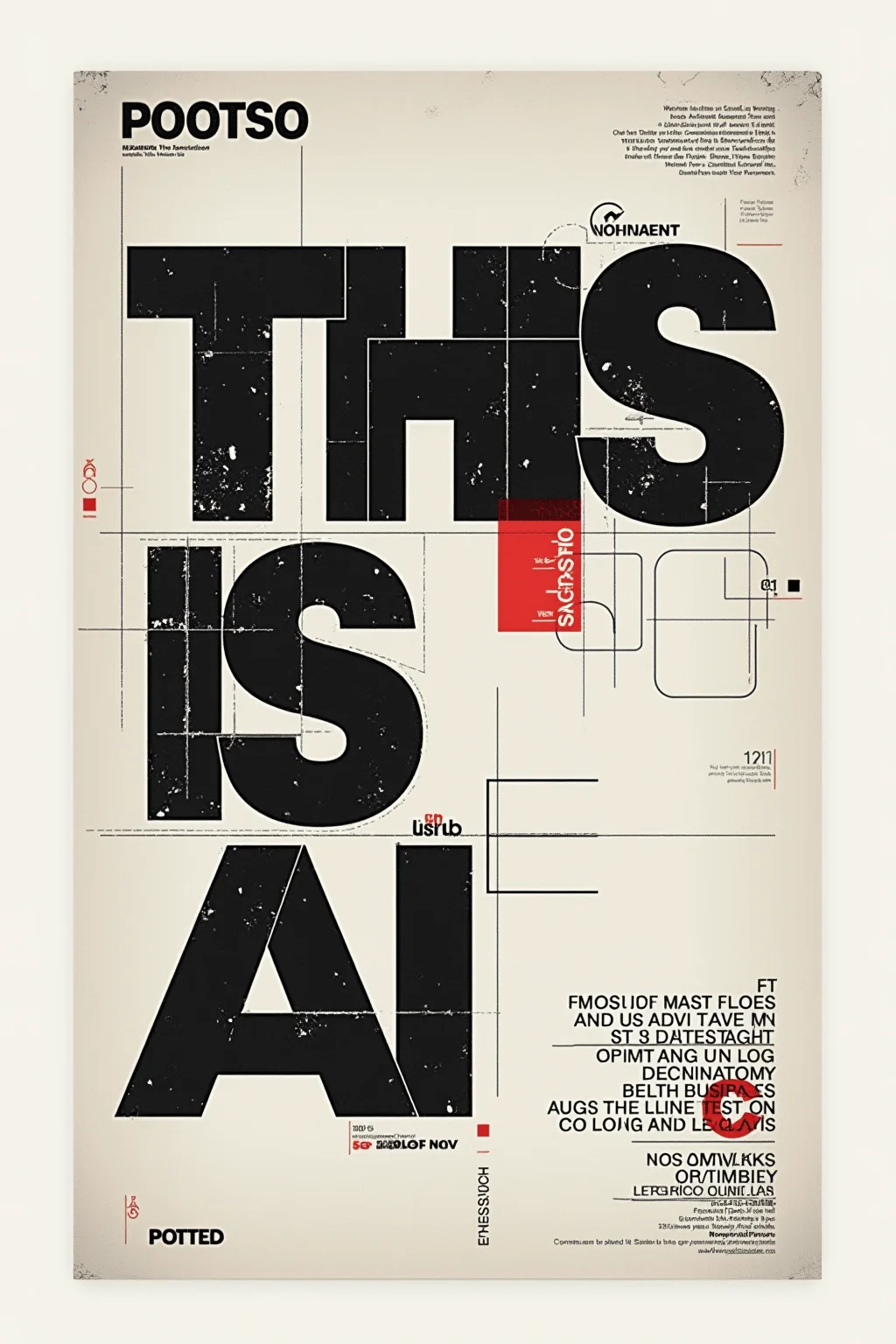 Merch
Merch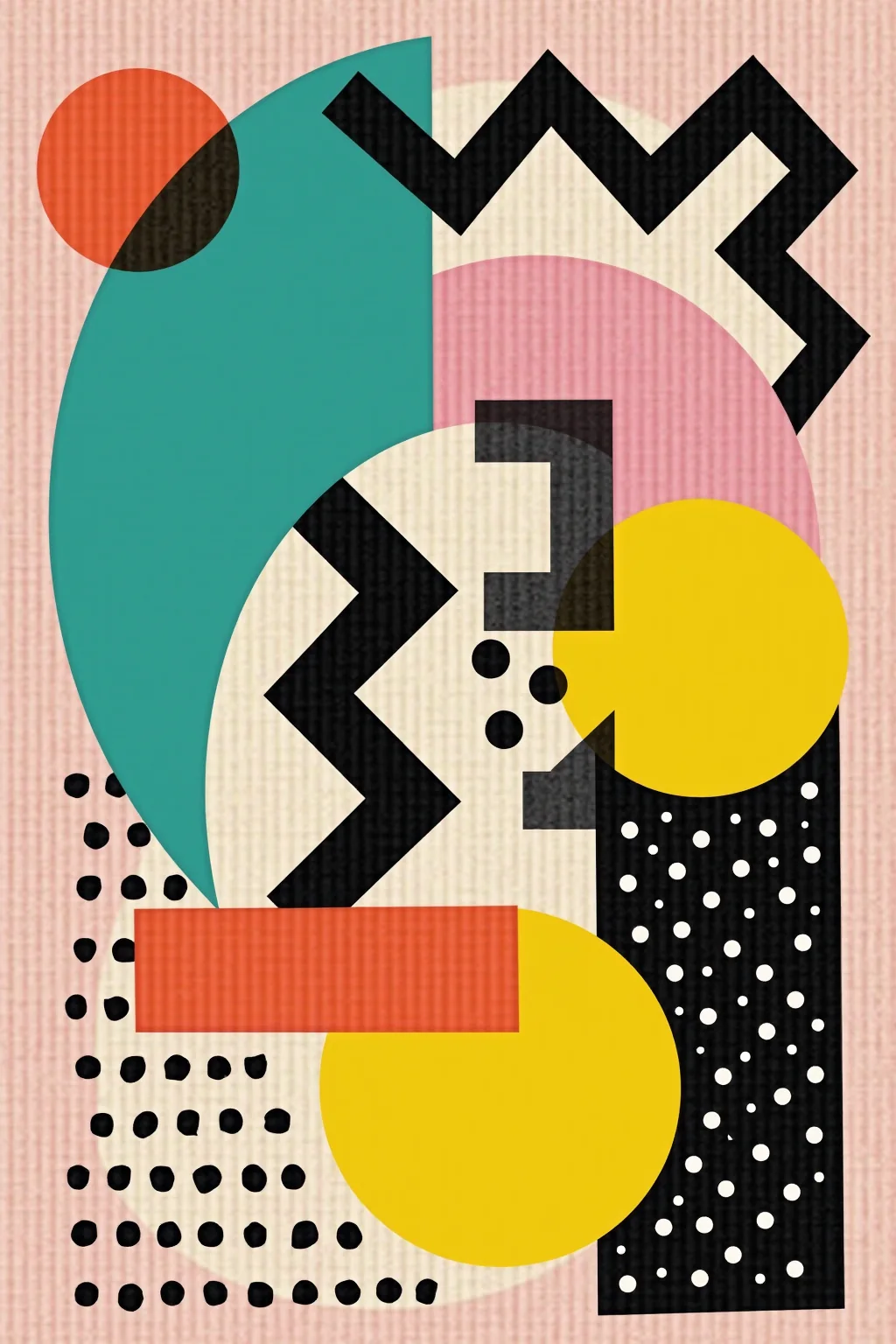
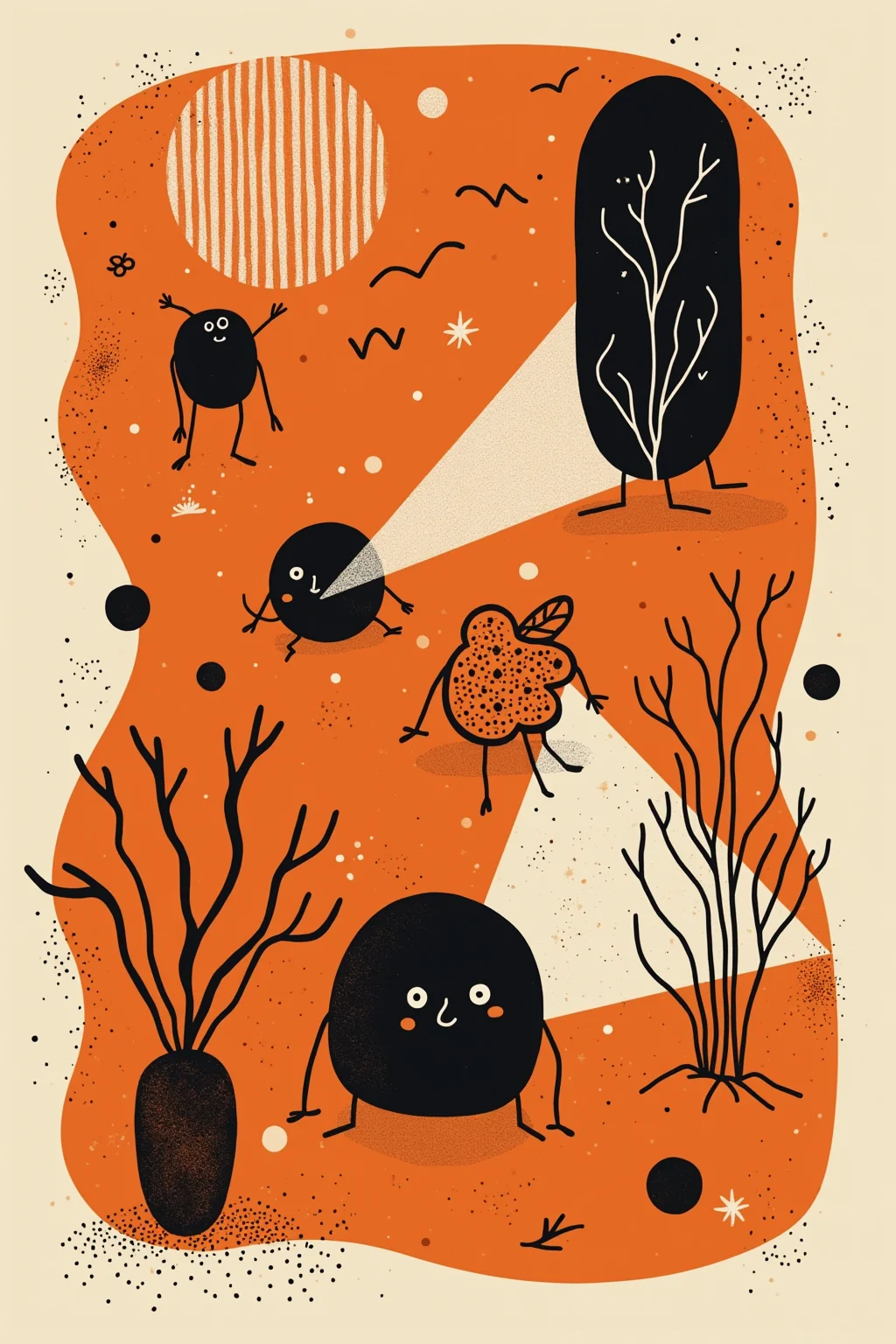
Canvas wraps
Keep brush-like and fabric-like texture readable at arm's length.
Gallery paper prints
Prep generative fine-art pieces for closer viewing distances.
Home and office wall sets
Batch-upscale a series so a multi-panel drop stays consistent.
Etsy and POD wall art
Meet vendor minimums that reject soft generative uploads.
AI wall art upscaling
Gallery distance is less forgiving than a phone screen.
No—use it for canvas, fine-art paper, metal, and acrylic whenever generative art needs more pixels.
If viewers get within arm’s length, aim closer to 300 DPI after upscale. Farther hallway art can run softer.
You can try, but start from the original generator file whenever possible.
We reconstruct in RGB; convert per vendor profile later.
JPG, JPEG, PNG, WebP.
Auto-deleted after delivery.
Upscale for gallery distance, then order the print
An AI wall art upscaler pass before canvas checkout—up to 4x with Real-ESRGAN.
- Deleted after processing
- ~8–10s jobs
- Up to 4× upscale