Upscale Midjourney images for print without soft mush
If you need to upscale a Midjourney image for print, skip Discord previews and stretched JPEGs. PhotoSharpener takes your best native MJ export and rebuilds detail up to 4x so posters and wall art survive shop-floor viewing—not just the Midjourney grid.
- Midjourney
- V6 / V7 exports
- Discord downloads
- Web high-res
- Max output
- Up to 4x
- Avg. time
- ~8s
- Formats
- JPG - PNG - WebP
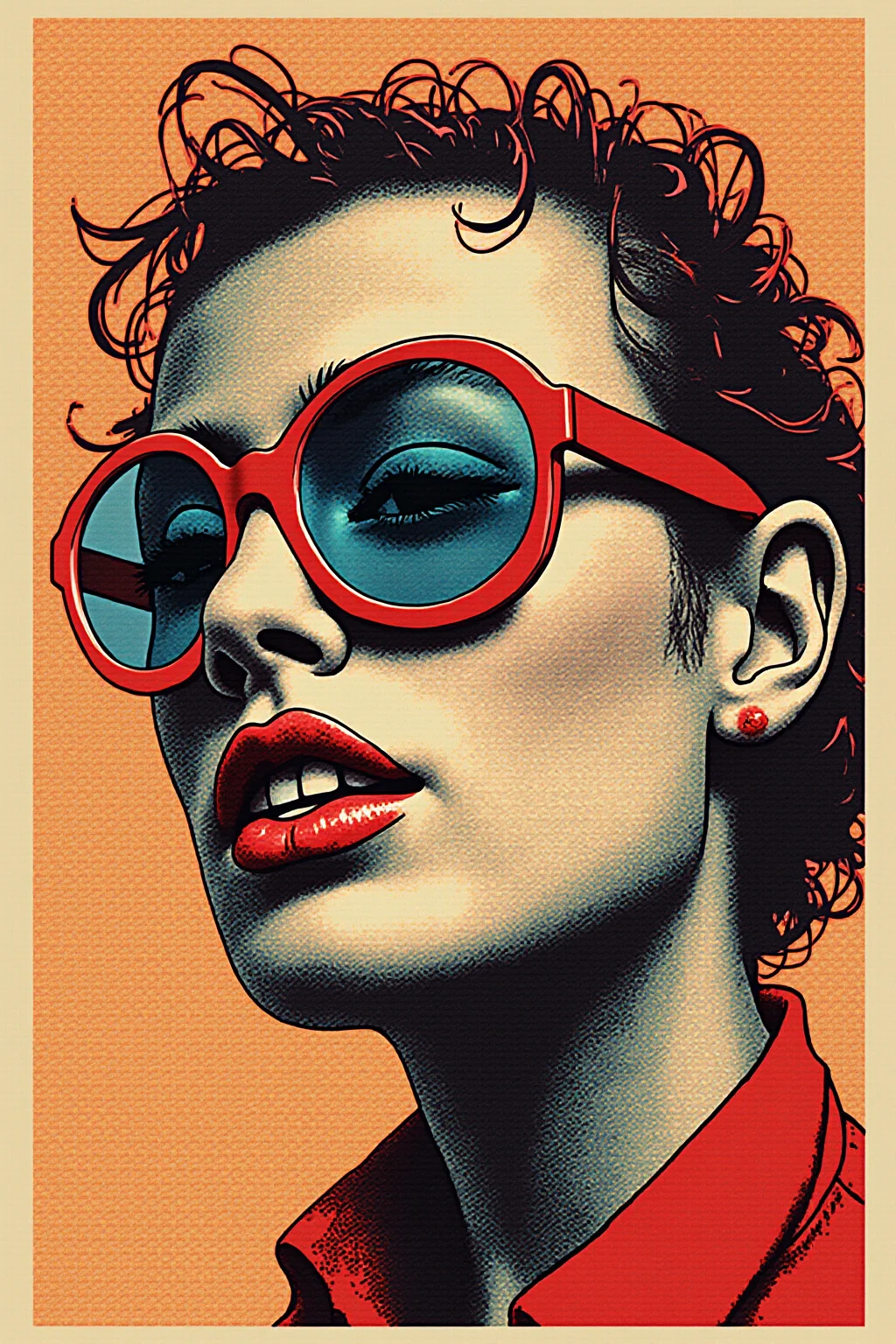
Download the real MJ file, then upscale for print
Treat Midjourney as the creative step and PhotoSharpener as the print step. Native downloads beat chat previews every time.
Pull the largest Midjourney download
Use the official high-res download or upscale inside Midjourney first when available—avoid Discord embedded previews.
AI rebuilds texture at print scale
Real-ESRGAN enlarges up to 4x and reconstructs edges that Midjourney’s screen-sized export never needed to hold.
Place at printer DPI and send
Drop the file into Canva, InDesign, or your RIP at the inches your poster or canvas requires.
Upscale Midjourney for Print
Upload a Midjourney download—we grow pixels and recover detail for posters and wall art.
How big can your AI export actually print?
Rough pixel-to-inch math after a 4x upscale. Use 150 DPI for large-format viewing distance; aim for 300 DPI when the piece will be seen up close.
| Typical AI export | After 4x upscale | Soft print (~150 DPI) | Close-view (~300 DPI) |
|---|---|---|---|
| ~1024 × 1024 | ~4096 × 4096 | ~27 × 27 in | ~14 × 14 in |
| ~1280 × 720 | ~5120 × 2880 | ~34 × 19 in | ~17 × 10 in |
| ~1536 × 1536 | ~6144 × 6144 | ~41 × 41 in | ~20 × 20 in |
| ~2048 × 2048 | ~8192 × 8192 | ~55 × 55 in | ~27 × 27 in |
These are approximate. Always confirm bleed, color mode, and vendor DPI with your print shop. Large-format posters viewed from several feet away can often run below 150 DPI; canvas and fine-art prints usually want more.
- Start from the native high-res download—not a Discord or social preview.
- Upscale the art plate first, then overlay vector type in your layout tool.
- Match DPI to viewing distance: posters can go softer than hand-held prints.
Posters and canvases need more than a Discord file
Same Midjourney piece, different delivery—grow the master before you order ink.
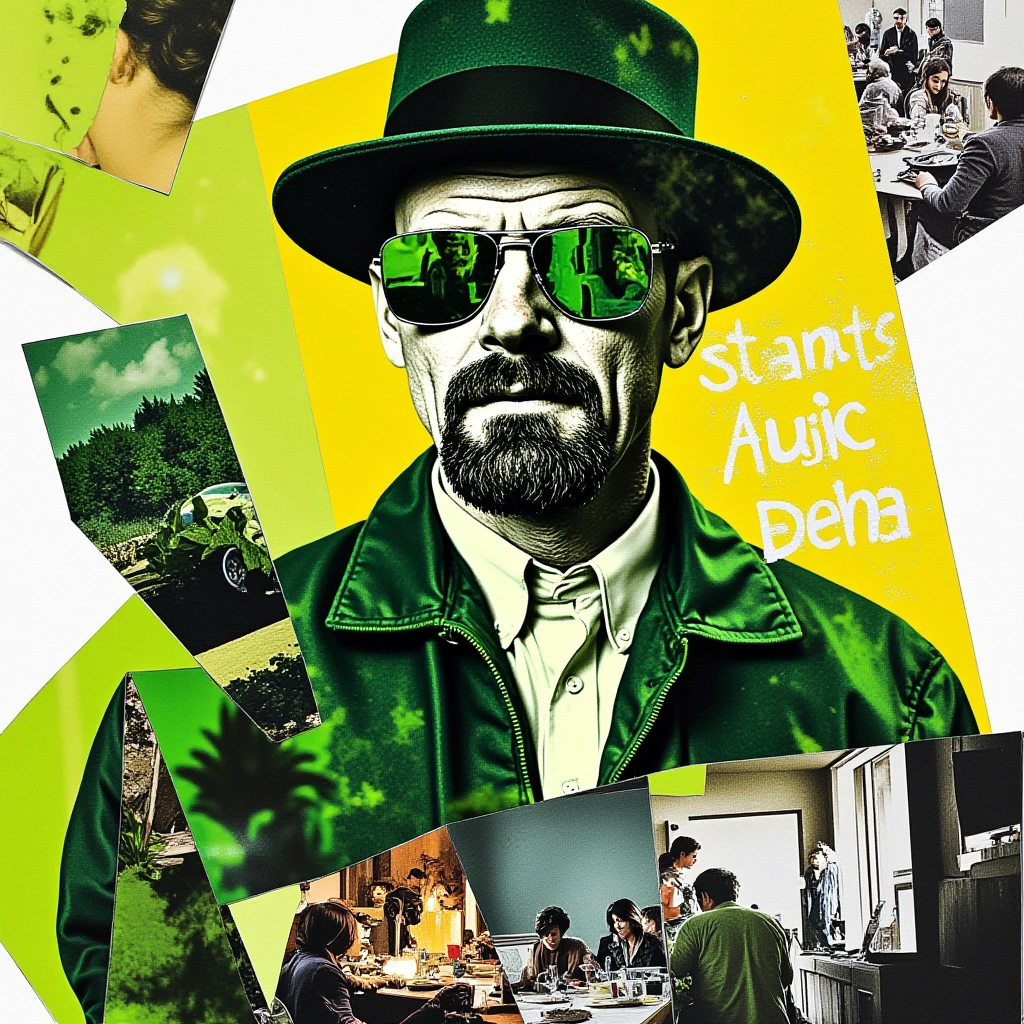 Poster
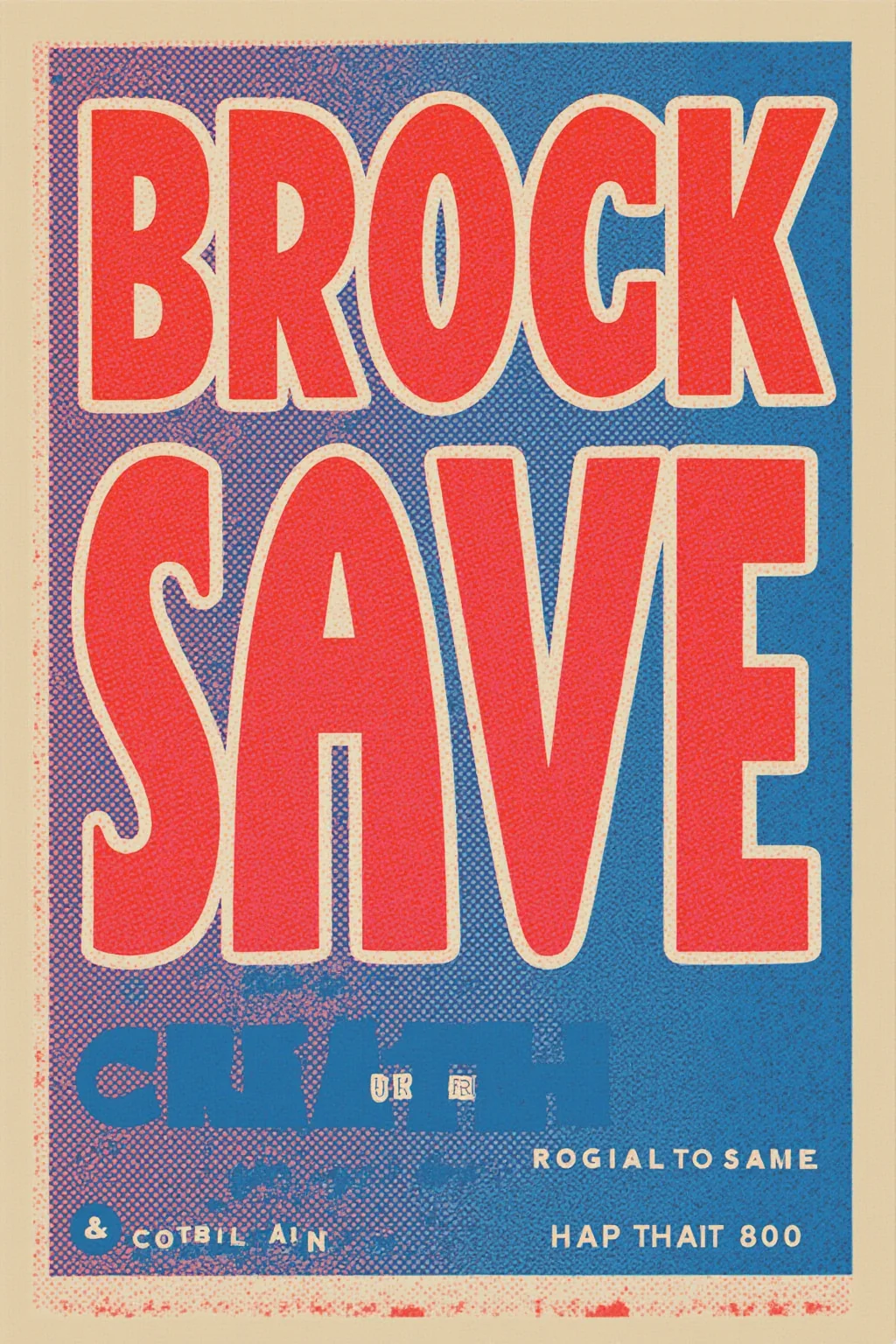 Wall art
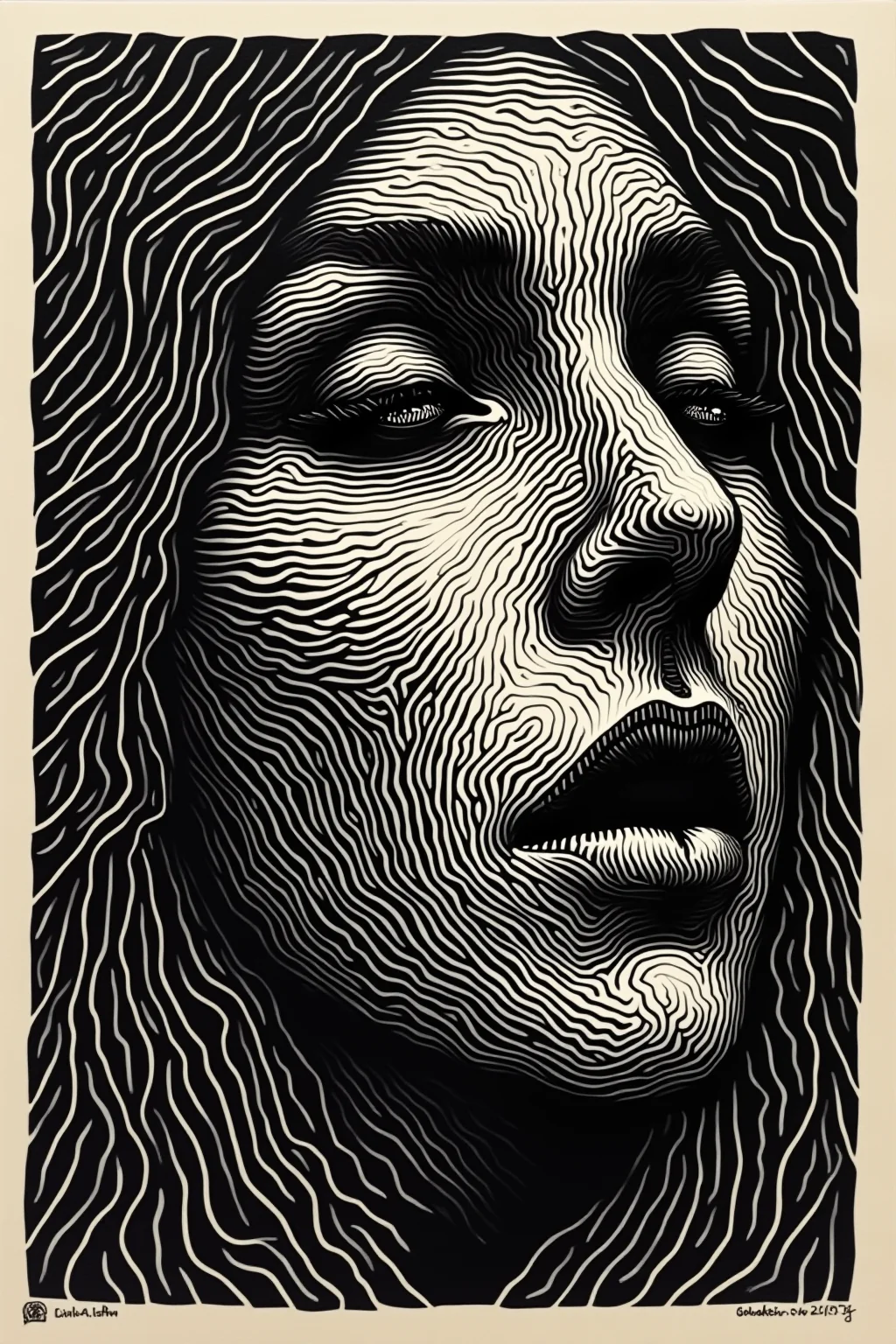 Detail
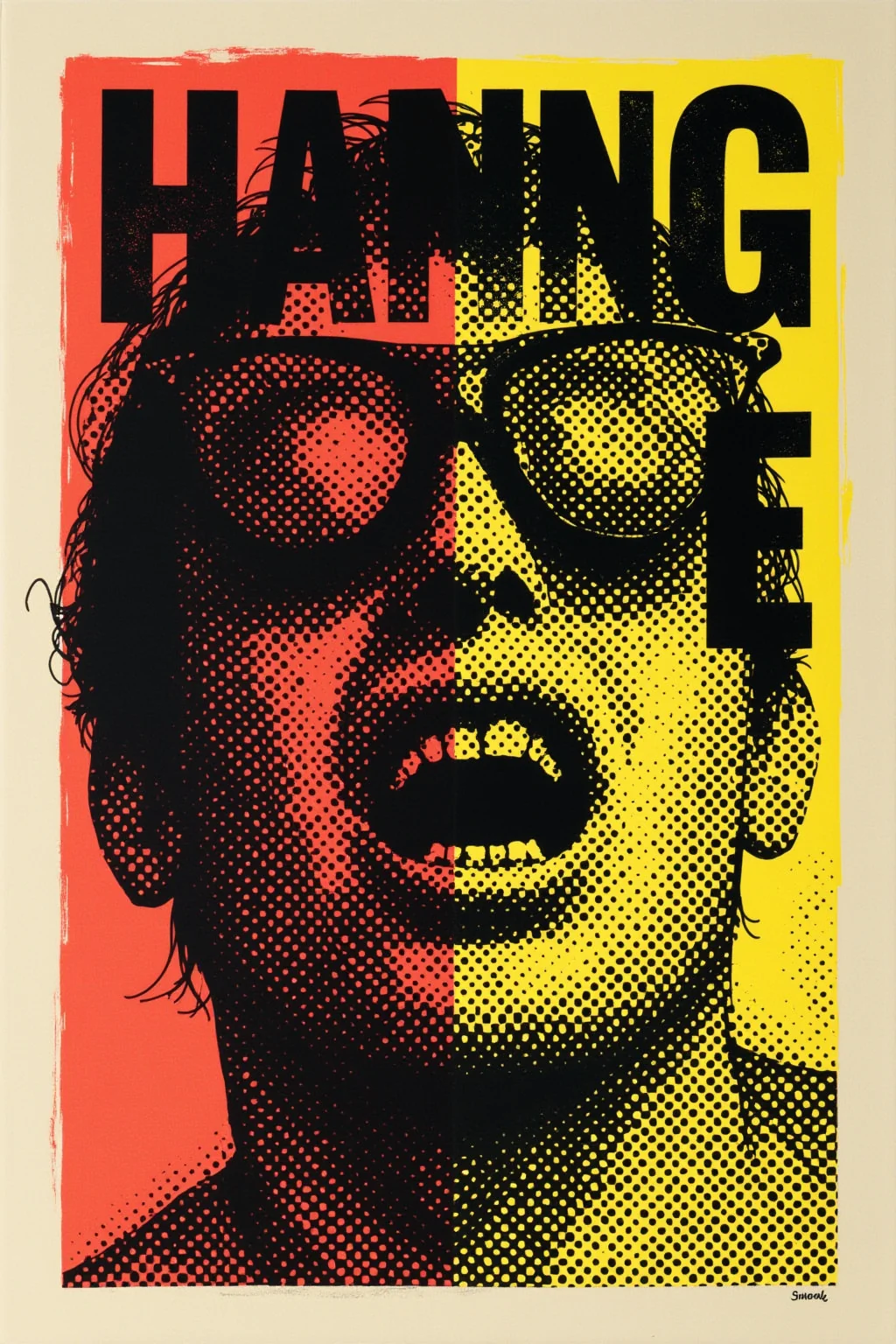 Portrait
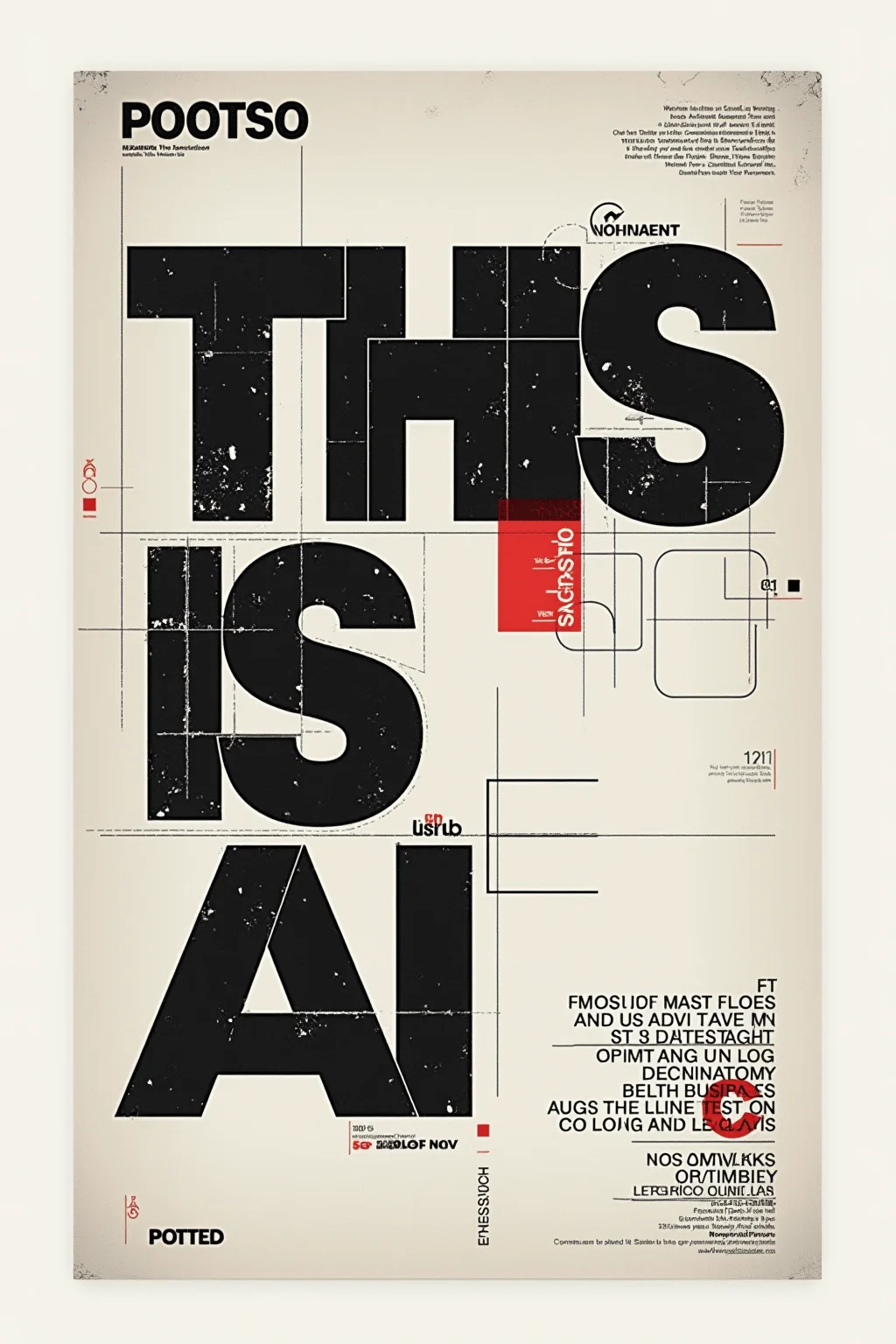 Merch
Merch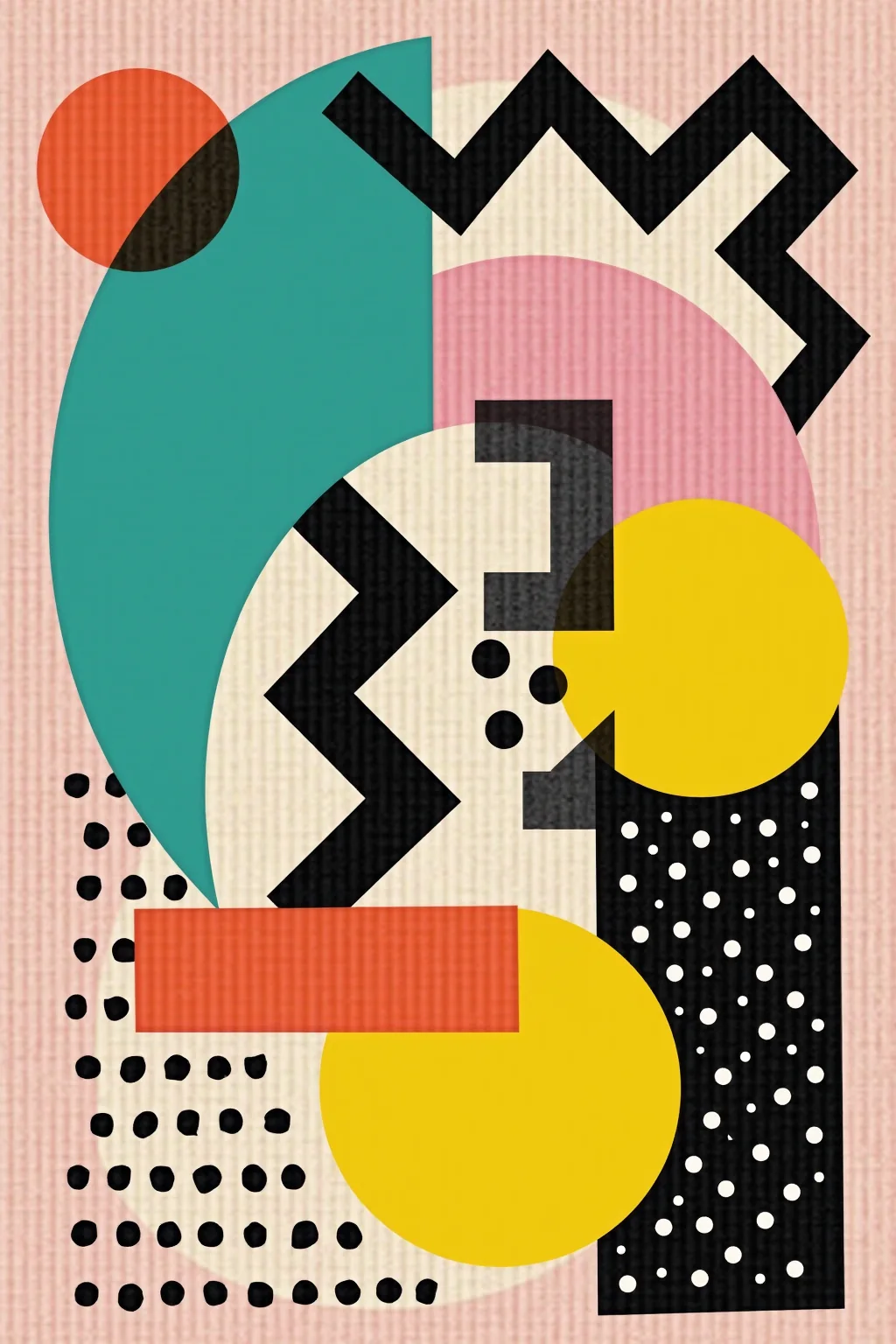
Event posters from MJ concepts
Turn a Midjourney mood board frame into an A2/A1 that still reads from across the room.
MJ wall art listings
Upscale square and portrait Midjourney pieces for canvas and gallery SKUs.
Album art from MJ
Give merch and sleeve printers enough pixels after the Midjourney creative pass.
POD from Midjourney masters
Prep one MJ master, then size variants for vendors that reject soft generative uploads.
Upscaling Midjourney for print
Midjourney optimizes for screens—print still needs pixels and honest DPI.
If Midjourney offers a larger official download, start there, then run PhotoSharpener when you still need more print inches.
You can, but results are weaker. Always prefer the native Midjourney download over chat thumbnails.
Detail improves, but extreme blow-ups still have limits. Check eyes and fine linework at 100% after upscale.
Large posters viewed from distance can run softer; close-view canvas usually wants more. Use the size guide above.
JPG, JPEG, PNG, and WebP Midjourney exports.
Processed over encrypted transit and auto-deleted after delivery.
Upscale Midjourney for the print you ordered
One Real-ESRGAN pass between your Midjourney download and the print shop.
- Deleted after processing
- ~8–10s jobs
- Up to 4× upscale