Upscale an AI poster before you hit print
Need to upscale an AI poster for printing? Generative exports rarely ship with enough pixels for A2, A1, or large-format. PhotoSharpener enlarges up to 4x while rebuilding texture so your poster art survives real paper, not just a laptop preview.
- A2 / A1
- Large format
- Event posters
- Promo prints
- Max output
- Up to 4x
- Avg. time
- ~8s
- Formats
- JPG - PNG - WebP
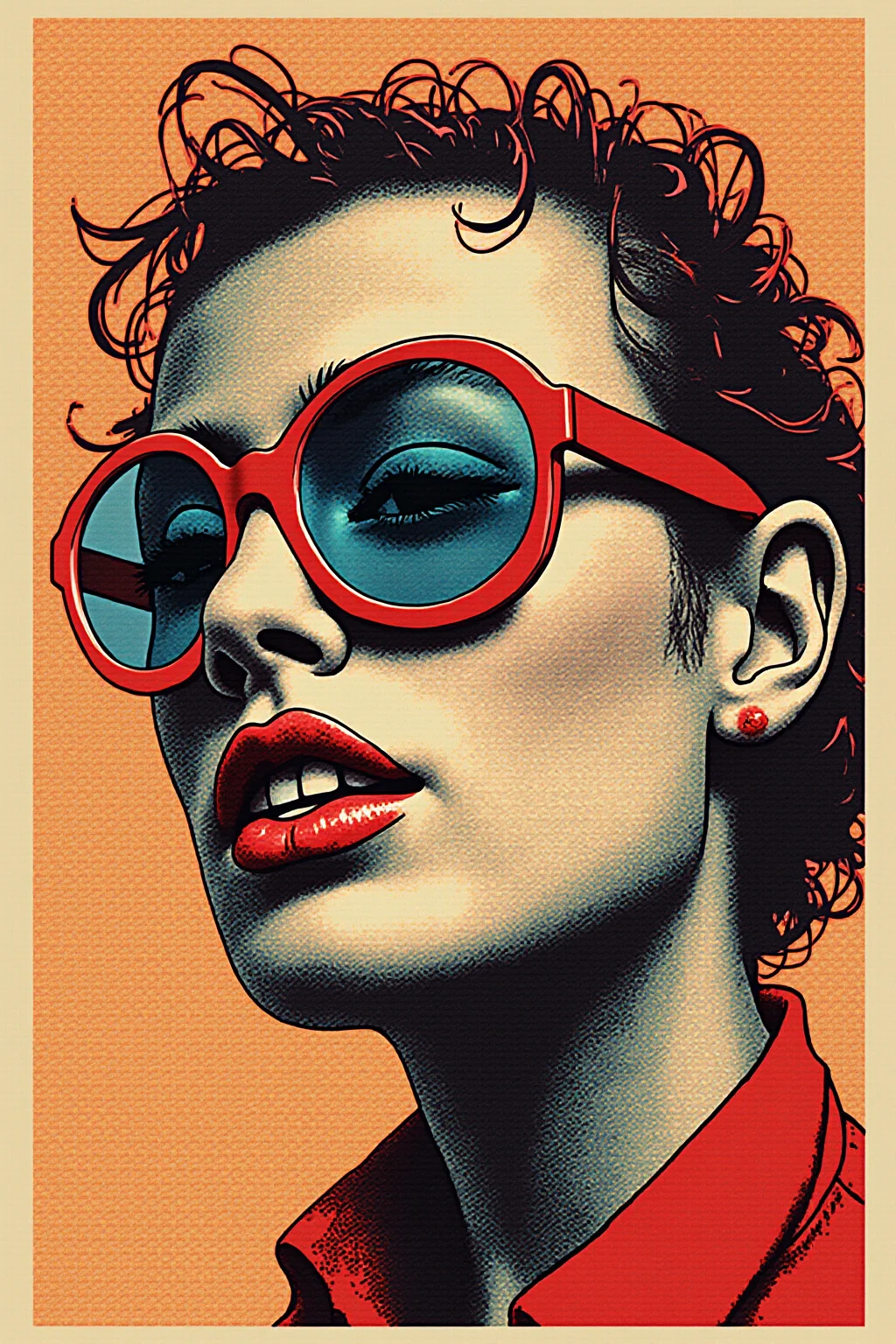

Know the poster size, then grow the AI plate
Pick final inches first. Then upscale the generative artwork so the RIP is not inventing detail from a soft export.
Export the largest poster plate
Download the full generative artwork without UI chrome or social compression.
Upscale toward poster inches
Real-ESRGAN grows the plate up to 4x and reconstructs edges that look fine on screen but fail on coated stock.
Layout with bleed and send to press
Place the upscaled poster art, add bleed/trim, and export to your printer’s specs.
Upscale AI Poster Art
Upload generative poster art—we add pixels and clarity for large-format printing.
How big can your AI export actually print?
Rough pixel-to-inch math after a 4x upscale. Use 150 DPI for large-format viewing distance; aim for 300 DPI when the piece will be seen up close.
| Typical AI export | After 4x upscale | Soft print (~150 DPI) | Close-view (~300 DPI) |
|---|---|---|---|
| ~1024 × 1024 | ~4096 × 4096 | ~27 × 27 in | ~14 × 14 in |
| ~1280 × 720 | ~5120 × 2880 | ~34 × 19 in | ~17 × 10 in |
| ~1536 × 1536 | ~6144 × 6144 | ~41 × 41 in | ~20 × 20 in |
| ~2048 × 2048 | ~8192 × 8192 | ~55 × 55 in | ~27 × 27 in |
These are approximate. Always confirm bleed, color mode, and vendor DPI with your print shop. Large-format posters viewed from several feet away can often run below 150 DPI; canvas and fine-art prints usually want more.
- Start from the native high-res download—not a Discord or social preview.
- Upscale the art plate first, then overlay vector type in your layout tool.
- Match DPI to viewing distance: posters can go softer than hand-held prints.
From concept poster to printable sheet size
Same generative poster, more honest pixels before ink.
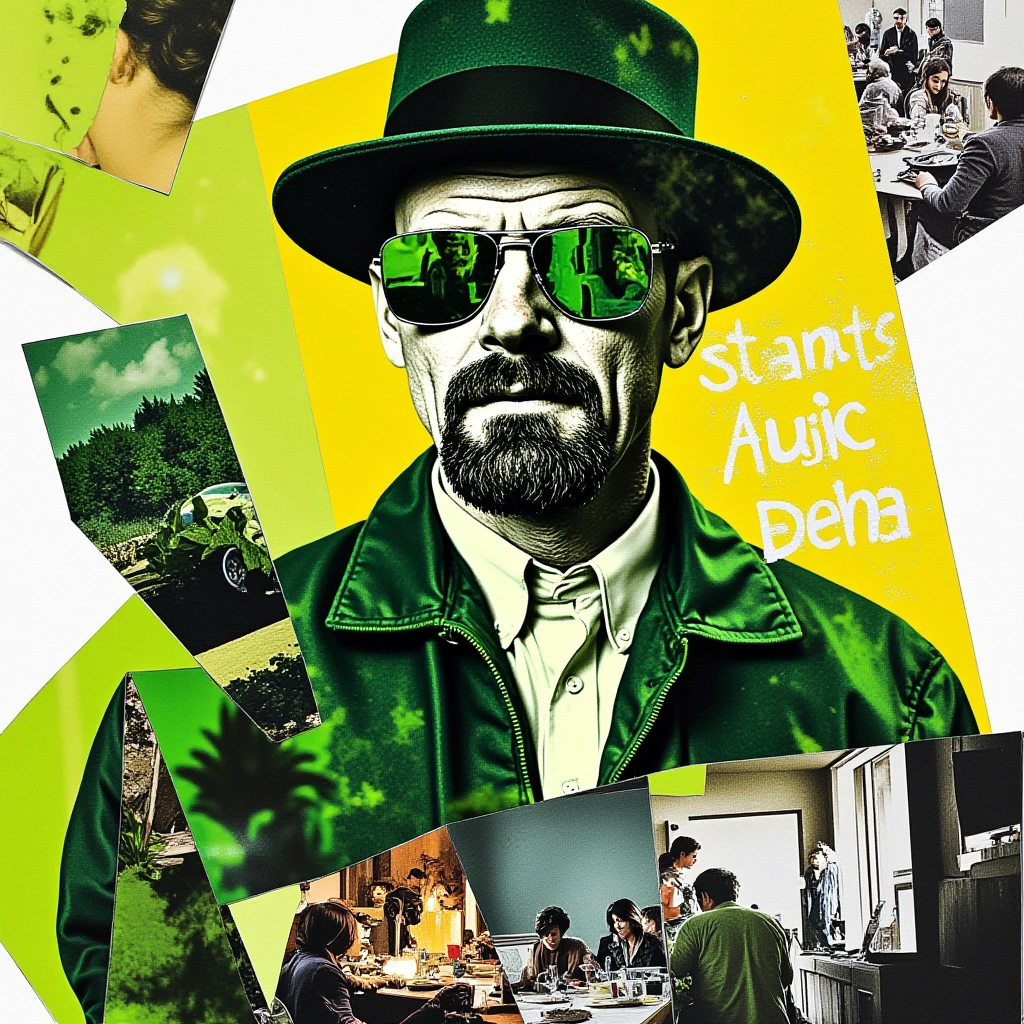 Poster
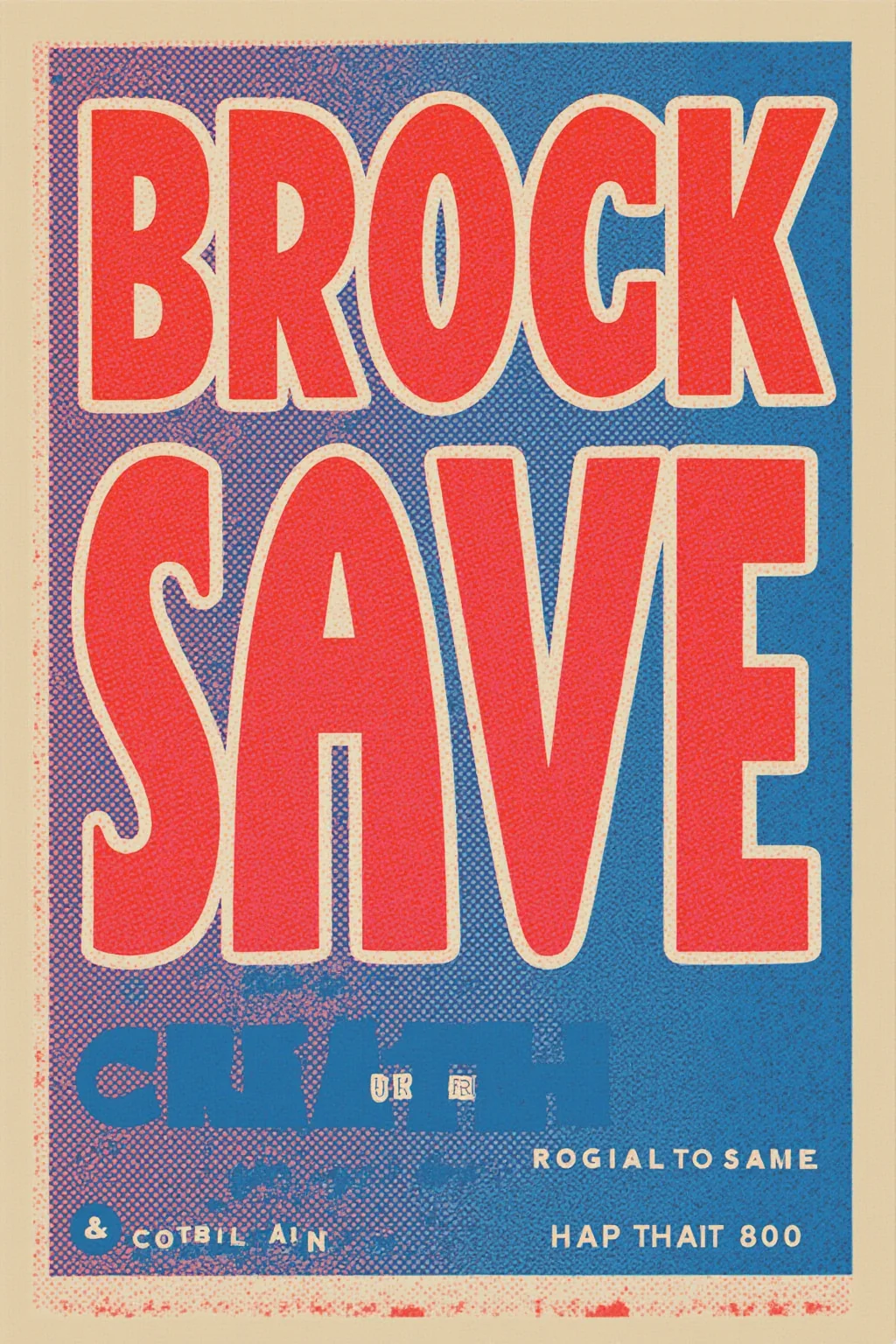 Wall art
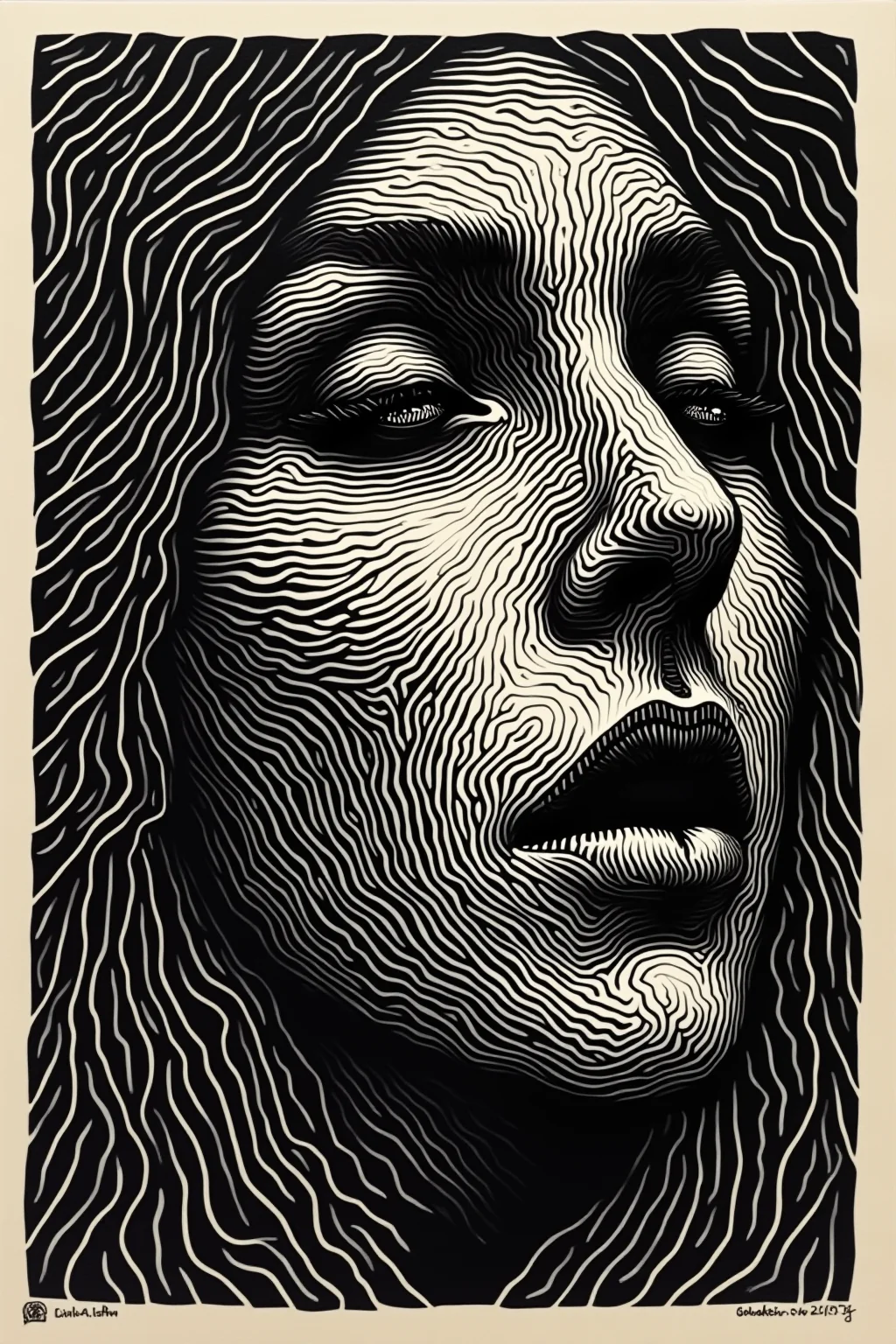 Detail
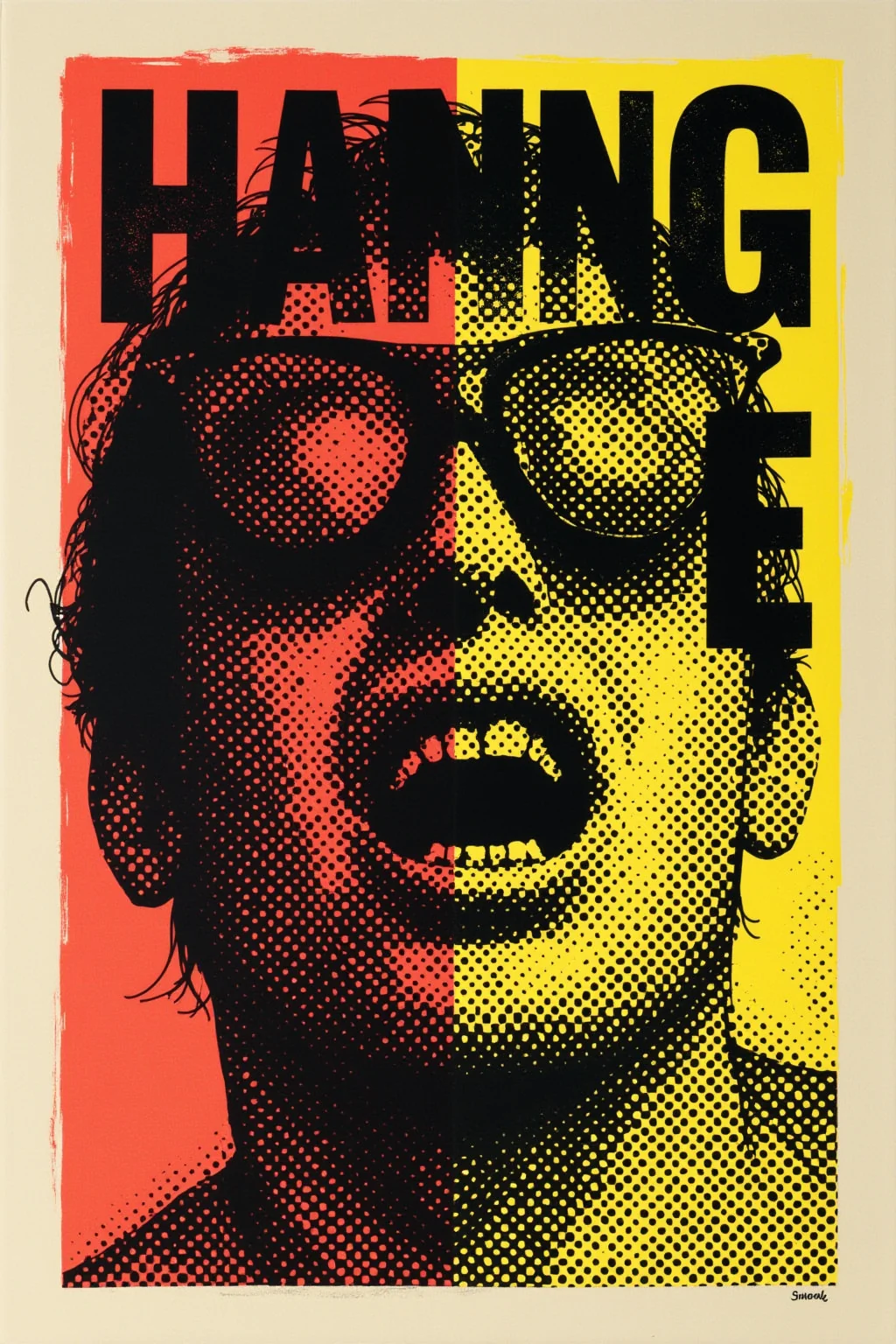 Portrait
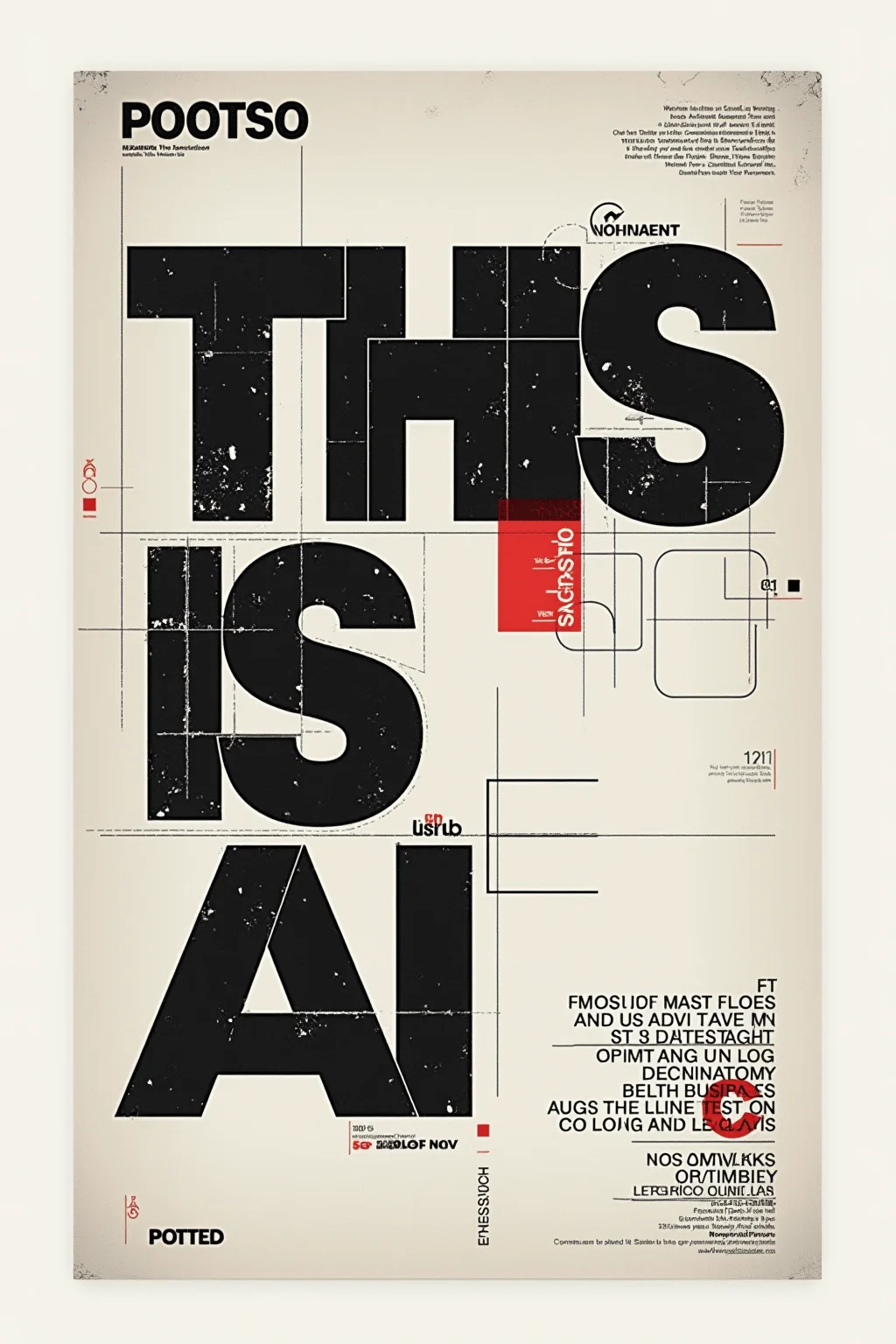 Merch
Merch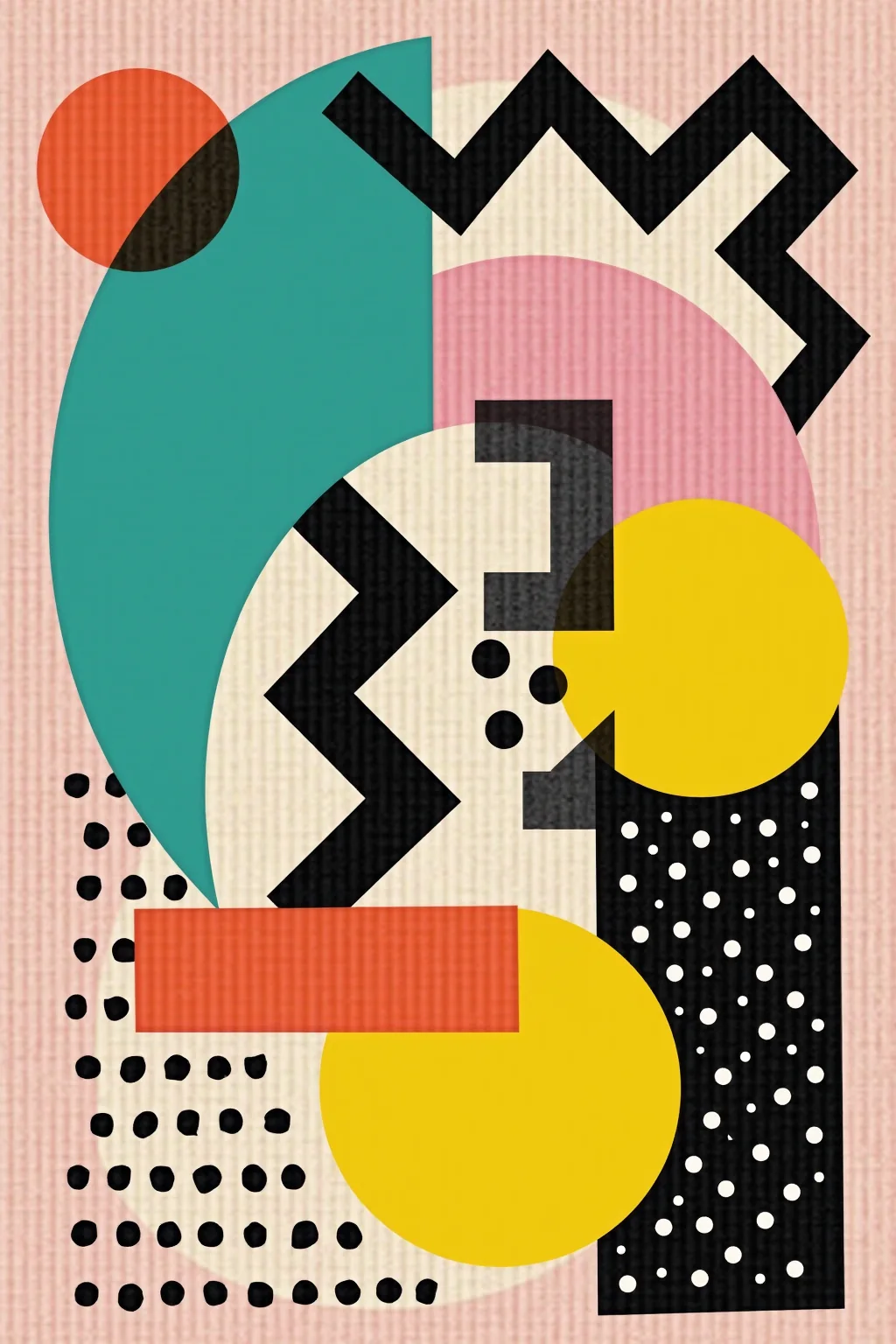
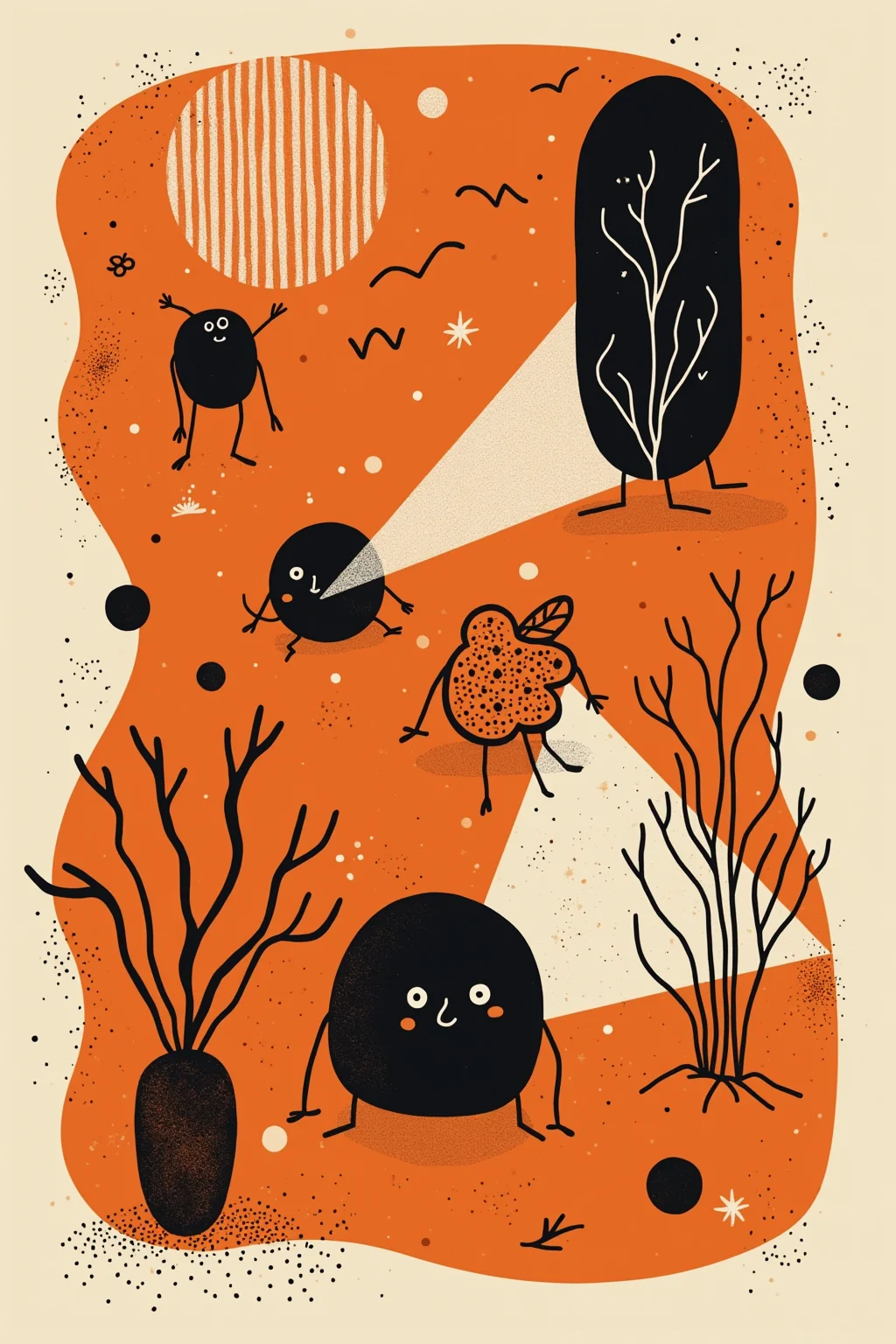
Event and promo posters
Grow Midjourney or GPT poster concepts to A2/A1 without mushy backgrounds.
Street and campus posters
Add enough resolution for viewing distance without bicubic blur.
Tour and festival one-sheets
Prep generative key art once, then size for multiple poster SKUs.
Poster POD listings
Meet vendor minimums that reject low-res AI poster uploads.
Upscaling AI posters for printing
Poster size and viewing distance matter as much as the upscale factor.
After 4x you gain a lot of pixels, but confirm DPI vs viewing distance. Distant posters can run softer than close-view art.
Better to upscale the art plate, then add crisp type in layout.
No—it improves detail. You still need bleed, color, and vendor DPI rules.
We stay in RGB reconstruction; convert in your layout or RIP.
JPG, JPEG, PNG, WebP.
Auto-deleted after delivery.
Upscale the poster plate then print with confidence
Grow generative poster art up to 4x before the press run.
- Deleted after processing
- ~8–10s jobs
- Up to 4× upscale