Upscale images with AI up to 4x in seconds
If you searched for an AI image upscaler, you want more than “make it bigger.” PhotoSharpener uses a Real-ESRGAN super-resolution model to rebuild texture and edge detail as the image grows, so enlargements stay crisp for print, web, product pages, and AI-generated artwork.
- Max output
- Up to 4x
- Avg. time
- ~8s
- Formats
- JPG - PNG - WebP
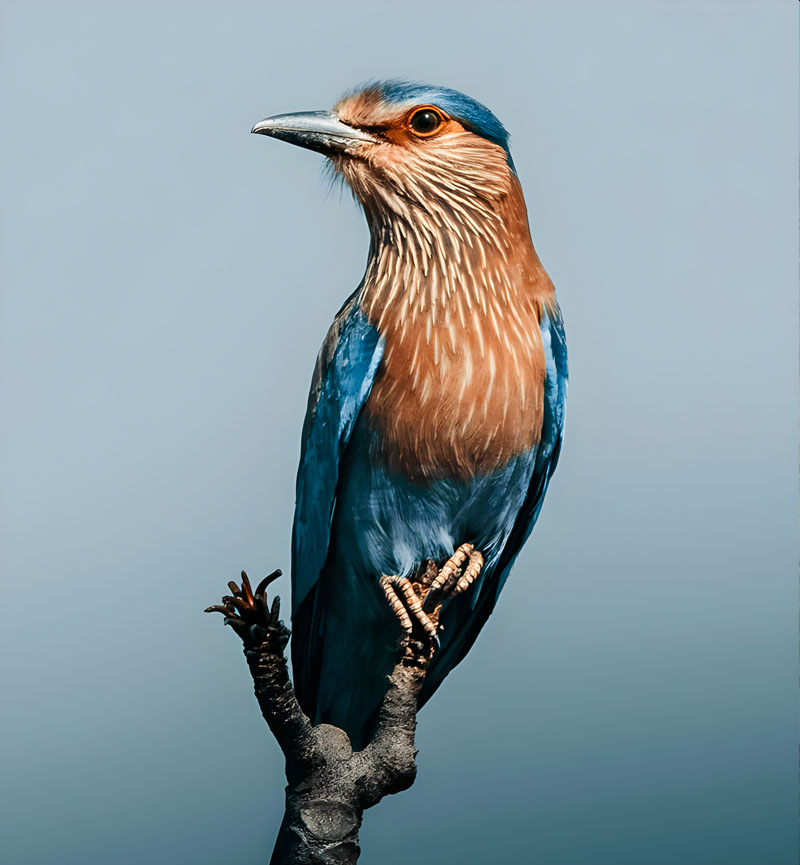
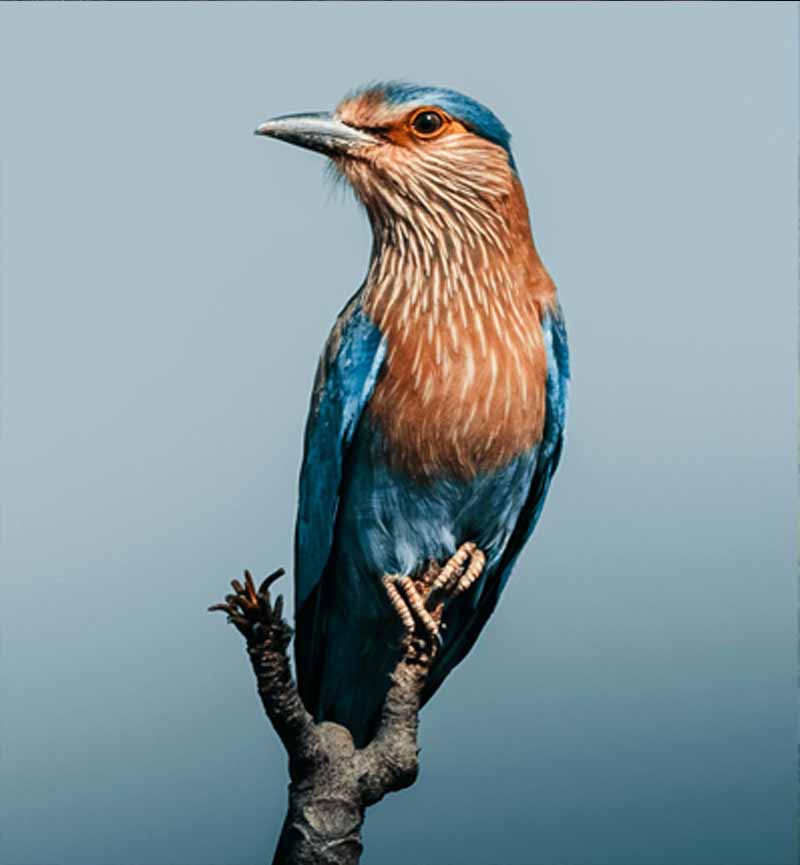
Super-resolution that rebuilds detail
Upload an image and we run a single AI pass: cleanup, super-resolution reconstruction, and export. No settings to learn and no manual retouching required.
Upload an image (file or URL)
Add any JPG, PNG or WebP. Phone photos, low-res web images, scans, and AI outputs all work.
AI upscales and reconstructs texture
Real-ESRGAN increases resolution while rebuilding fine detail; face-aware restoration kicks in automatically for portraits.
Compare and download
Use the before/after slider at full size, then export the upscaled image in seconds.
AI Upscale in Seconds
Upload any image and get a larger, sharper version back with AI.
Sharper edges, cleaner detail
Many tools enlarge by interpolation, which smooths edges and smears texture. This AI image upscaler uses super-resolution to reconstruct detail so lines, lettering, hair, and product textures stay defined at larger sizes.
Real-ESRGAN core
A generative super-resolution model reconstructs detail that basic enlargement would blur away.
Edge-aware upscaling
Maintains crisp edges on text, logos, fabrics, and fine lines without halos or plastic sheen.
2x to 4x output
Go from small thumbnails to print-ready images with a single AI pass.
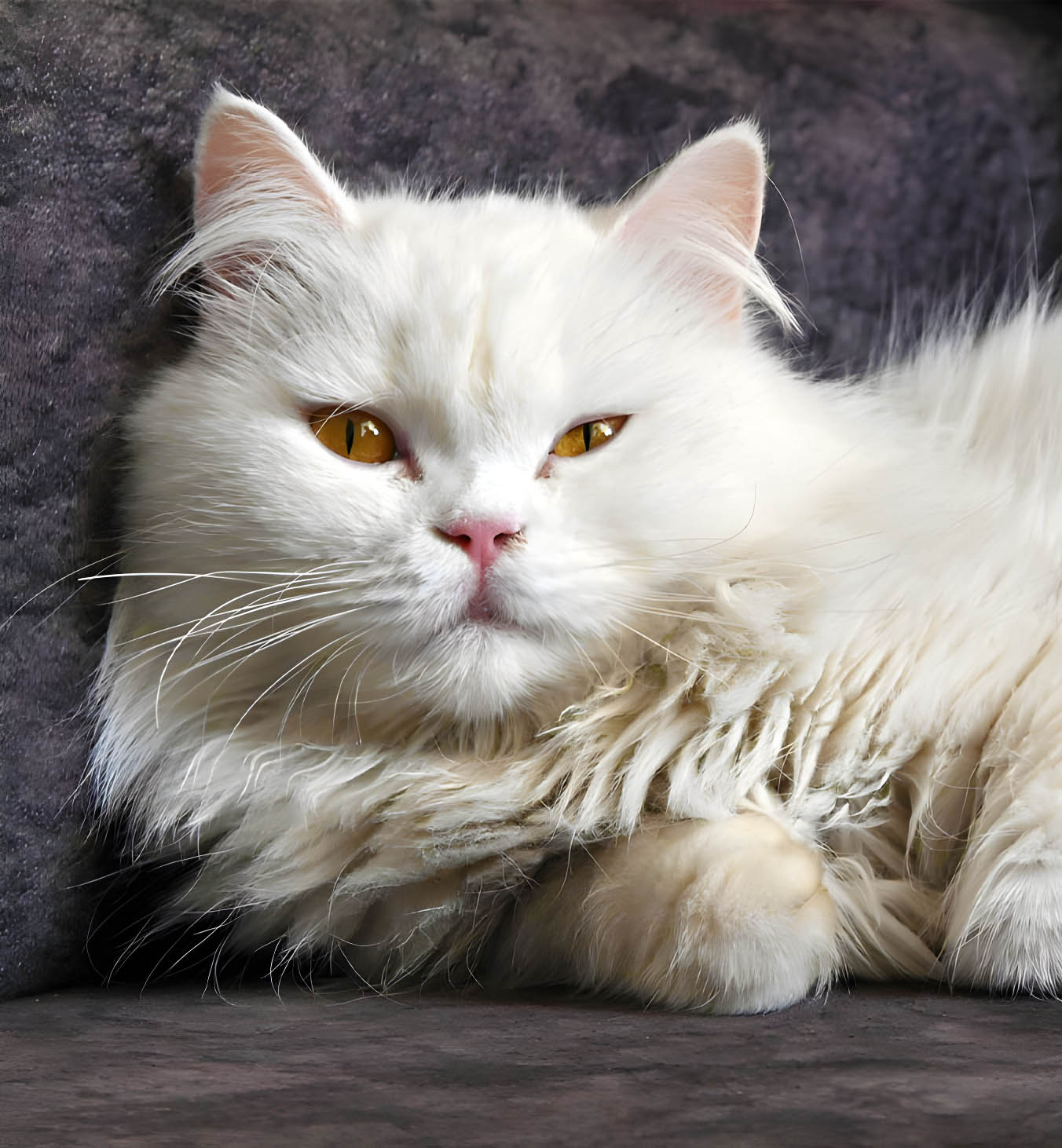
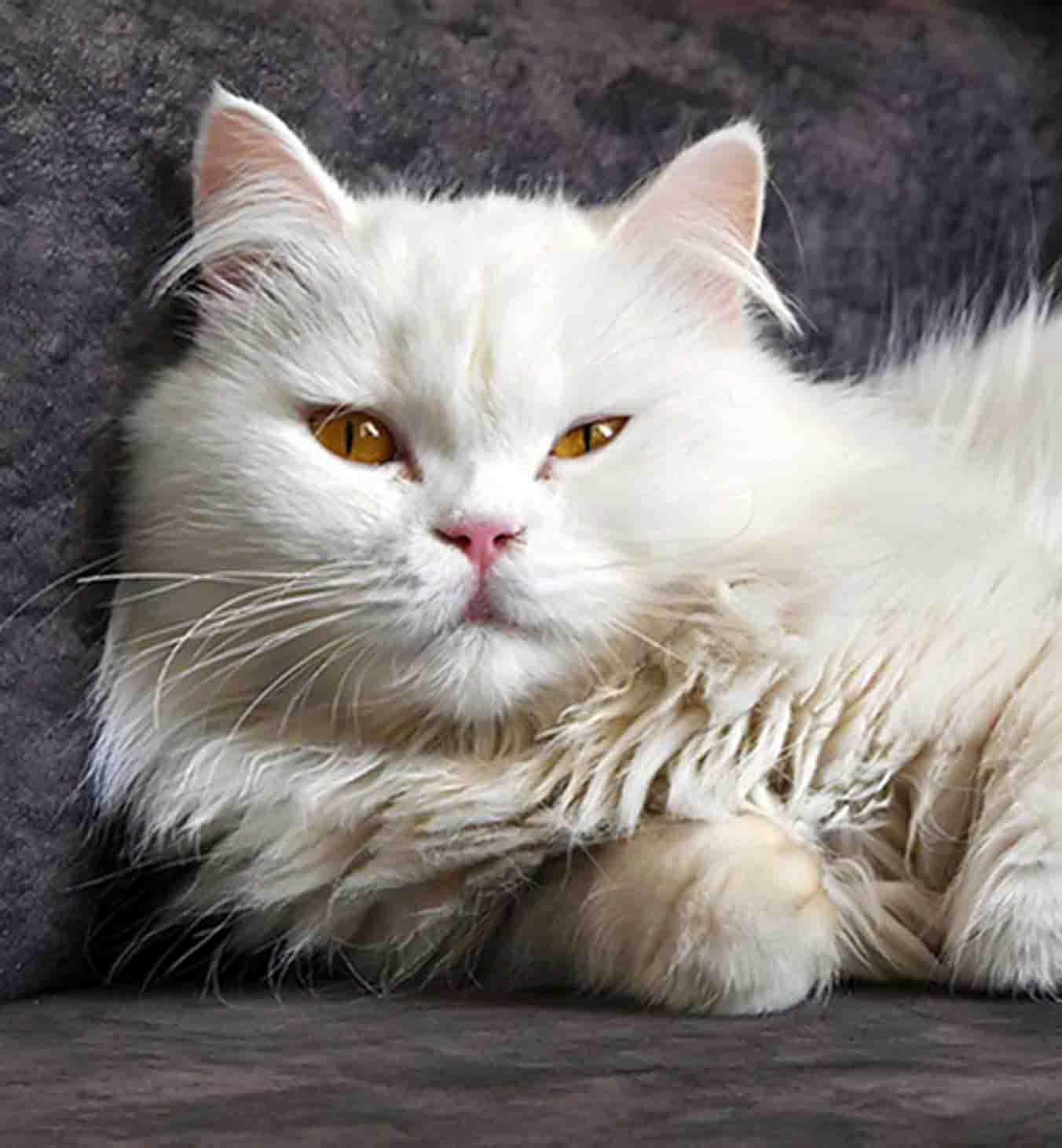
Faces stay natural, not waxy
Portrait upscaling is where many AI tools fall apart. PhotoSharpener detects faces during processing and applies a face-aware restoration path so eyes stay sharp, skin stays natural, and group shots remain consistent.
Texture preserved
Keeps micro-contrast and skin texture instead of over-smoothing.
Eyes and lashes stay crisp
The details that matter most remain sharp in the final output.
Consistent across people
Multiple faces in one frame get the same enhancement quality.


More than an AI image upscaler - a full enhancement pass
Each upscale run also includes sharpening, cleanup, and optional face restoration, so you can finish images without jumping between tools.
AI photo sharpening
Add clarity and crispness without crunchy edges.
Face restoration
Optional GFPGAN path for natural-looking facial detail on portraits and scans.
Noise and artifact cleanup
Removes JPEG blocks and sensor grain before they get amplified by enlargement.
Batch processing
On Pro and Studio plans, upscale folders in parallel with filenames preserved.
Answers before you upscale with AI
Quick, practical answers about using an AI image upscaler, quality expectations, and output limits.
Resizing typically interpolates pixels that already exist, which often creates blur when you enlarge. An AI image upscaler uses a trained super-resolution model to reconstruct plausible fine detail and sharper edges so the enlarged image looks higher-resolution, not just bigger.
PhotoSharpener supports up to 4x output. That is enough for most real workflows: turning small web images into assets you can crop, enlarging scans, or making AI art usable on bigger screens and prints.
Often yes—especially for JPEG softness, low-res crops, and slightly soft focus. Severe motion blur or completely missed focus cannot be perfectly reversed, but the AI-upscaled result is usually noticeably clearer and more usable.
Yes. Faces are detected automatically and routed through a face-aware restoration step to keep eyes and skin natural instead of waxy or over-smoothed.
Upload JPG, JPEG, PNG, or WebP. Very large images (around 24MP+) are supported on paid plans where additional GPU memory is provisioned.
Upload a small image. Get a larger, sharper one back.
Try the AI image upscaler on a real file. Preview before/after, then download your upscaled result in seconds.
- Images auto-deleted after processing
- Most upscales finish in under 10s
- Up to 4x output from a single pass