Free image upscaler with a real AI preview
Test PhotoSharpener without installing software. Upload a JPG, PNG, or WebP, compare before and after on the slider, and see how generative super-resolution treats your photo.
- Max output
- Up to 4x
- Avg. time
- ~8s
- Formats
- JPG - PNG - WebP
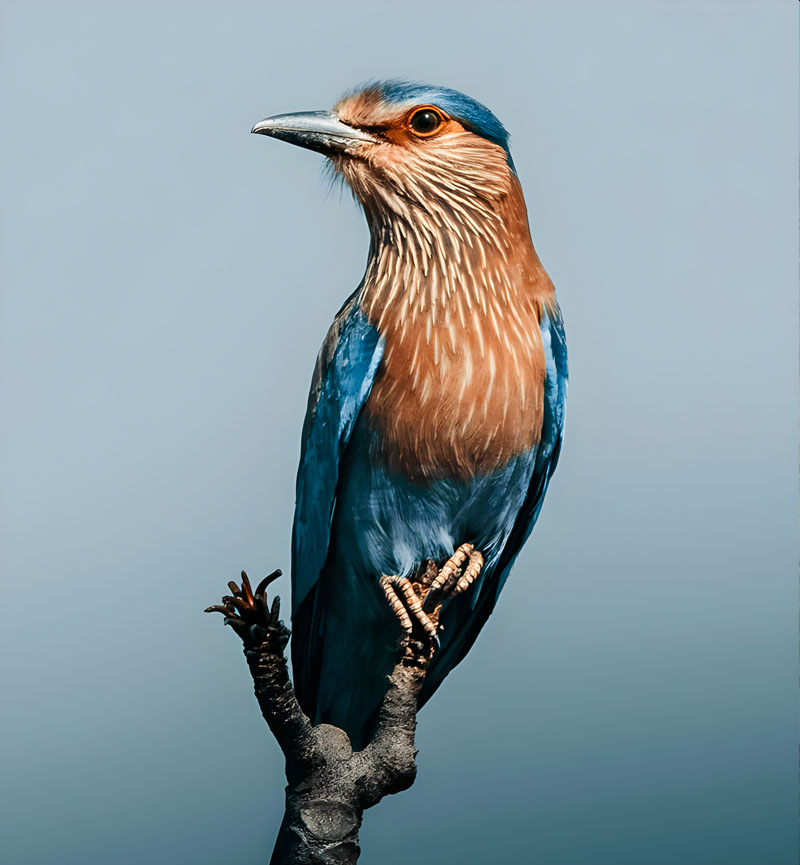
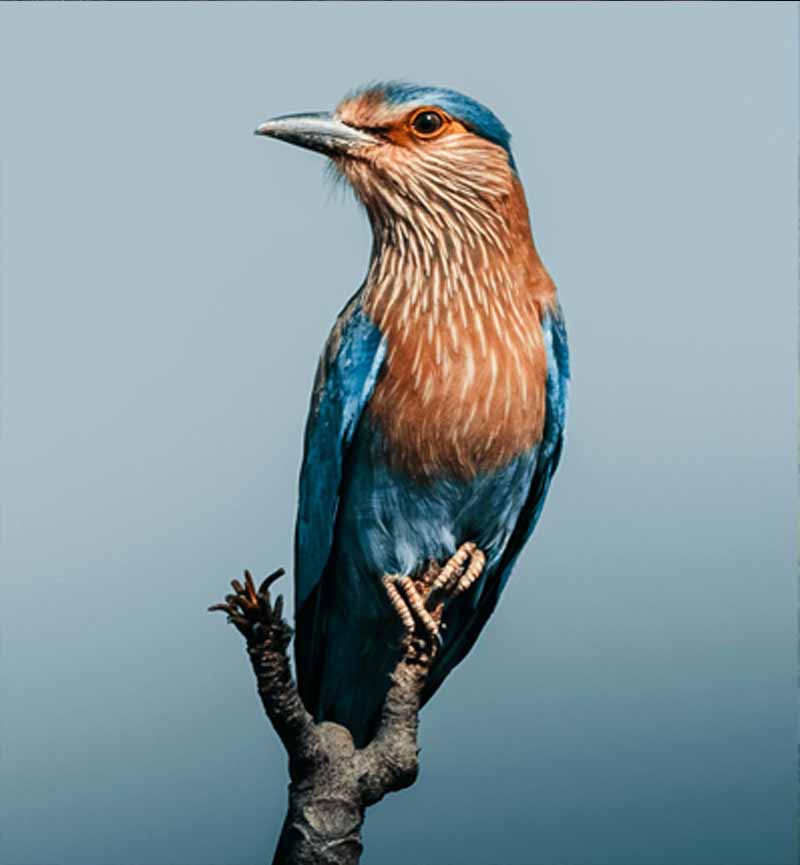
See the upscale, and download the result
We optimize for speed on cloud GPUs so you get high-quality results fast—ideal when you are looking for a free image upscaler that still uses serious models.
Add a file or URL
Any common web-size photo works—phone shots, AI art, scans, or product JPEGs.
AI upscales with Real-ESRGAN
Super-resolution rebuilds texture; optional GFPGAN helps portraits stay natural.
Download the result
Once the process is complete, you can download your high-resolution image for free.
Free AI Upscaler
Upload your image and see how much detail returns with our AI models.
High-quality AI for everyone
PhotoSharpener provides professional-grade AI models—Real-ESRGAN plus cleanup—to help you get the best out of your photos for free.
Serious model stack
Not a gimmick filter—generative super-resolution trained on real imagery.
Edge-aware output
Text, whiskers, and product edges stay defined after enlargement.
Up to 4x
Enough scale for social hero images, posters, or HD crops.
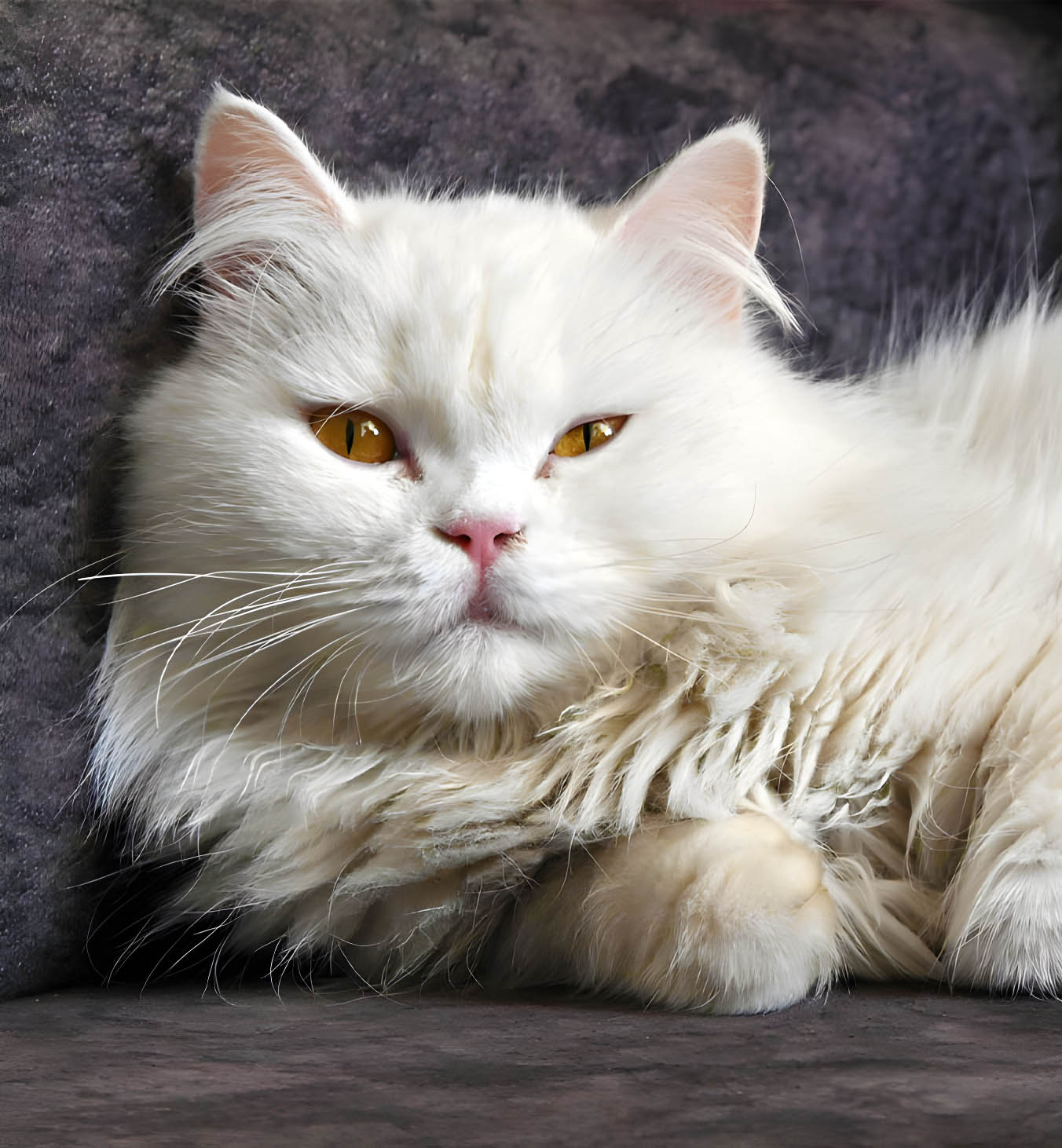
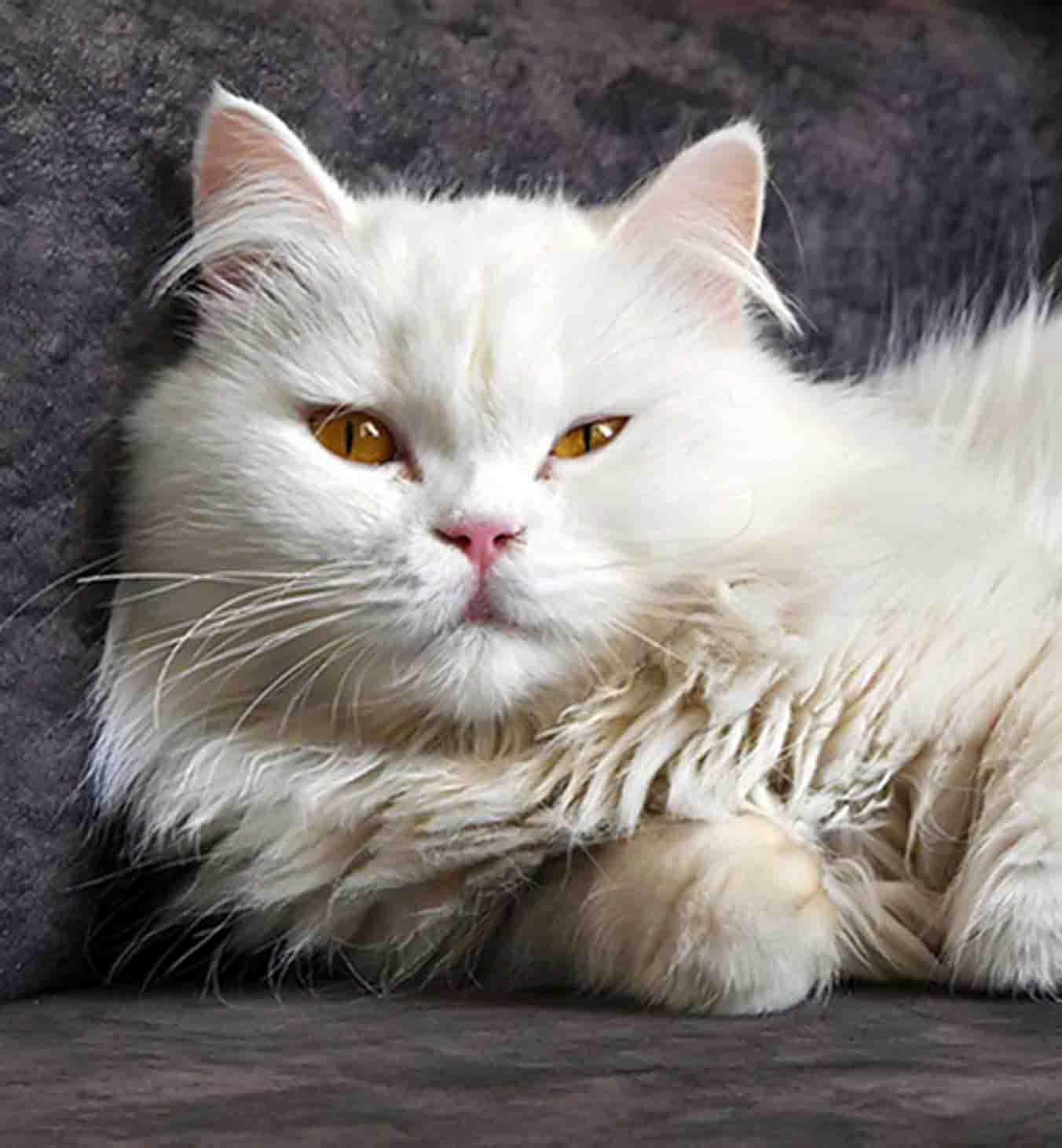
Face restoration included
Our AI models are specifically tuned for skin and eyes, ensuring that portraits stay natural even after upscaling.
Portrait-safe path
Faces route through restoration tuned for skin and eyes.
Credible close-ups
Keeps facial cues believable under zoom.
Consistent groups
Everyone in the frame gets the same treatment.

Cleanup ships in the same pass
Compression noise and mild blur get addressed alongside enlargement so you are not bouncing between denoise and sharpen apps.
AI sharpening
Finishes edges after the upscale completes.
Face restoration
Optional GFPGAN when people matter.
JPEG repair
Softens blocking artifacts common in “free” downloads.
High-resolution output
Get crisp, clear images ready for social media or printing.
What our free AI upscaler covers
Straight answers on processing and privacy—no vague marketing fluff.
Yes, you can upload, upscale, and download your images for free.
The workflow is built for speed in the browser; follow the on-site flow for whatever authentication is required at the moment you try it.
JPG, JPEG, PNG, and WebP uploads are supported for the pipeline described in our product overview.
No long-term storage—uploads are deleted after processing with encryption in transit, matching our privacy positioning.
Photoshop’s resampling enlarges by interpolating existing pixels. Real-ESRGAN predicts new detail, which is why edges survive when dimensions jump.
Let the results settle the debate. Upload your toughest small file.
See the difference for yourself and download your high-resolution image for free.
- Deleted after processing
- ~8–10s typical jobs
- Up to 4× super-resolution