Upscale image online and skip desktop plugins
Email attachments, client uploads, and marketplace assets rarely arrive print-ready. Drop the file into PhotoSharpener, run Real-ESRGAN super-resolution in the cloud, and download a sharper, larger master without opening heavyweight desktop suites.
- Max output
- Up to 4x
- Avg. time
- ~8s
- Formats
- JPG - PNG - WebP


Upload from anywhere, process in seconds
Paste a URL or select a file—PhotoSharpener queues the job on cloud GPUs and returns a downloadable upscale, ideal when you need to upscale image online between meetings.
Add file or link
Works for creative approvals, social assets, or quick client fixes.
Super-resolution runs server-side
Real-ESRGAN enlarges while reconstructing edges; cleanup reduces JPEG grime first.
Download the larger render
Grab the upscaled PNG/JPG/WebP and drop it back into Figma, Shopify, or print prep.
Upscale Online Now
No installers—upload and download from any modern browser.
Faster handoffs than desktop-only tools
When stakeholders live in browsers and chat apps, an online upscaler keeps the iteration loop short—upload, compare, approve, download.
Model-grade quality
Same Real-ESRGAN stack praised in offline workflows.
Crisp UI captures too
Keeps interface text readable after enlargement.
Up to 4x dimensions
Covers most web-to-print jumps in one pass.
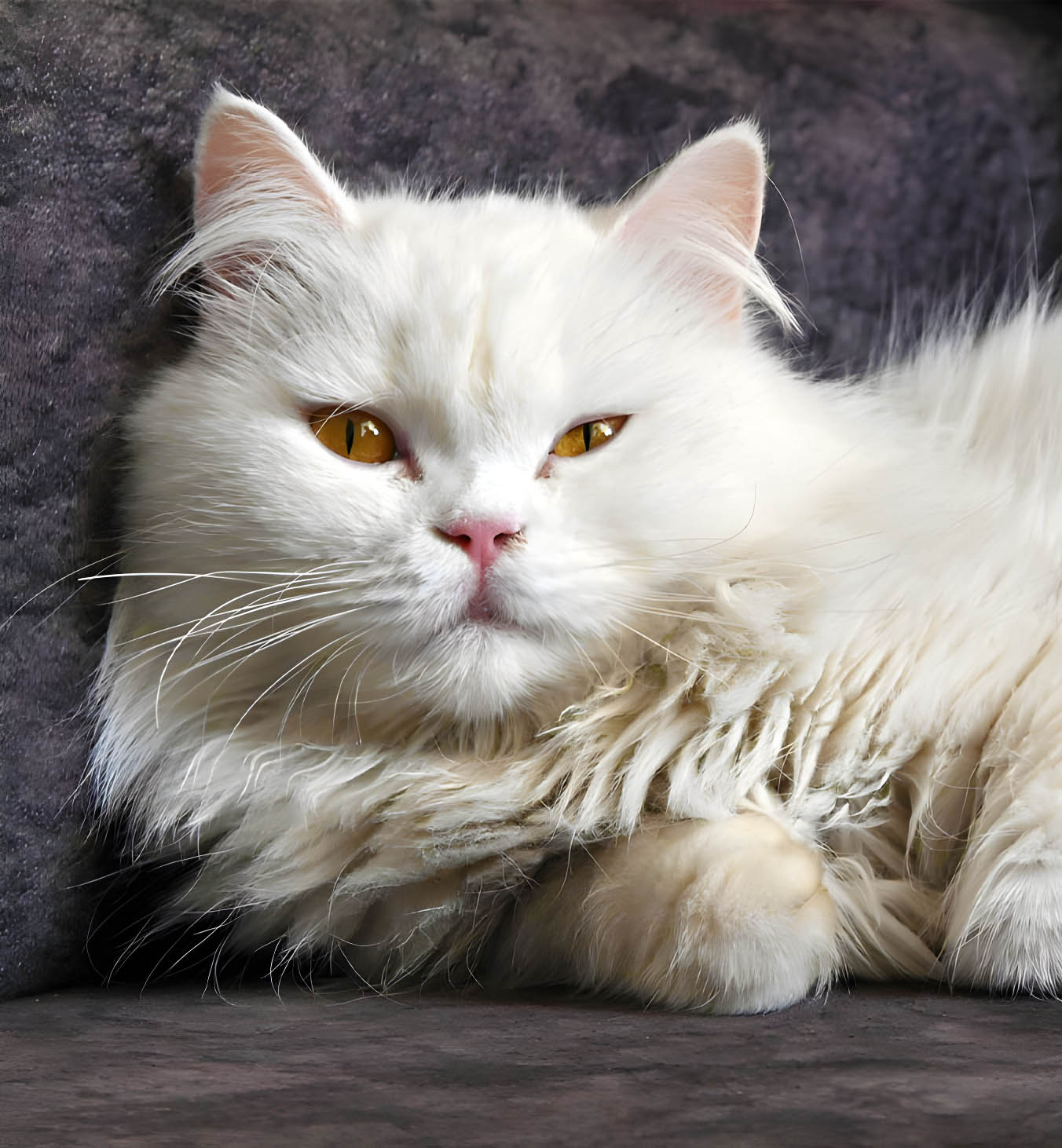
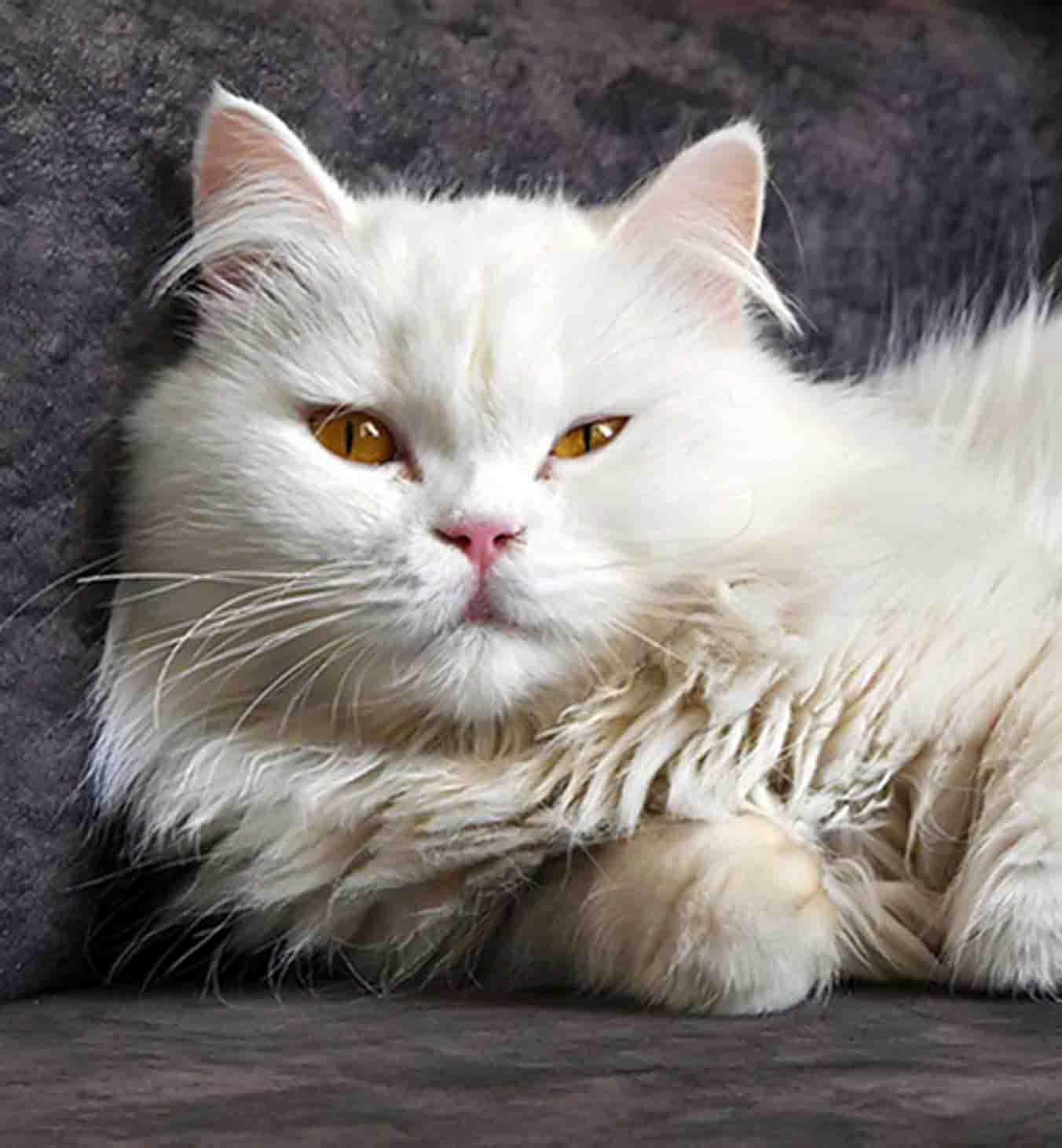
GFPGAN when faces matter so skin stays human
Remote retouchers still need believable people. Face-aware restoration runs automatically when subjects are detected.
Natural texture
Less wax, more pores and believable transitions.
Sharp focal points
Eyes and lashes survive scrutiny on retina displays.
Even on groups
Everyone benefits from the same enhancement pass.


Online does not mean “lite mode”
Sharpening, artifact cleanup, and optional face restoration ride along with every upscale—matching our desktop-class positioning.
AI sharpening
Finishing pass after super-resolution.
Face restoration
Optional GFPGAN path for people-heavy shots.
Noise & blocking cleanup
Stops compression from amplifying during enlargement.
High-quality output
Covers most web-to-print jumps in one pass.
Before you upscale image online, know this
Practical answers for creatives who live in the browser.
No desktop plug-in is required—upload through the web app and download the result once processing finishes.
Use the image URL tab when the asset is publicly reachable; otherwise upload the file directly for the most reliable path.
Outputs scale up to 4× the original resolution.
Transfers use encryption and files are deleted after processing, aligning with our privacy-forward messaging.
You can upload and process images one by one for the best results.
Upscale image online, approve on the slider, download once.
Keep creative velocity high without passing giant installers around the team.
- Auto-deleted files
- ~8–10s typical
- Up to 4× output